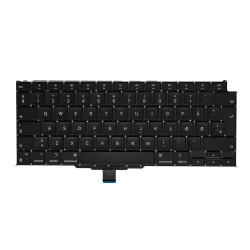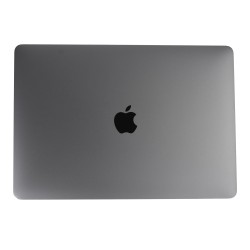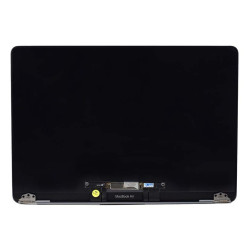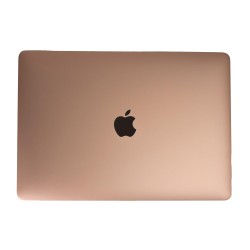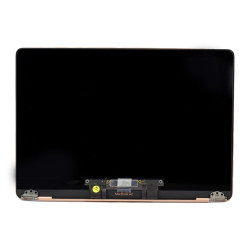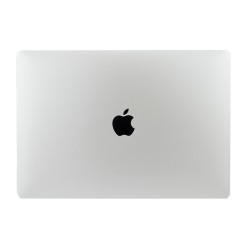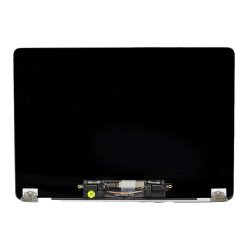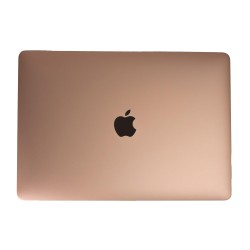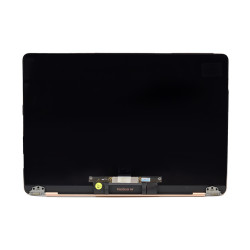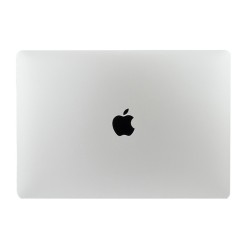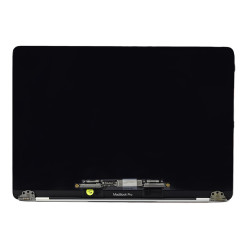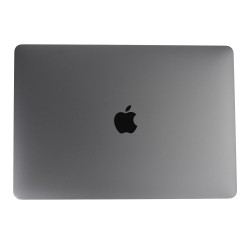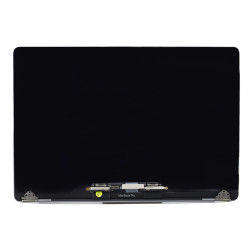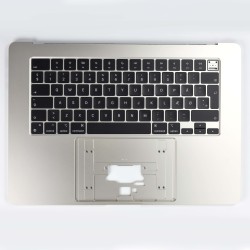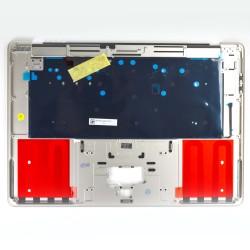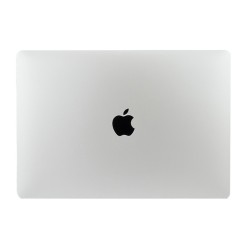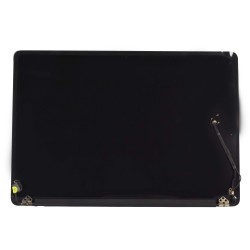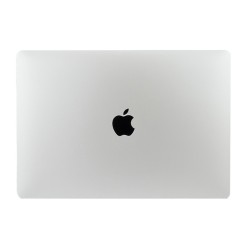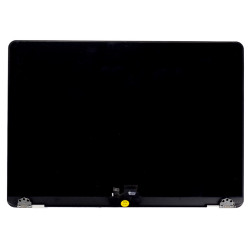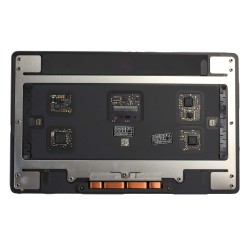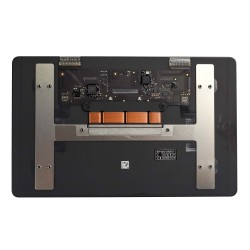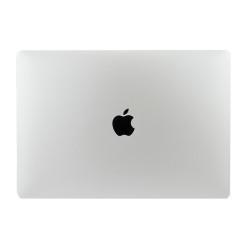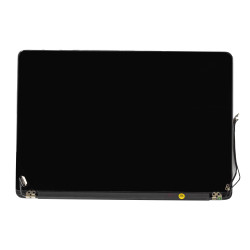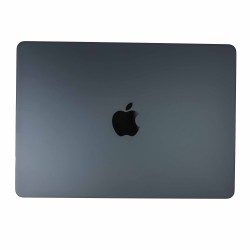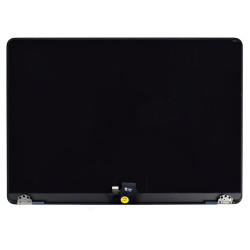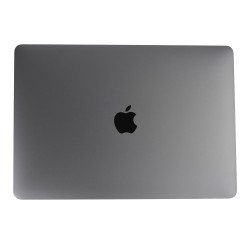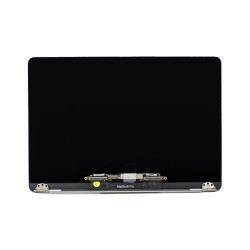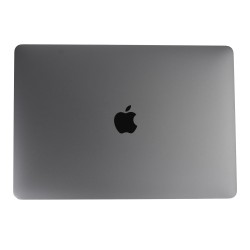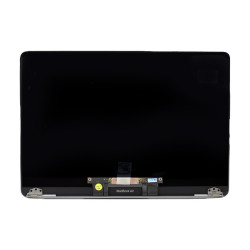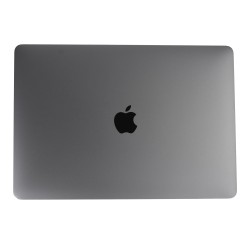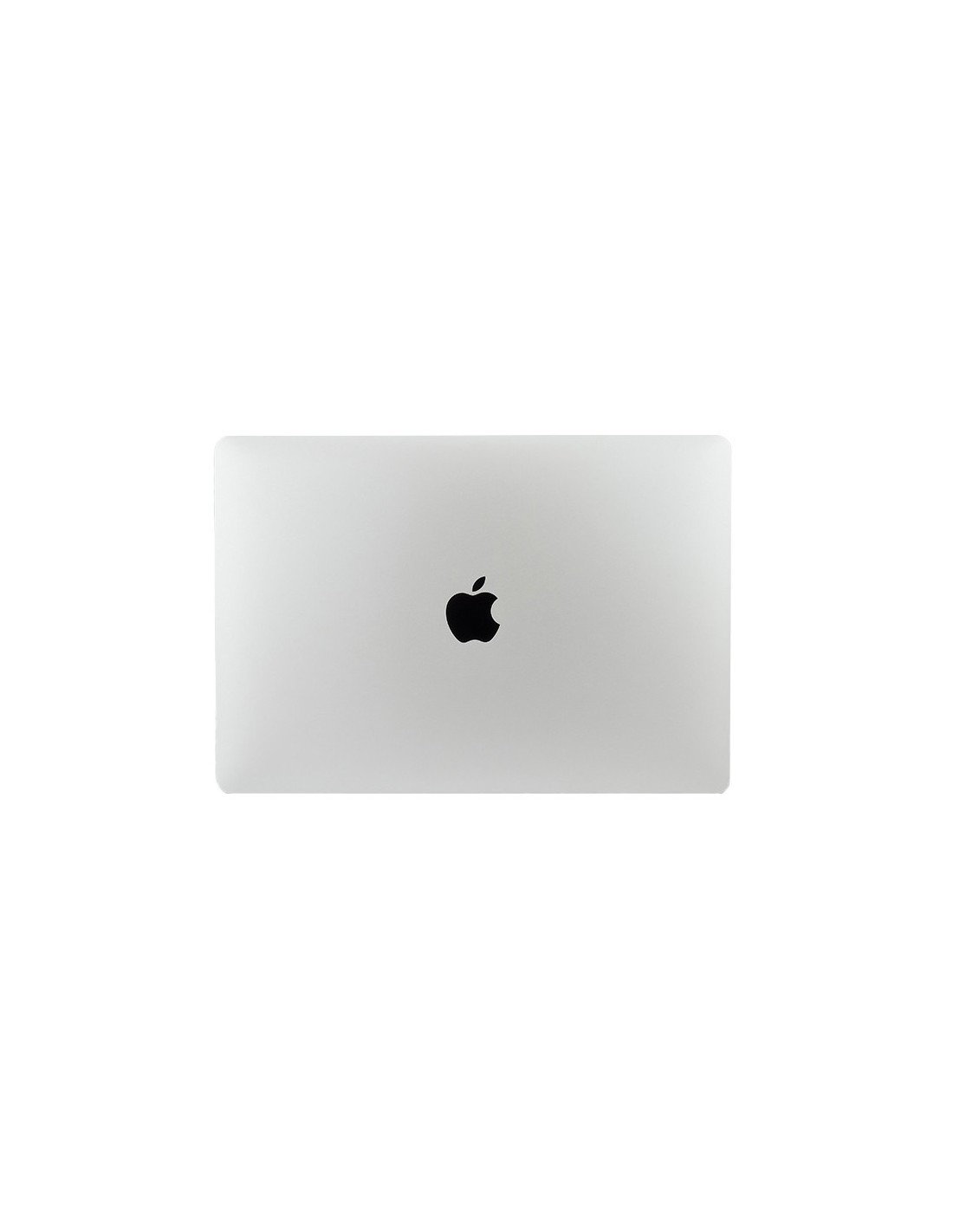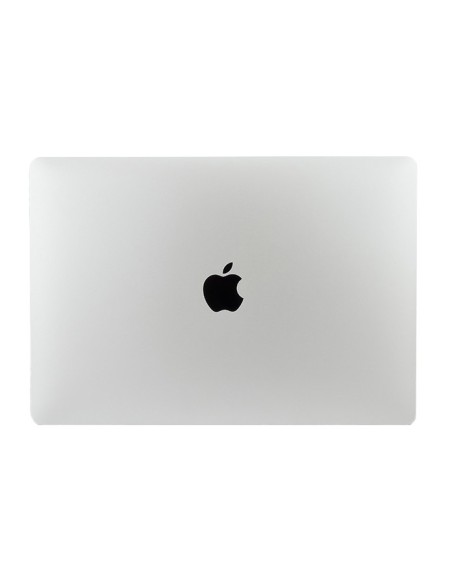
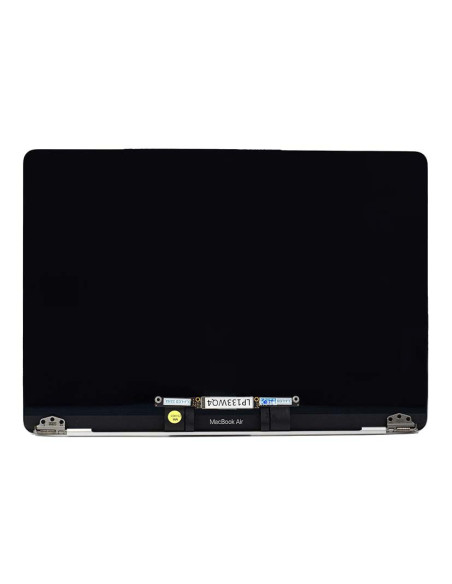
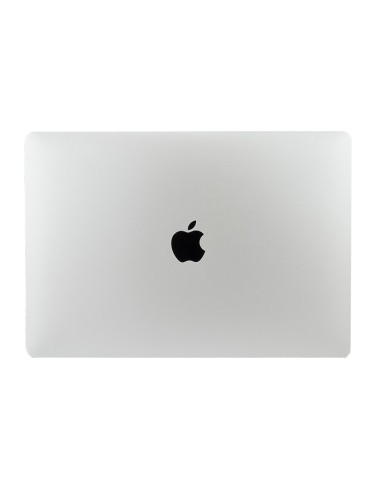
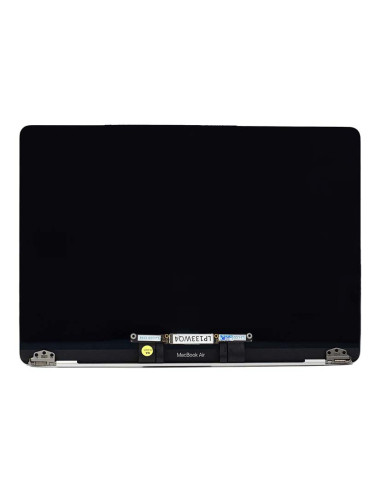
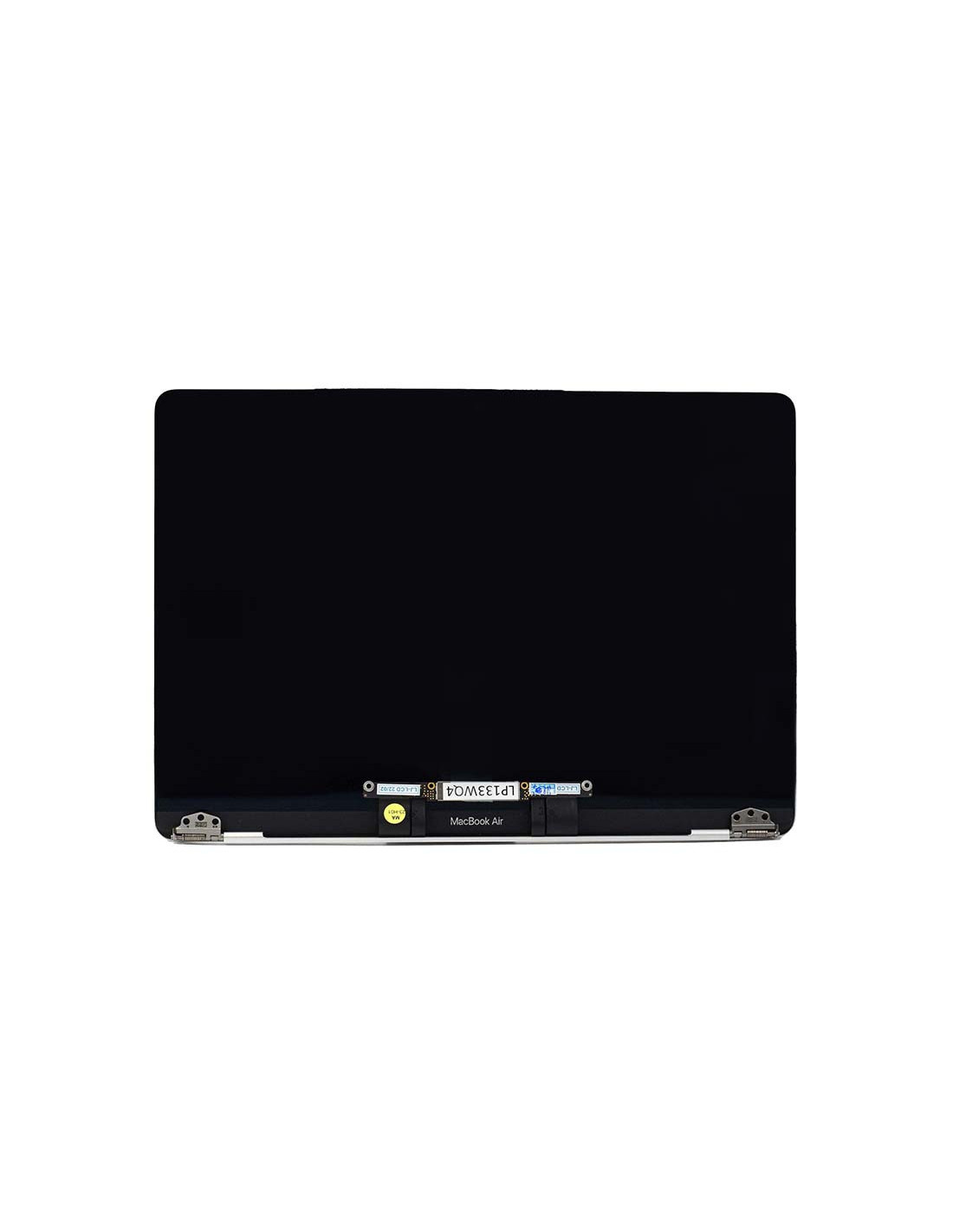
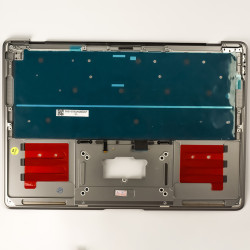

The Macbook Complete A2337 Screen - Silver - OEM Quality is a full display assembly ready to drop in, designed for the 13.3 inch Macbook Air A2337 (M1, 2020). This assembly restores factory look and color with a silver lid, pre-aligned hinges, and a bonded Retina panel for quick turnaround at the bench.
The panel delivers a native 2560 x 1600 resolution at 227 ppi on 16:10 canvas, with led backlighting for stable brightness and uniformity. The glass is glossy with an anti-reflective coating, and the unit supports p3 wide color and True Tone when paired with a compatible ambient light sensor on the assembly.
The screen targets up to 400 nits typical brightness for comfortable indoor work and reliable visibility in brighter environments. Color is crisp and consistent across viewing angles thanks to the ips structure, while the 60 hz refresh keeps scrolling smooth and UI elements sharp.
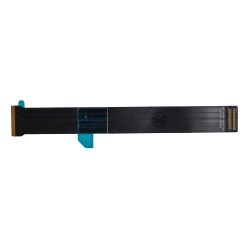
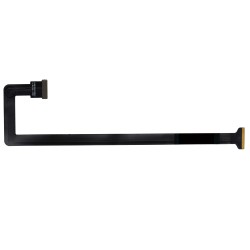
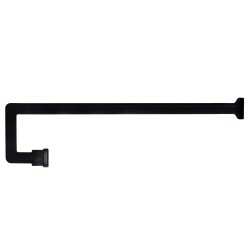
The assembly includes the factory-bonded cover glass and lcd, a precision machined aluminum top case in silver, the integrated FaceTime HD camera housing, and routed display cabling with strain relief. The bezel seal is uniform to reduce light bleed and dust ingress, and the hinge geometry matches original tolerances to maintain lid tension and alignment.
This unit is built to OEM Quality standards for the Macbook Air A2337 only, also known as MacbookAir10,1. Compatibility targets devices produced in 2020 with the M1 platform, and the finish is color matched to the original silver option.
The complete assembly arrives pre-tested for backlight uniformity, stuck or bright pixels, color shift, and camera passthrough where applicable. The display cable arrives pre-routed through the hinge area to reduce pinch risk during installation, and the lid logo cutout and antenna windows are positioned to original spec for clean signal paths and a seamless exterior look.
You will need a P5 pentalobe driver for the bottom case and T3 to T5 torx drivers for internal brackets and hinge hardware, along with ESD protection, a spudger, and display supports. You should disconnect the battery before touching display connectors, remove the hinge covers and brackets, lift the old assembly, seat the new hinges, and tighten evenly from center outward to hold alignment before final torque.
You should verify image, backlight, True Tone toggle, ambient light response, and camera function sealing the bottom case. You should run a color and uniformity check pattern to confirm no pressure artifacts, ensure the hinge gap is symmetrical, and confirm the lid closes without rub on the palm rest. You should ship or hand back the device with a protective film on the glass and lid to prevent scratches during post-repair logistics.
The screens are covered with a 2-year warranty. The warranty does not cover man-made damage.
You might also like