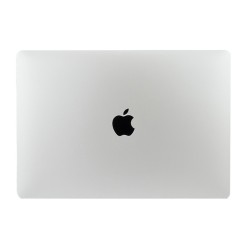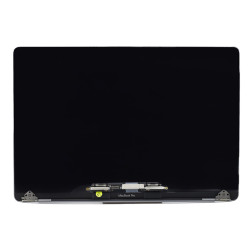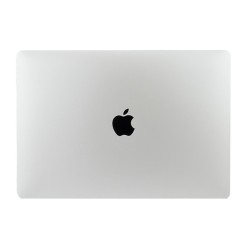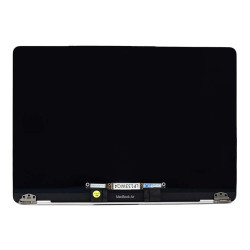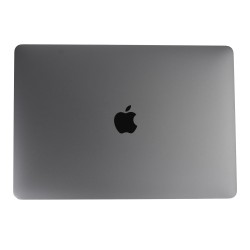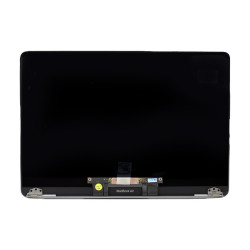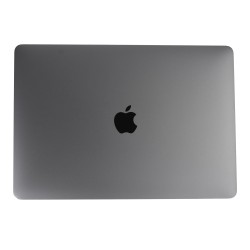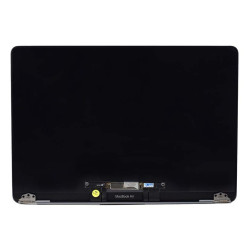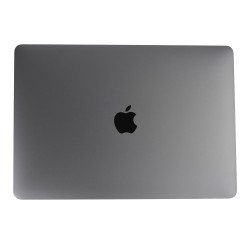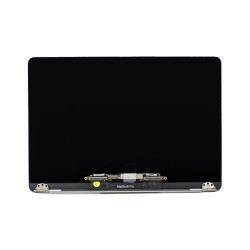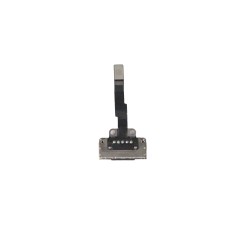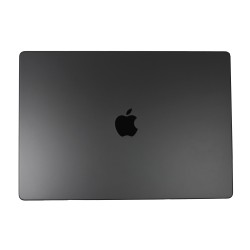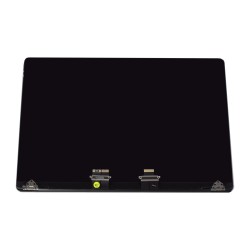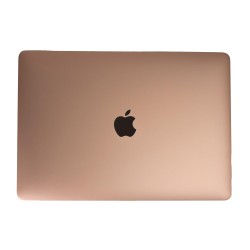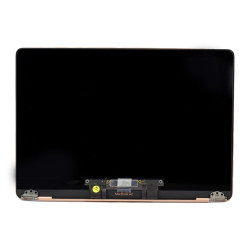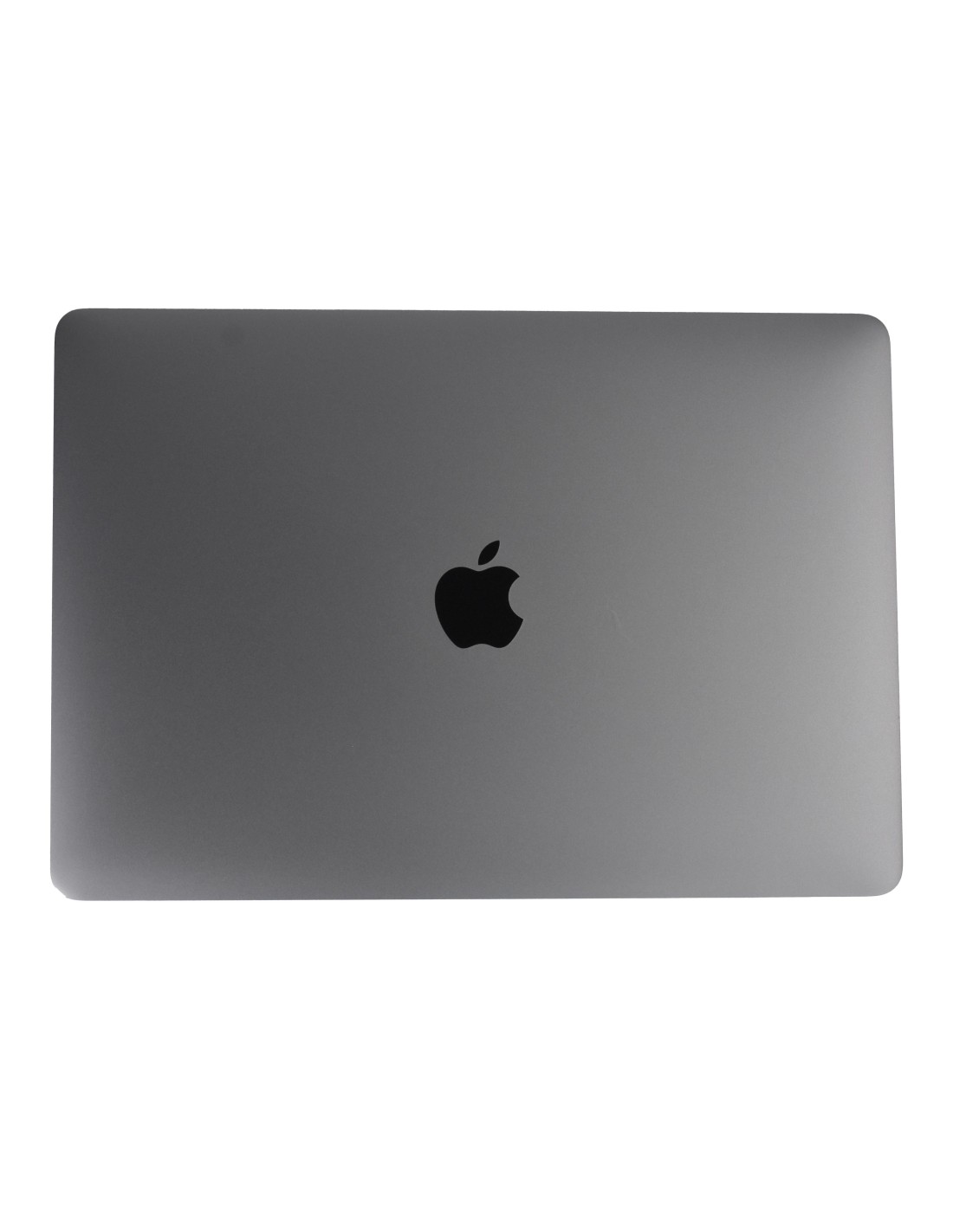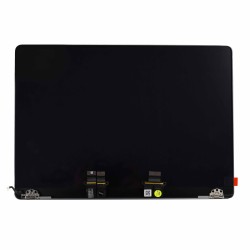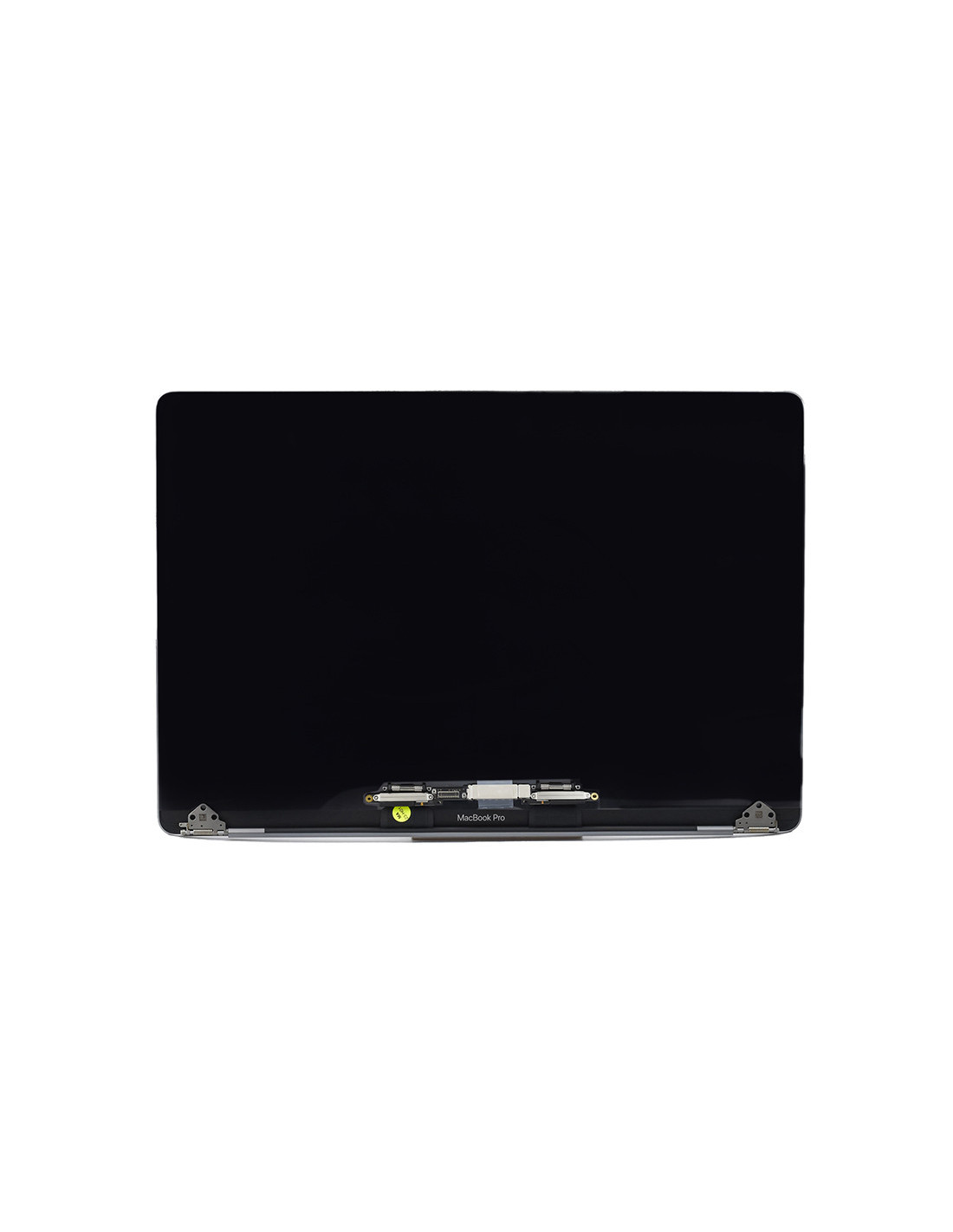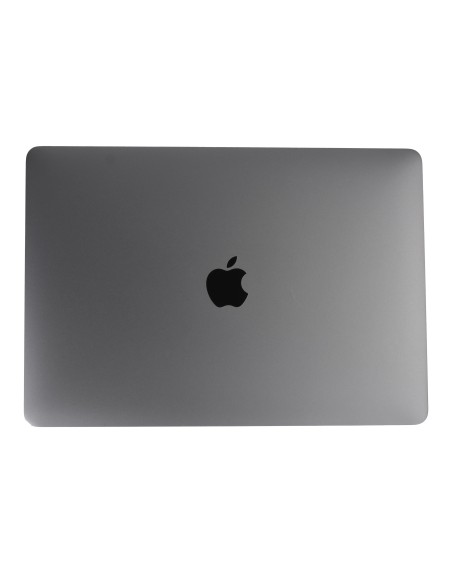
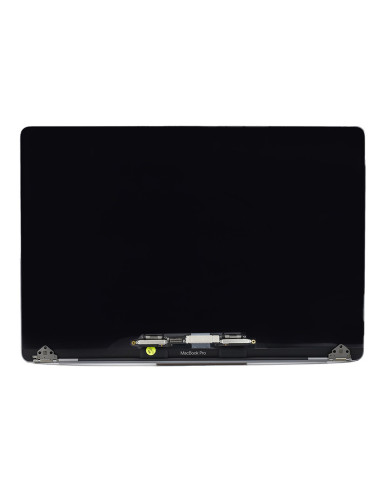

This Is A Complete Lid Assembly For A2141 And It Arrives Ready To Install, Including The 16.0-Inch Retina Ips Lcd, Space Gray Top Housing, Hinges, Facetime Hd Camera, Ambient Light Sensor, Wi‑Fi Antenna Array, Integrated Backlight, Display Cable, Clutch Cover, And Bezel Gasket. The Panel Runs At 3072 × 1920 Resolution In A 16:10 Aspect Ratio With 226 Ppi, 60 Hz Refresh, Wide Color (P3), True Tone Support, And A 500 Nits Typical Brightness With An Anti‑Reflective Finish. The Color And Finish Match Space Gray Units Precisely, Delivering A Clean Cosmetic Fit Without The Need To Transfer Small Parts.
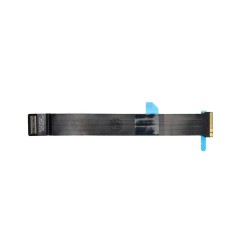
The Assembly Uses An Edp Interface Tuned For A2141 And Retains Apple Ambient Light And Camera Functionality When Installed Correctly On Compatible Logic Boards. The Bezel Coating And Backlight Diffusion Are Factory Aligned To Maintain Uniform Whites, Stable Gamma, And Consistent Viewing Angles Across The Full 16-Inch Area.
This Screen Fits Macbook Pro 16‑Inch A2141 Models From 2019 And 2020 In Space Gray. This Assembly Is Not Cross‑Compatible With 15‑Inch Retina Models Or Later 16‑Inch Systems Using Different Hinge Geometry And Connectors. The Hinge Pitch, Antenna Layout, Camera Bracket, And Flex Routing Are All Specific To A2141, Ens Mechanical And Electrical Compatibility Without Adapters.
Core Specs Include A 3072 × 1920 Retina Panel, Ips Viewing, 60 Hz, P3 Wide Color, True Tone Capability Via The Integrated Ambient Light Sensor, Anti‑Reflective Coating, Led Backlight, And A Facetime Hd 720P Camera. The Wi‑Fi Antenna Array Is Preinstalled In The Lid, And The Hinges Ship Pre‑Tensioned For Smooth Opening And Closing. The Display Cable And Brackets Match A2141 Mounting Points For A Straight Swap.
You Can Complete The Replacement In One Session Using P5 Pentalobe For The Bottom Case, Torx Drivers (T3–T8) For Internal Brackets And Hinges, And A Nylon Spudger For Safe Connector Handling. You Should Disconnect The Battery Before Unseating The Display Cable, Remove The Old Lid, Align The New Hinges To The Palm Rest Cutouts, Tighten Evenly From Center Out, Route The Flex Exactly As Original, Andconnect Power Last. You Should Finish With A Hinge Tension Check To Prevent Lid Creep Or Over‑Stiff Movement.
Post‑Install Steps Include An Nvram Reset, A Quick Pixel And Backlight Uniformity Check On A Full‑Screen White, Black, Red, Green, And Blue Pattern, And A Camera Test In Facetime. You Can Enable True Tone In Displays Settings On Supported macOS Versions, Then Choose Or Create A Color Profile If Your Workflow Requires A Specific White Point. You Should Update To The Latest macOS For The Best Color Management And Sensor Behavior.
Each Macbook Complete A2141 Screen - Space Gray - OEM Quality Unit Is Electronically Tested For Bright And Dark Sub‑Pixels, Backlight Bleed, Uniformity, Camera Function, Sensor Response, And Antenna Continuity. The Panel, Housing, And Hinges Are Inspected For Cosmetic Consistency So You Can Return Devices To Clients Without Extra Reconditioning. Protective Films Cover The Outer Shell And The Display To Keep Dust And Micro‑Scratches Away During Install.
In The Box You Receive The Fully Populated Space Gray Lid Assembly With Hinges Attached And All Cables Pre‑Routed, Ready To Bolt On And Connect. This All‑In‑One Format Reduces Bench Time, Lowers The Risk Of Bezel Or Cable Damage, And Helps You Deliver A Predictable Repair Outcome Across Macbook Pro 16‑Inch A2141 Fleets.
The screens are covered with a 2-year warranty. The warranty does not cover man-made damage.
You might also like