High-Performance Macbook Battery A2113
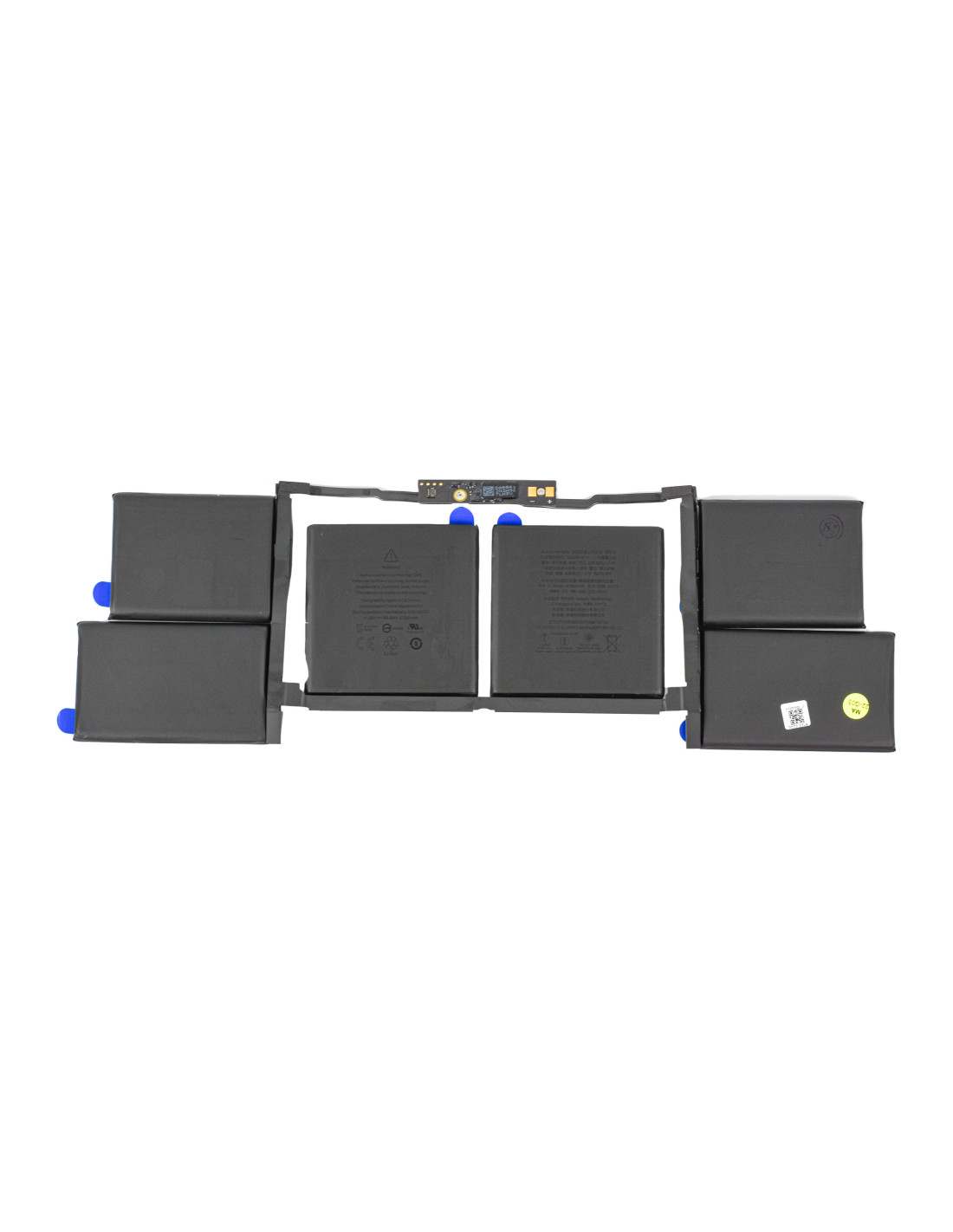
The Macbook Battery2113 - OEM Quality offers unparalleled performance for your device, ensuring long-lasting power and reliability. With a high-capacity 58.Wh design, this battery delivers efficient power delivery, keeping your MacBook running smoothly throughout the day. Rated at 11.36V, ensures optimal performance, aligning perfectly with your MacBook's power requirements. This battery is designed to meet stringent OEM standards, providing you with a and robust power solution that seamlessly integrates with your MacBook's advanced technology.
The A2113 model specifically supports a range MacBook models, making it a versatile choice for individuals and businesses engaged in repairs and refurbishments. You can trust its durability and efficiency reduce downtime and enhance productivity in your operations. With its precise fit and high-quality cell composition, this battery minimizes risks of swelling and overheating ensuring both your safety and device longevity.
Easy Installation And Maintenance
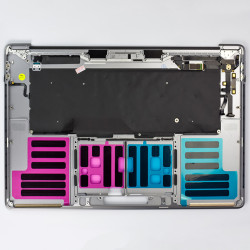
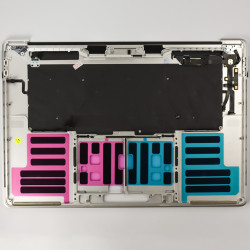
Installing the Macbook A2113 is straightforward and hassle-free, making it an ideal choice for repair shops and refurbishment companies. The battery comes with necessary pre-installed strips, simplifying the installation process. You won’t need any complex procedures or special tools to fit this battery securely into your MacBook, saving and effort during repairs.
Maintenance is equally simple; thanks to its high-quality components, the battery maintains a stable performance time with minimal degradation. This reduces service callbacks and contributes to a more effective repair service for your clients. This reliability and ease of maintenance the Macbook Battery A2113 a smart investment for professionals handling multiple MacBook repair or refurbishment projects across Europe.
The Macbook Battery A2113 is fully compatible with a range of MacBook models, but not limited to select editions in the MacBook Pro and MacBook Air series. This broad compatibility ensures that you can stock a single model for multiple devices, simplifying inventory management and making repairs more efficient.
Moreover, this OEM-quality battery complies with international certifications, providing you with assurance in its safety and quality. By choosing the Macbook Battery A2113, you align with the high expected in the repair and refurbishment industry, ensuring that your services remain top-tier.