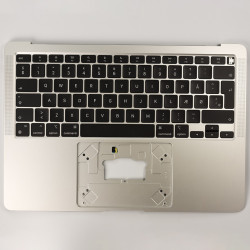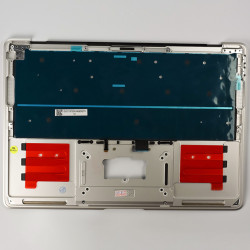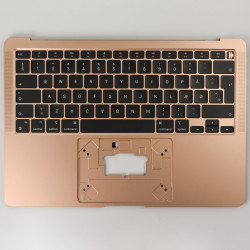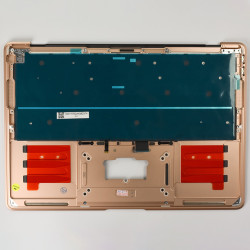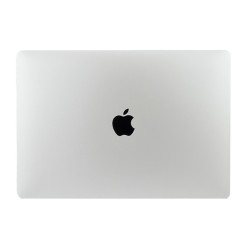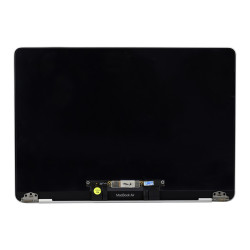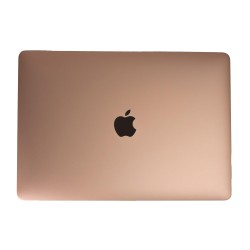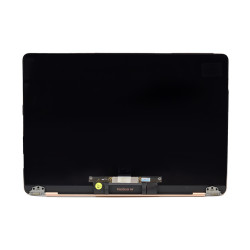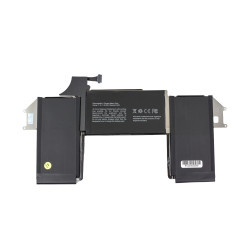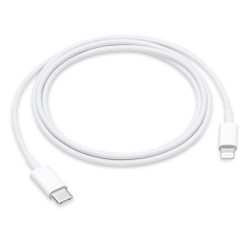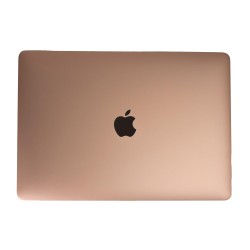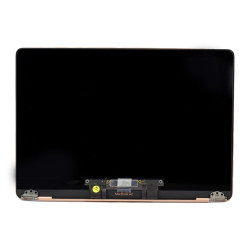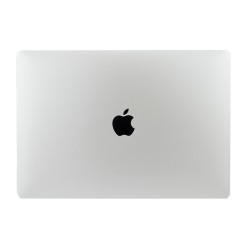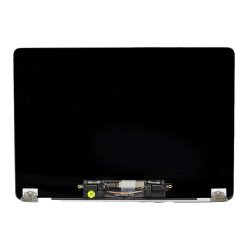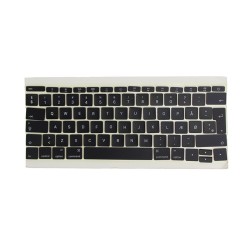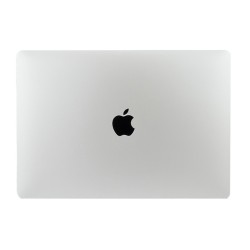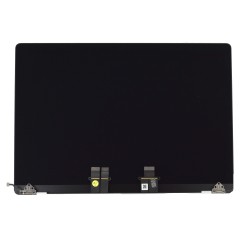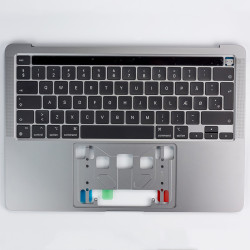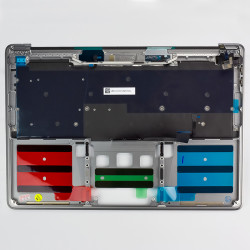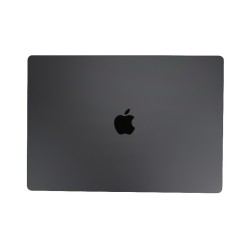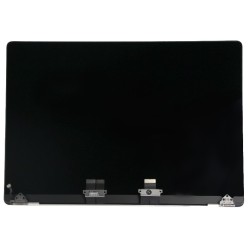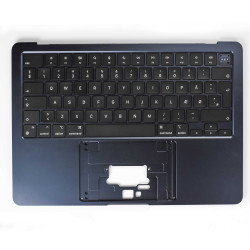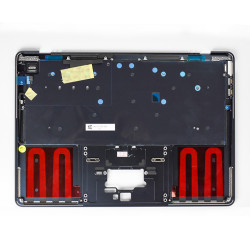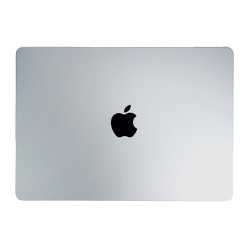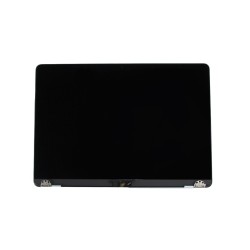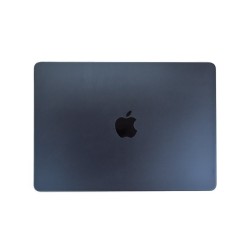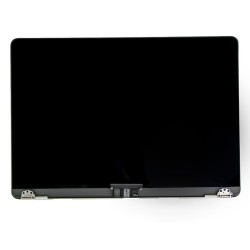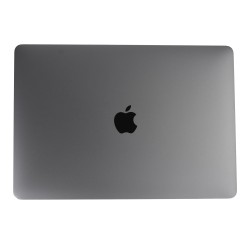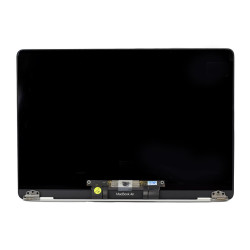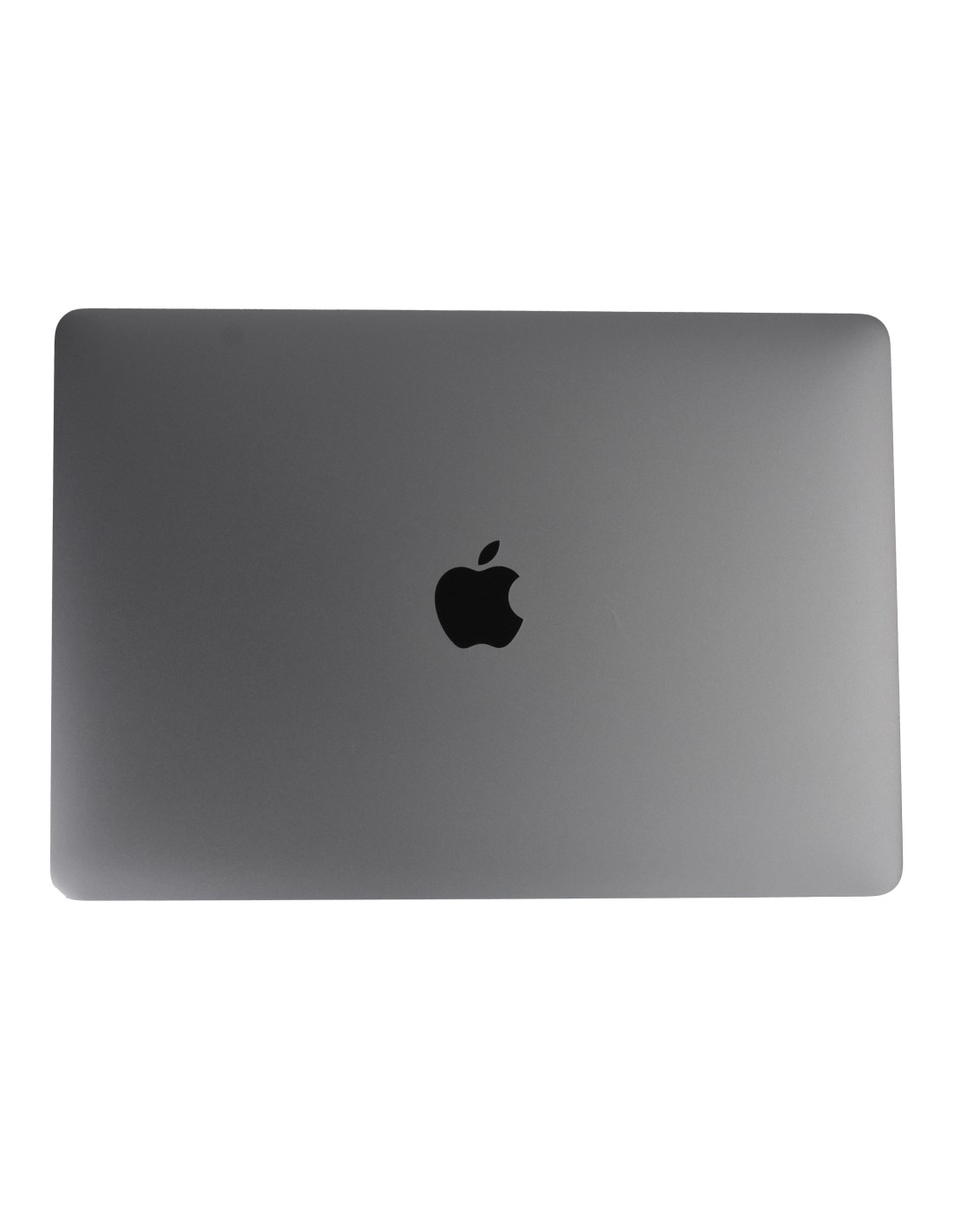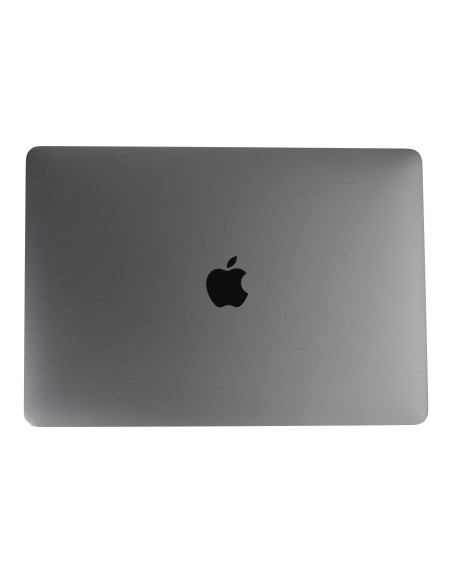
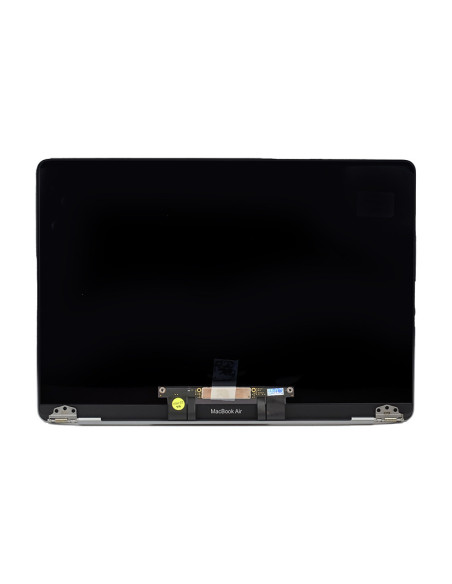
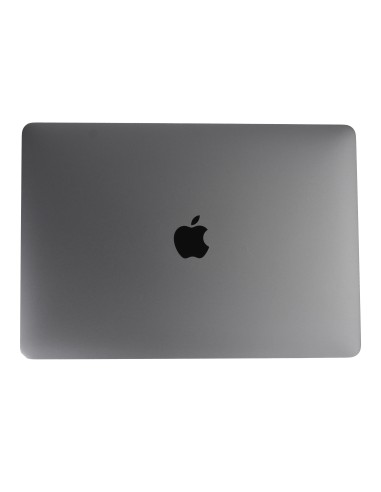
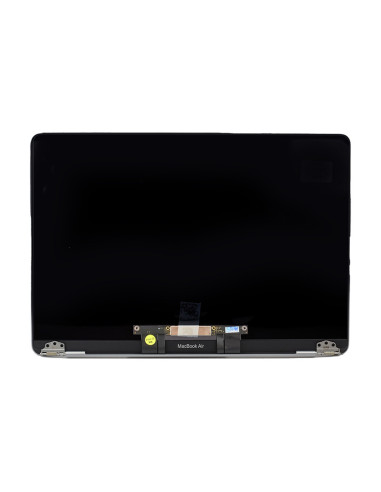
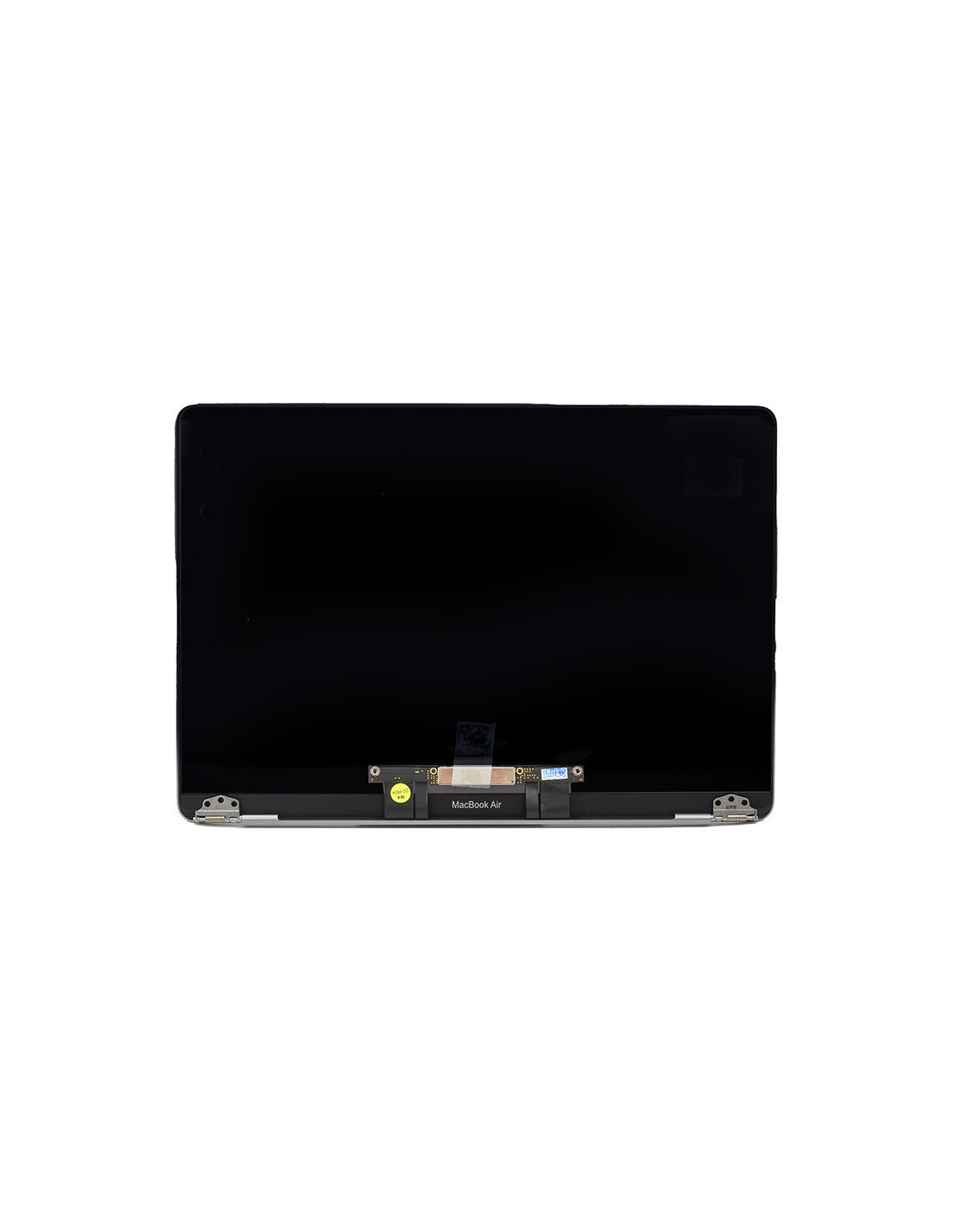
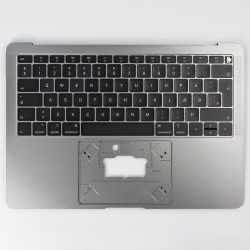
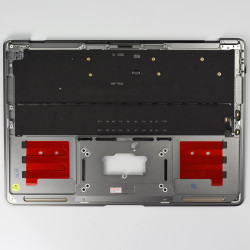

The MacBook Complete A1932 Screen Space Gray is crafted for those who demand durability and quality. Its OEM quality ensures it's a perfect fit for your 13.3-inchBook Air models, maintaining the original aesthetics while delivering flawless visual performance. This screen is not just about looks; it's about functionality, providing the sharpness and clarity that Apple users have come to expect. The elegant Space Gray finish is both stylish and professional, making it an ideal replacement for anyone looking to restore their MacBook’s original sheen.
Whether you're in the business of repairing devices or refurbishing for resale, this screen offers the reliability you need. It's designed to fit seamlessly into the MacBook’s slim profile without compromising on quality visual appeal. The lightweight design ensures that the device remains portable, a crucial factor for those who frequently travel with their laptops.
2>High-Quality Display and Performance
Featuring a Retina display, the MacBook Complete A1932 Screen an immersive viewing experience with vibrant colors and deep contrasts. The high-resolution screen allows for exceptional clarity, whether you're editing photos, watching videos or working on multiple documents. Despite its intricate features, the screen is easy to install, making it suitable for seasoned repair technicians and refurbers.
This display is built with energy efficiency in mind, maintaining the MacBook’s battery longevity so you can continue working frequent charges. The anti-glare coating helps reduce reflections, which is ideal in brightly lit environments, ensuring comfort during extended use. Investing in quality ensures not only a precise fit but also longevity, saving time and resources in the long run.
You might also like