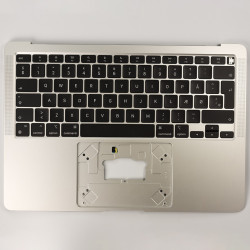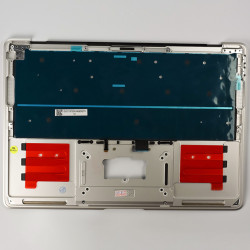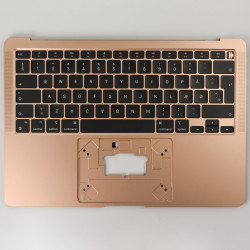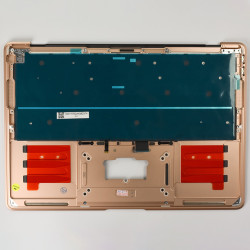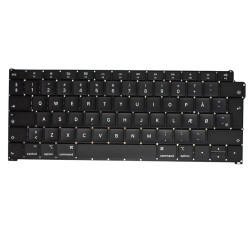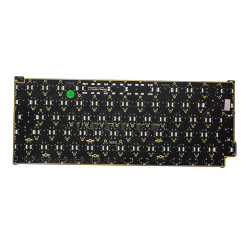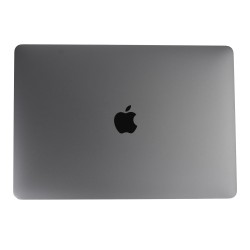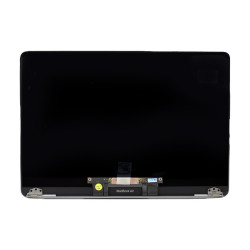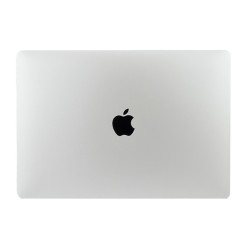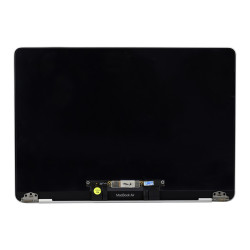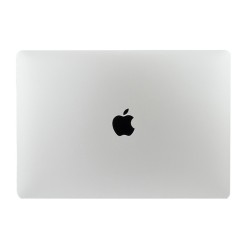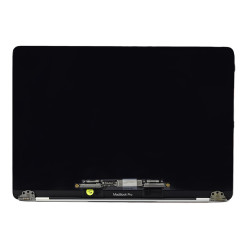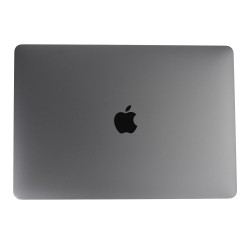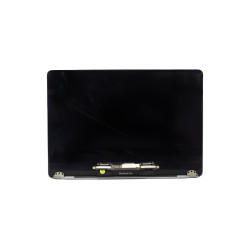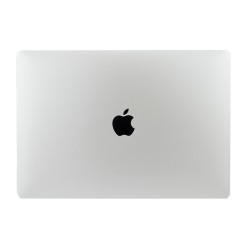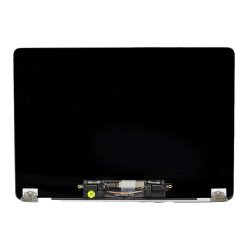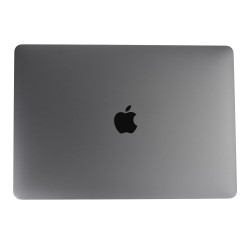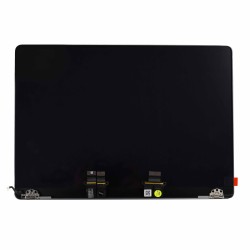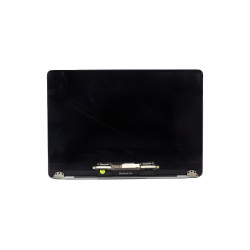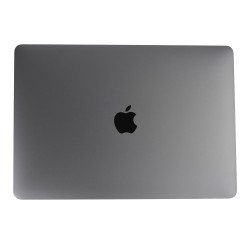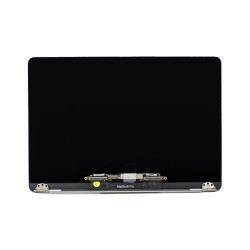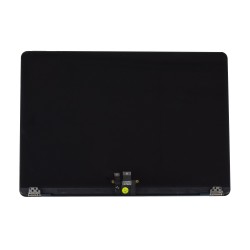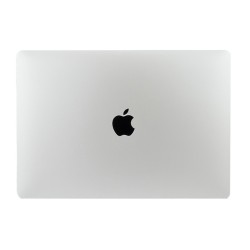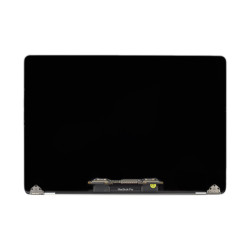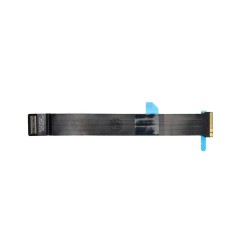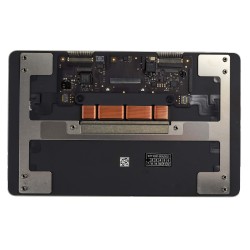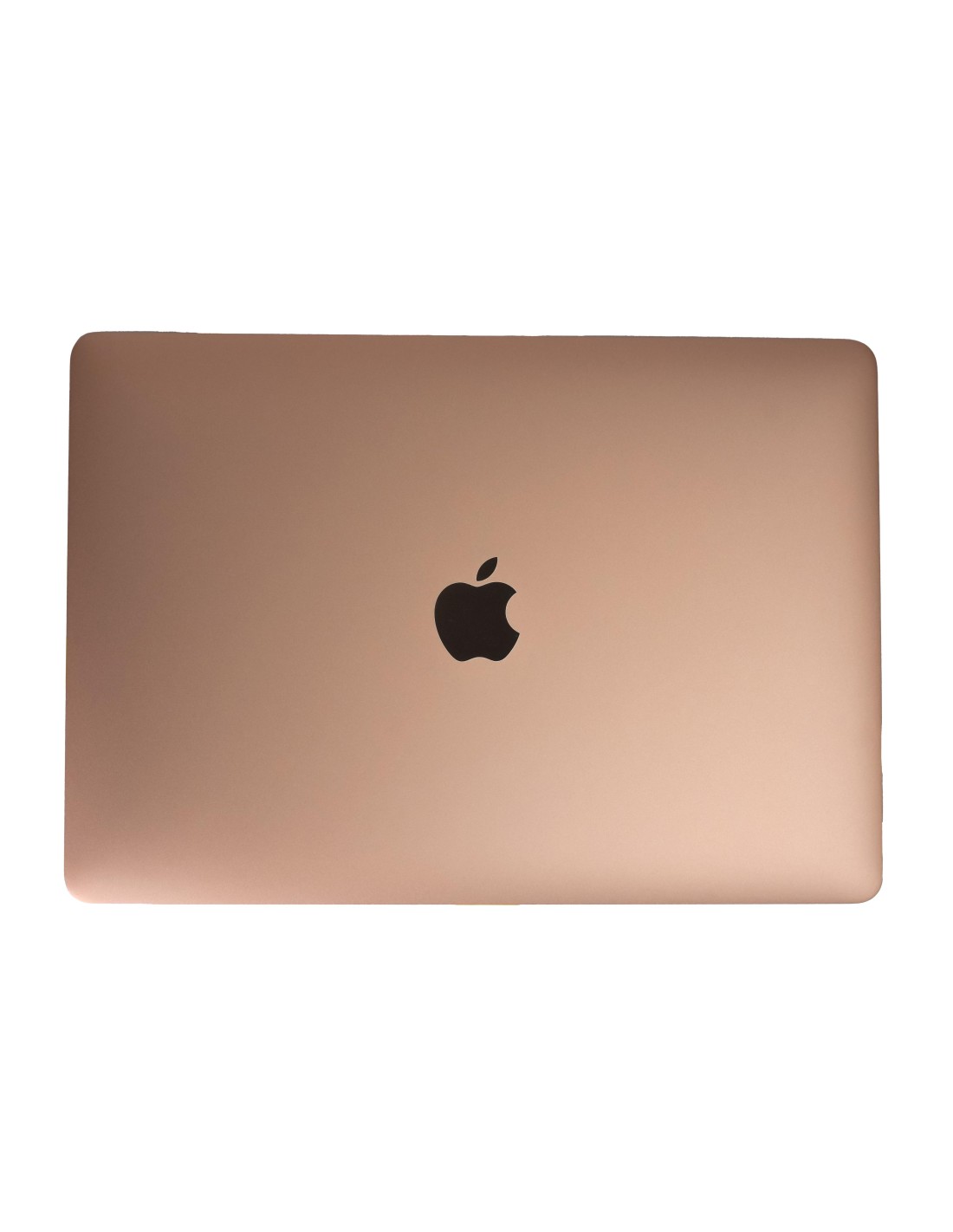
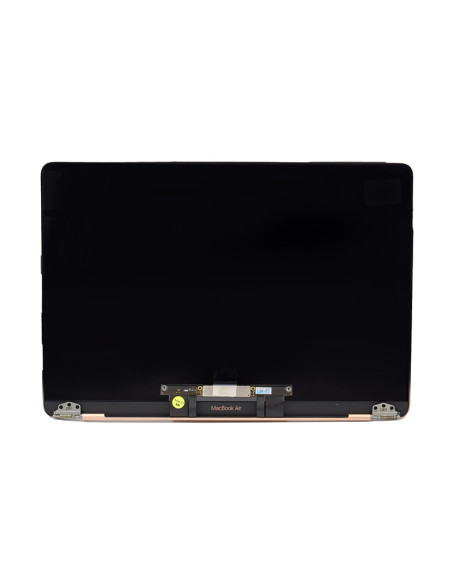
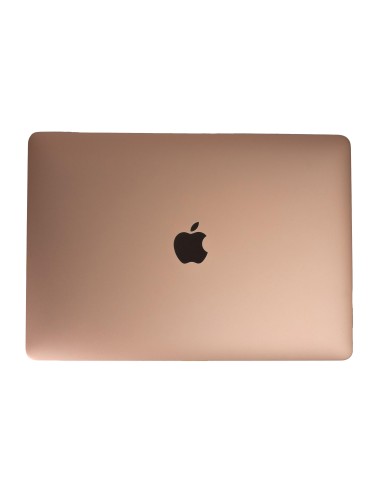
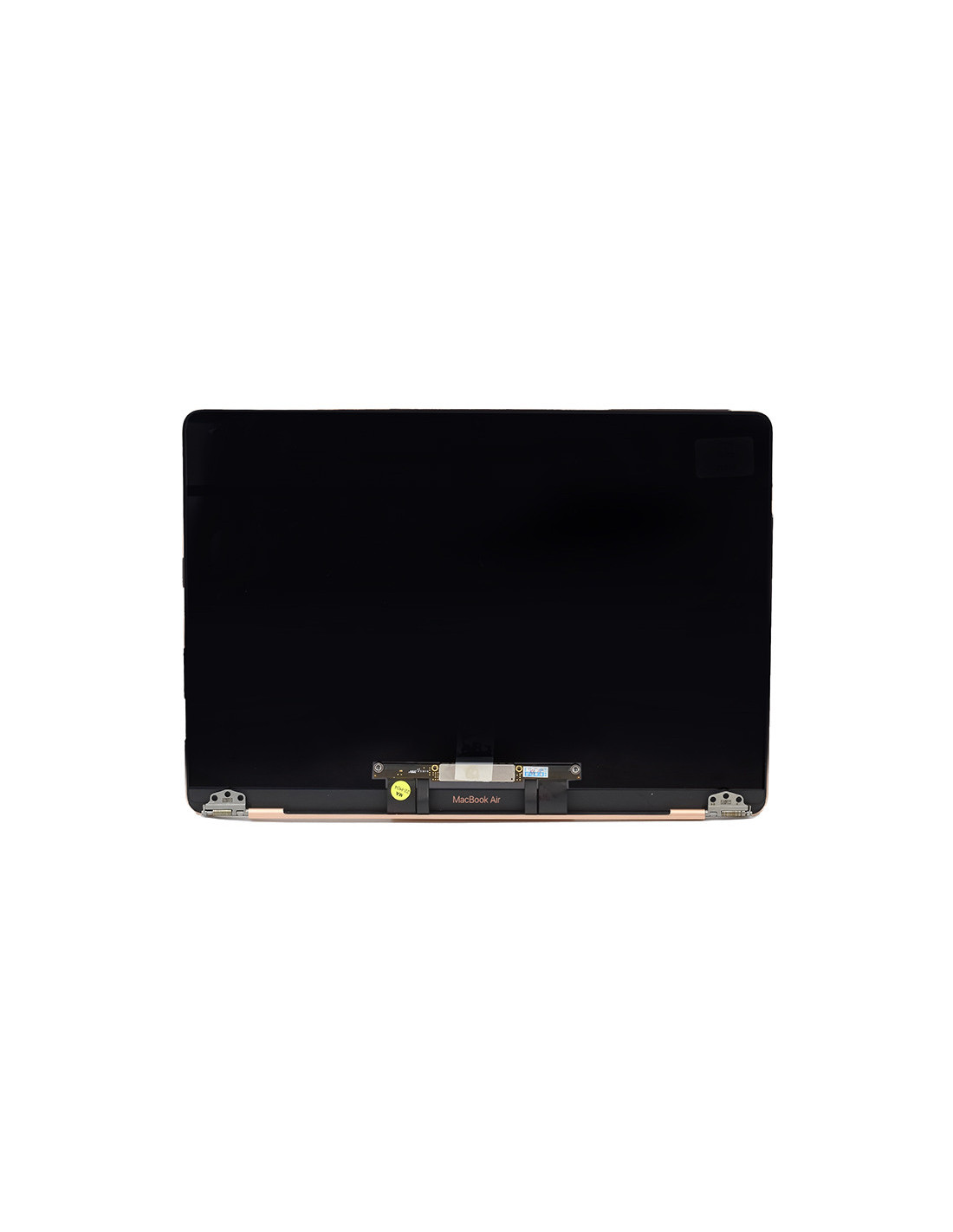

The Macbook A1932 Screen - Gold - OEM Quality offers an impeccable replacement choice for those seeking both functionality and aesthetics. Designed specifically for the Mac Air A1932 model, this screen embodies the epitome of sleek design combined with precise engineering. Its vibrant 13.3-inch display promises sharp visuals and excellent color representation, ensuring your work and media consumption are enhanced.
Crafted with OEM quality mind, this screen guarantees compatibility and durability that matches Apple's original specifications. The rich gold finish adds a touch of elegance and sophistication, your device stand out. Whether for a repair shop serving frequent clientele or a refurbishment business aiming for high standards, this product delivers consistent satisfaction and.
The installation process of the Macbook Complete A2 Screen is straightforward, allowing technicians to replace it with confidence and efficiency. With precise cutouts and matching connectors, you’re assured of seamless fit and quick assembly. This feature is ideal for professionals in repair shops who prioritize speed and precision without compromising on quality.
>Once installed, you’ll experience the dependable performance that only genuine OEM-quality components can promise. The screen is adept at handling a host activities, from intricate design work to smooth video playback, without hiccups. Its durability underlines the investment's value, promising a lasting for your Macbook Air.
Elevate your device's visual capabilities the Macbook Complete A1932 Screen. Every image springs to life with exceptional detail and clarity, thanks to its high-resolution display. enhances productivity for creative professionals who require accurate color grading and sharp image quality.
Moreover, the screen’s anti-reflective minimizes glare, making it suitable for varying lighting conditions. This ensures uninterrupted work sessions, whether you're stationed at a desk or on the go. Its design ensures the MacBook's portability is maintained, providing the ultimate blend of performance and convenience.
You might also like