Reliable MacBook Battery A2389 For Optimal Performance
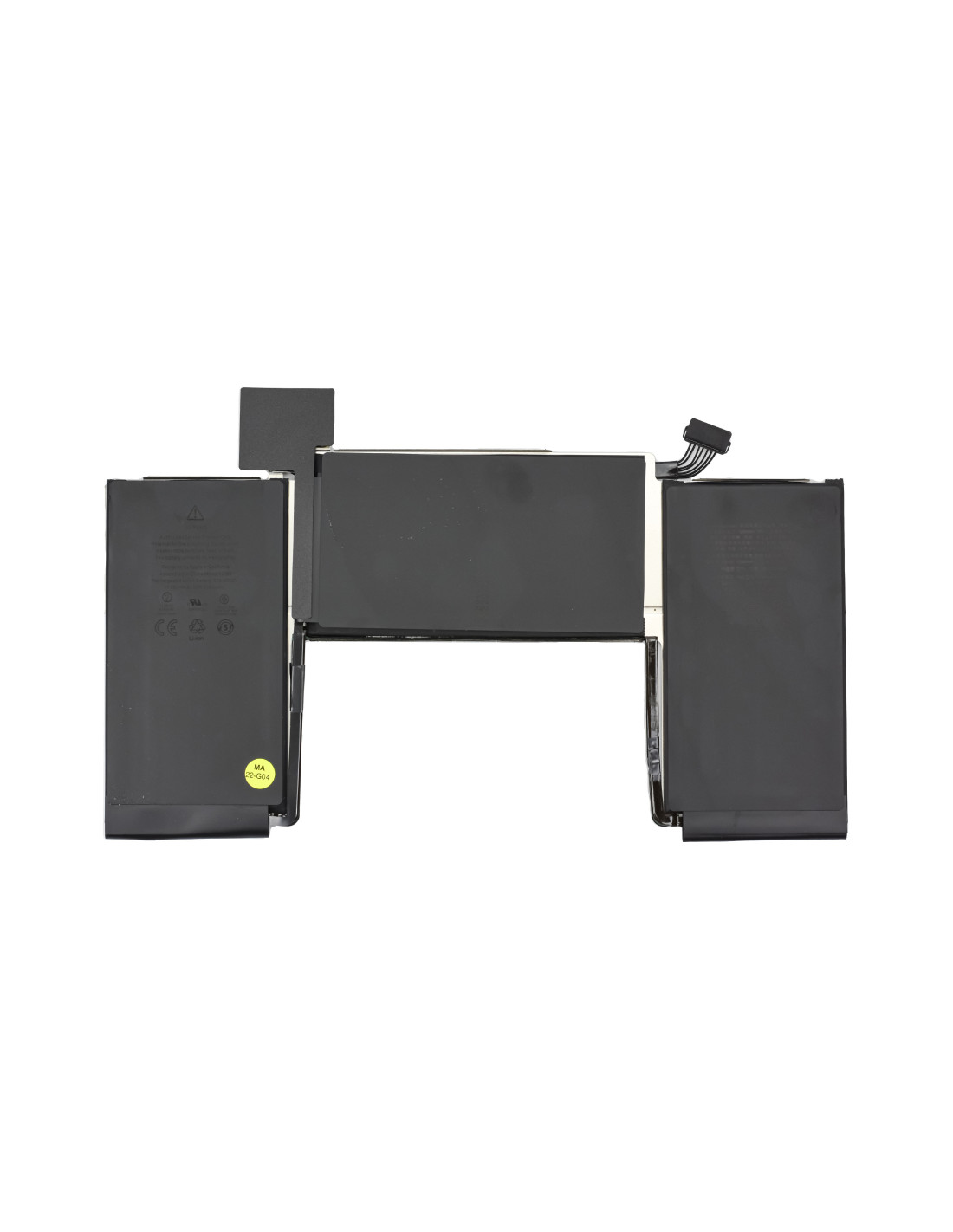
The MacBook A2389 offers consistent power for your MacBook, ensuring you can work efficiently without interruptions. Built with OEM quality, this battery is designed to match the performance and durability of the original battery your MacBook was equipped with from the factory. Enjoy seamless integration and worry-free knowing that it meets Apple's stringent performance standards.
Engineered for reliability, the A2389 battery focuses on providing long power and a stable charge cycle. You won’t need to constantly recharge, making it ideal for professionals who frequently find themselves on the move Its compatibility ensures straightforward installation, allowing you to easily replace the old battery yourself without needing special tools or equipment. This battery is perfect forBook repair shops and refurbishers across Europe, as it upholds the high standards expected from Apple components.
At Its Best With MacBook Battery A2389
With a robust power capacity, the MacBook Battery A9 ensures your device operates at maximum efficiency. Its high-capacity lithium cells deliver consistent power, reducing disruptions during critical tasks. Whether you editing high-definition video, compiling code, or handling complex design software, this battery supports your MacBook’s needs effortlessly.
The battery features advanced circuitry designed to prevent overcharging, overheating, and short-circuiting, thus prolonging the lifespan of both the battery and device. Ideal for technicians and companies refurbishing devices, the A2389 serves as a reliable replacement that safeguards the device's integrity, both performance and customer satisfaction.