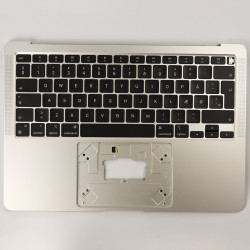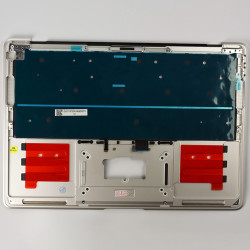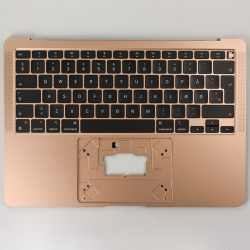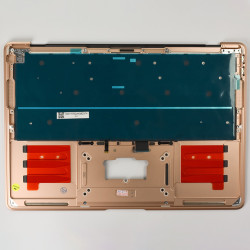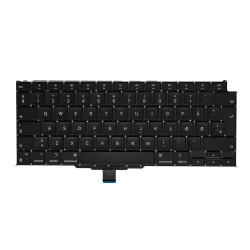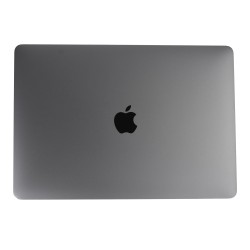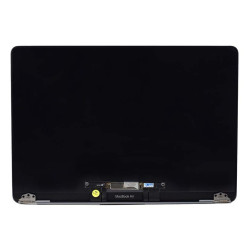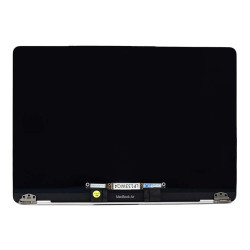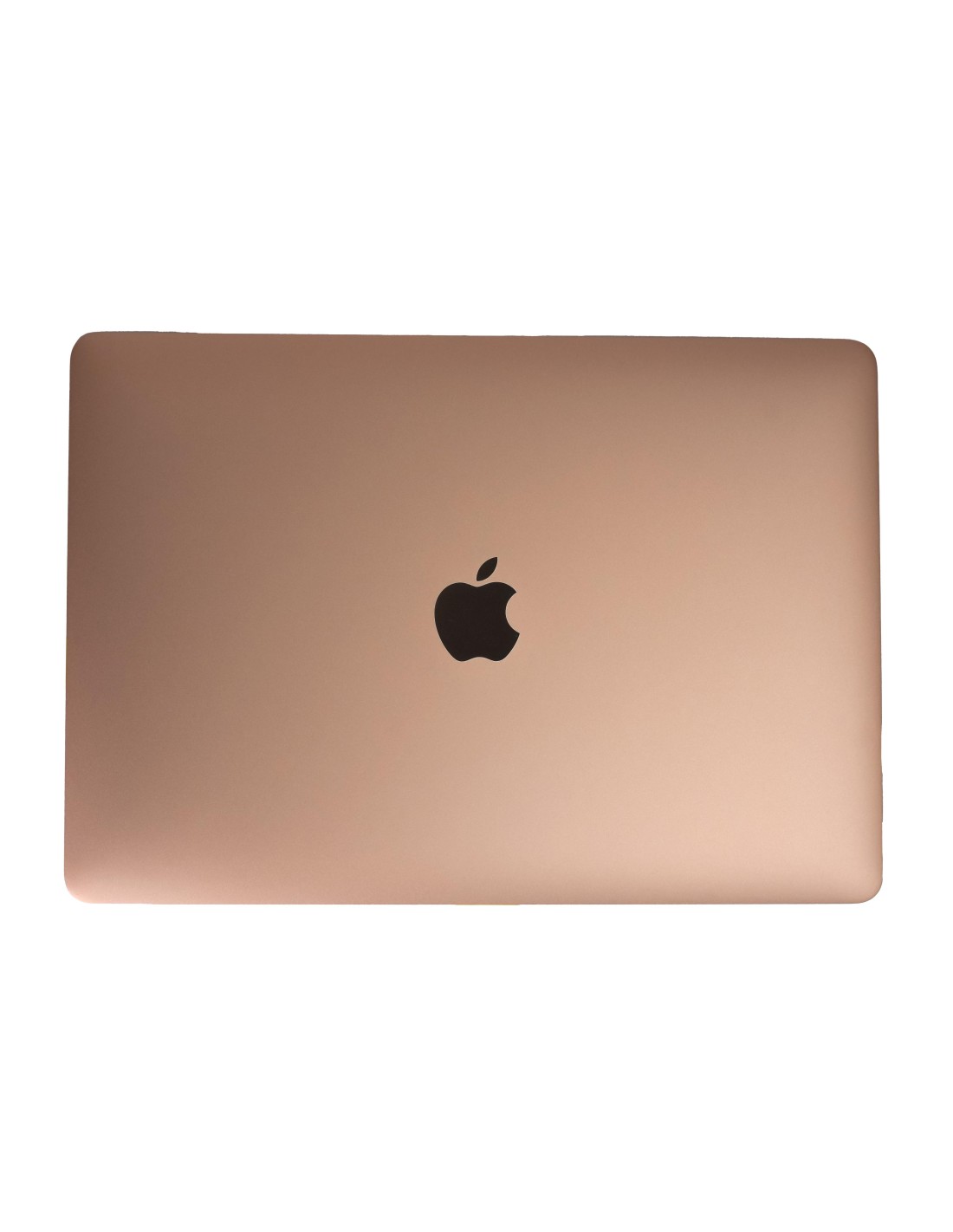
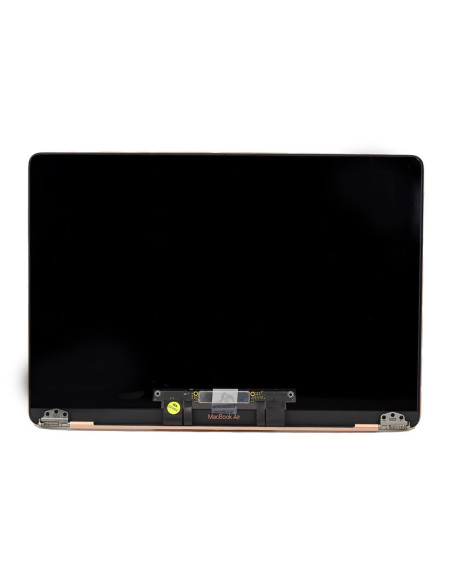
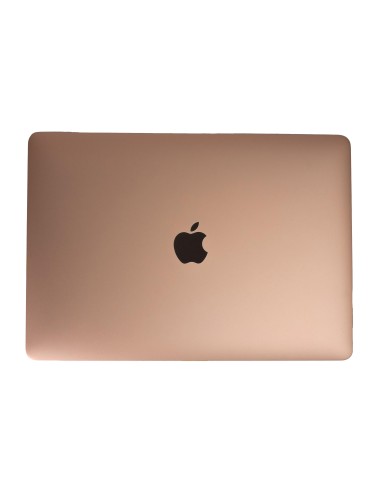
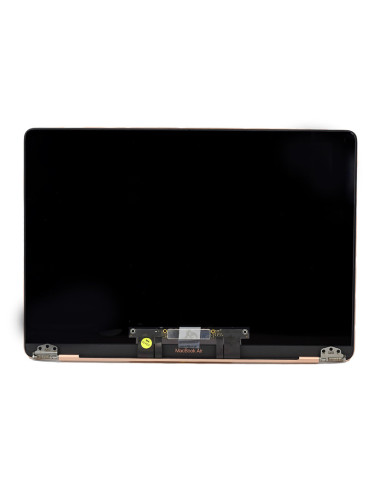
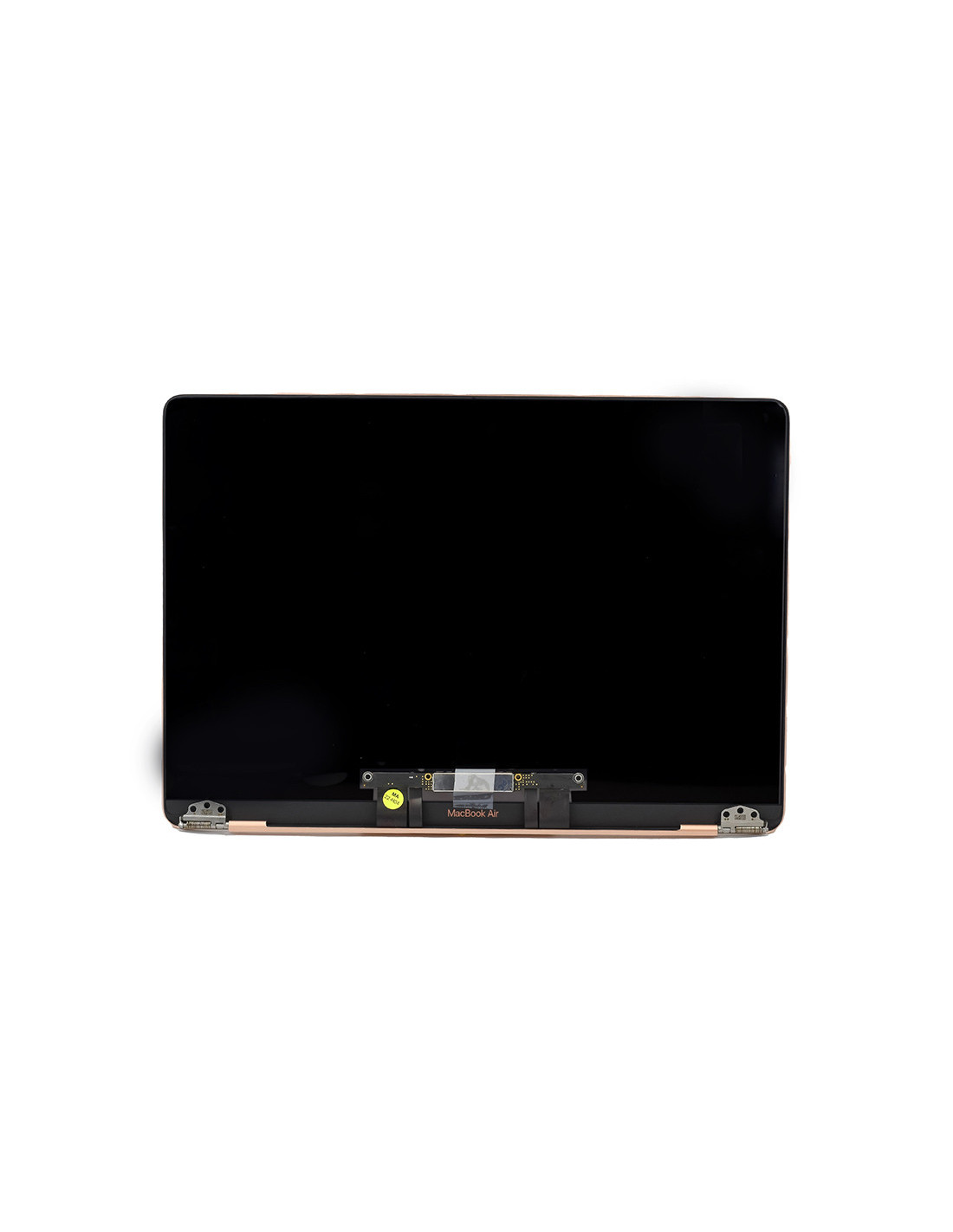

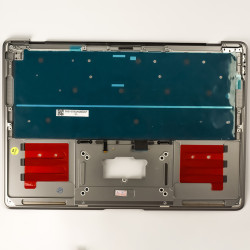

Elevate your device’s with the Macbook Complete A2337 Screen in a stunning gold finish. Engineered to match OEM quality, this screen offers precise compatibility the A2337 model, ensuring seamless integration and maintaining the integrity of your Macbook Air. The quality dictates reliability, ensuring an extended under regular usage. It is perfect for technicians and refurbishing experts keen on restoring devices to their original functionality.
This unit is a paragon of Apple’s acclaimed Retina clarity, boasting high resolution and vibrant color reproduction. Without compromising on the aesthetic appeal, gold hue adds an extra layer of sophistication to modern setups. Designed for easy installation, it aids in reducing time and effort during repairs enhancing efficiency in professional environments.
The Macbook Complete A2337 exhibits uncompromising quality and structure. Built with a robust assembly, the screen offers protection against wear and tear, allowing your Macbook withstand the rigors of daily usage. Its superior backlight and pixel density ensure you experience fewer issues like dead pixels or uneven brightness, are common pitfalls in lower-quality replacements.
It features effective anti-reflective coating, making it suitable for diverse lighting—from bright office spaces to dimly lit workshops. Technicians and refurbishers across Europe will find it a reliable component worthy of investment providing a practical solution for maintaining device fidelity. With its straightforward compatibility and quality assurance, the gold variant reflects the premium standards expected by users the continent.
You might also like