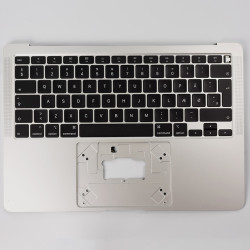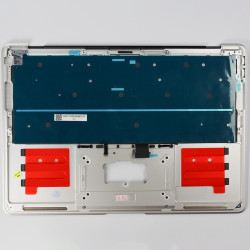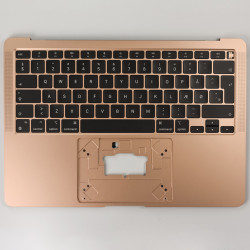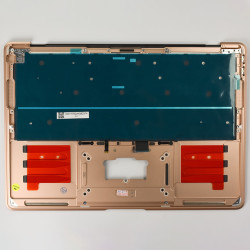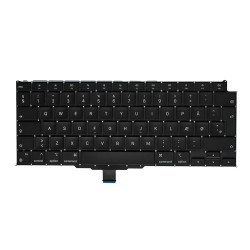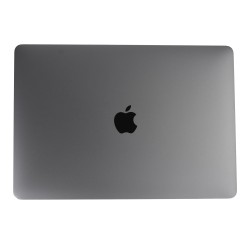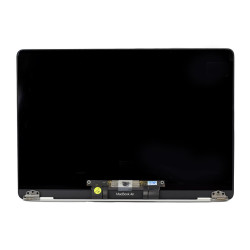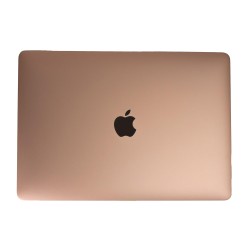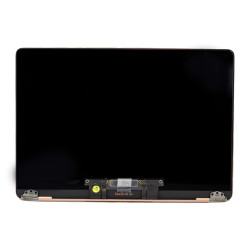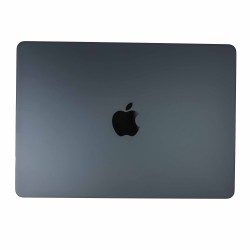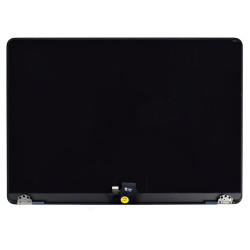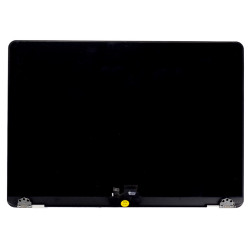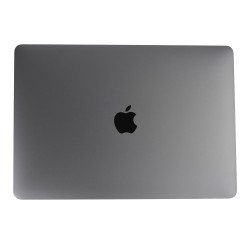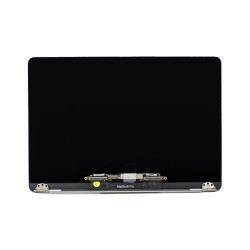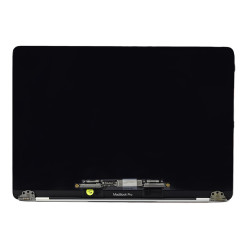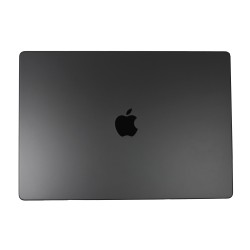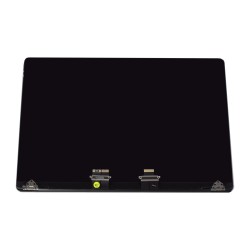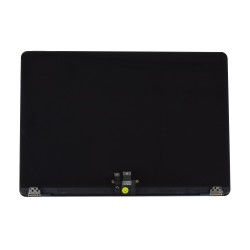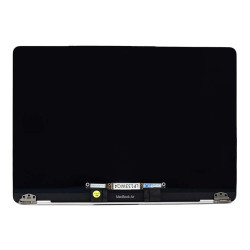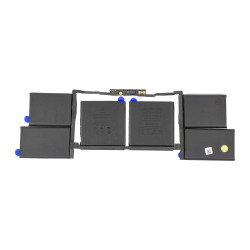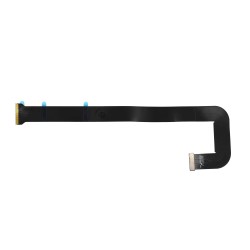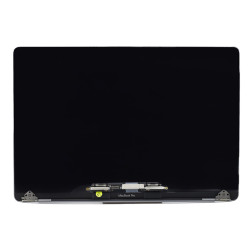
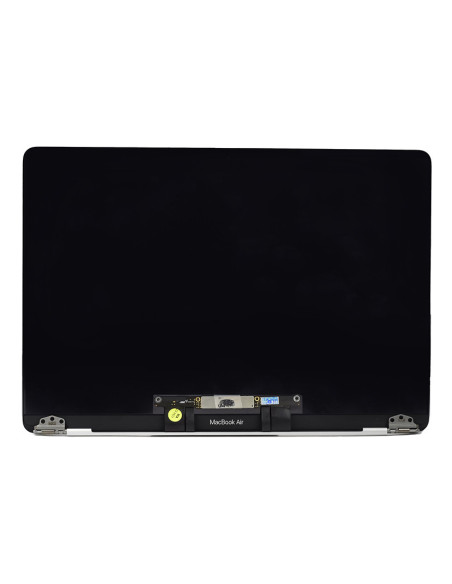

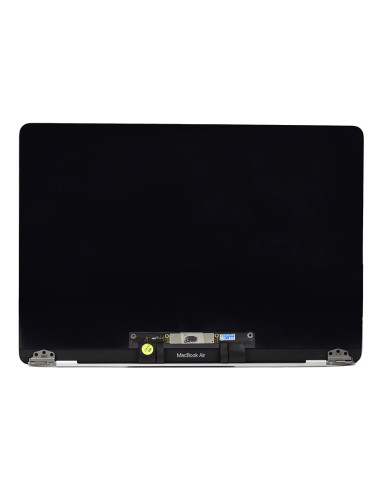
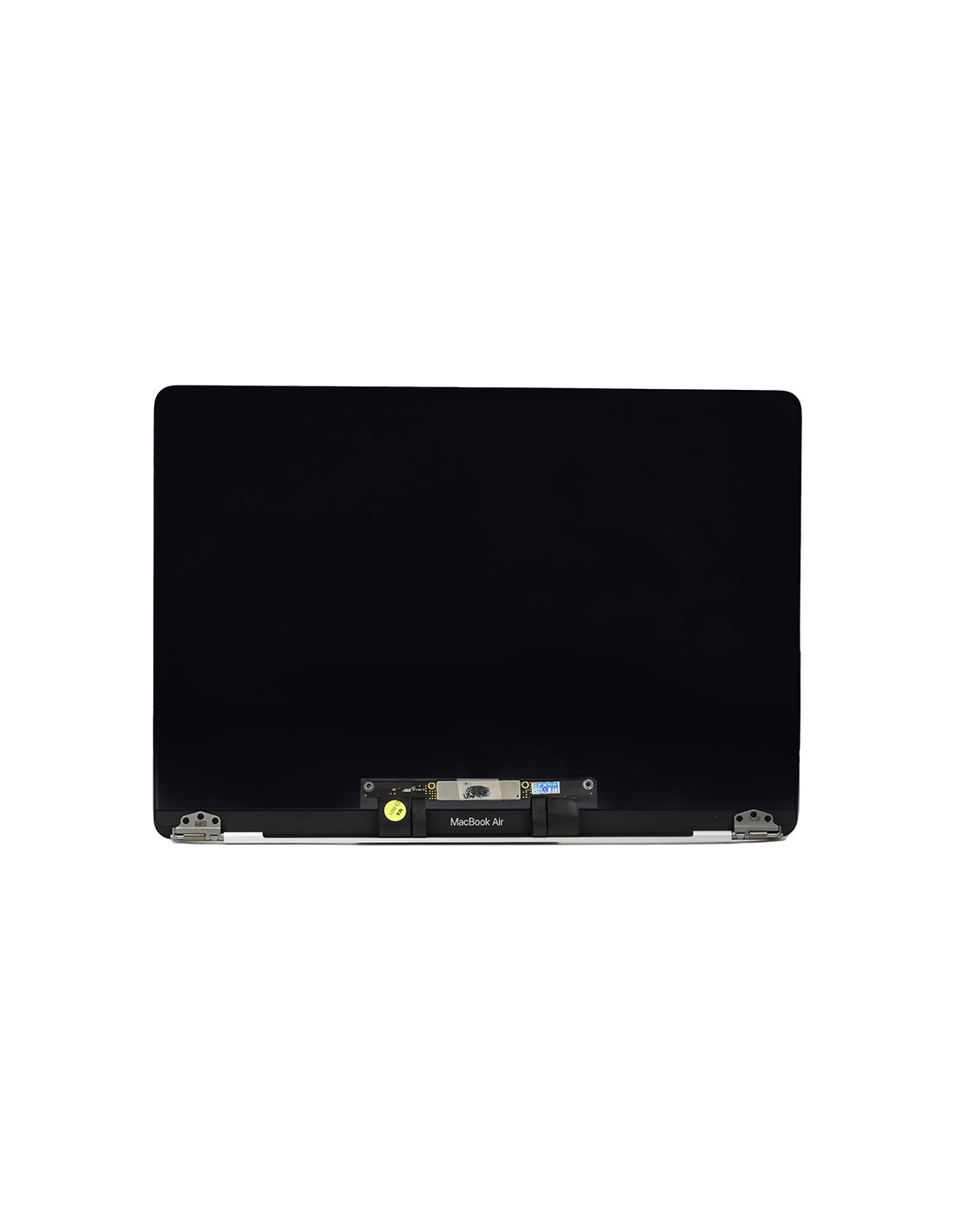

This is a ready‑to‑install Macbook Complete A2179 Screen - Silver - OEM Quality designed for fast swaps and consistent results. The assembly arrives prebuilt with LCD panel, front glass, silver aluminum lid, hinges, display cable, clutch cover, ambient light sensor, antennas, and FaceTime HD camera preinstalled.
The finish matches the original silver tone and texture for a clean visual match on refurbished units. The hinge geometry and bracket positions mirror factoryances to ensure smooth opening angles and even lid alignment after installation.
This assembly fits Apple MacBook Air 13.3‑inch model A2179 only. The A2179 corresponds to the 2020 Intel MacBook Air and EMC 3302, and it is not cross‑compatible with A1932 or A2337. The panel is a 13.3‑inch Retina IPS display at 2560 × 1600 resolution with 227 ppi, LED backlight, and a glossy surface with anti‑reflective coating.
The unit supports system features such as True Tone on devices originally equipped with it and includes the 720p FaceTime HD camera and integrated dual antennas within the hinge area. The display cable and sensor board are matched to the A2179 logic board for plug‑and‑play operation when installed correctly.
The panel is graded to OEM quality with tight color uniformity, stable white point, and consistent luminance across the screen. diffuser stack and backlight driver deliver even edge lighting to minimize mura and hotspot artifacts that are often visible on low‑grade replacements.
The cover glass carries an anti‑reflective layer comparable to the original, helping maintain contrast in bright environments. The aluminum lid is formed and anodized to factory spec so gaps at the clutch cover and side seams remain symmetrical after installation.
Disconnect the battery before touching the display connector to protect the backlight circuit. Open the bottom case with a P5 driver then use Torx drivers for the internal brackets and hinge screws, and a nylon tool for the board‑side display connector. Torque the hinges with the lid set at a mid angle, center the bezel gap, and check that the clutch cover sits flush across the palm rest edge.</p
Typical bench time is 20–40 minutes including alignment and software checks. Verify camera output, ambient light sensing, and True Tone in system settings after first boot. Handle the assembly by the edges, avoid pressure on the lower strip where the backlight circuitry sits, and keep the lens window free of fingerprints to prevent haze under the glass.
The screens are covered with a 2-year warranty. The warranty does not cover man-made damage.
You might also like