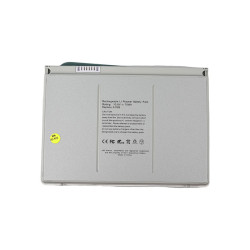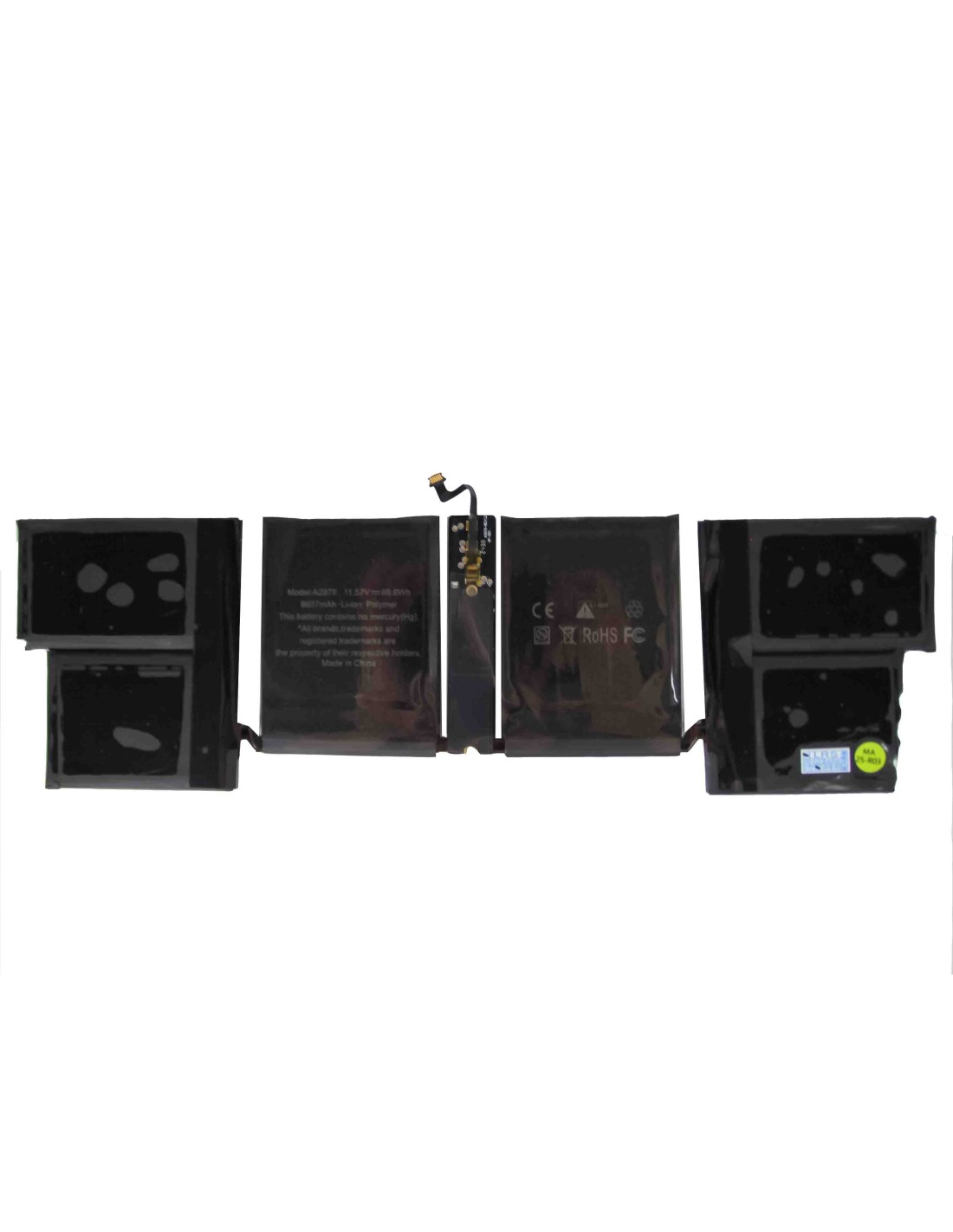


MacBook Battery A2976 - OEM Quality Is A Direct-Fit Pack Built To Match Original Runtime, Charge Behavior, And System Handshake, So You can install it and expect macOS to report health, cycle count, and remaining time accurately. The Pack Uses Grade A Lithium‑polymer Cells And A Smart Battery Management System That Communicates With The Logic Board Over The Same Interface As The Factory Unit, Preserving Sleep, Fast Wake, And Thermal Safeguards.
>Key Technical Data Includes Pack Model A2976; Lithium‑polymer Chemistry; Smart BMS With Integrated Fuel Gauge; Protection Against Overcharge, Over‑discharge, Overcurrent, And Thermal Events; And A Nominal Three‑series Cell Architecture Aligned With Apple’s Recent MacBook Designs. Cycle Life Is Engineered To Meet Apple’s 1,000‑cycle Expectation Under Normal Use, With Calibrated State‑of‑charge Reporting For Consistent Capacity Readouts. The Harness And Connector Geometry Mirror The Original For A Clean Drop‑in Fit, And The Adhesive Footprint Is Designed For Secure Seating Without Stressing The Top Case Or Trackpad Frame.
Compatibility Is Best Confirmed By Matching The Pack Code A2976 Printed On The Original Battery Label Or Logged In Service Diagnostics Before Ordering. The Pack Is Intended For MacBook Units That Originally Shipped With An A2976 Battery And Is Not Interchangeable With Other Battery Codes Such As A19xx Or A29xx Variants That Use Different Connector Keys, Cell Layouts, Or Mounting Geometry. If You Service Multiple Fleets, Sort Cores By Pack Code First, Then Verify The Screw Pattern And Flex Orientation To Avoid Rework.
For Intake Checks, Inspect The Old Unit For Swelling, Electrolyte Odor, Or Damaged Flex Before Transfer. Confirm That The Logic Board’s Battery Connector Shows No Heat Discoloration Or Lifted Pads. When You Fit The New A2976, Ensure The Flex Seats Fully And Locks Evenly; A Partial Engagement May Boot But Will Cause Random Shutdowns And Incorrect Cycle Logging Always Compare The New Pack’s Dimensions To The Removed Unit Prior To Peeling Adhesive Liners.
Power Down The MacBook, Isolate The Battery Connector, And Remove The Bottom Case Before Lifting Any Modules. Work ESD‑safe, Warm The Adhesive With Controlled Heat, And Remove Each Cell Block Without Flexing The Aluminum Shell. Clean Residue With Non‑polar Solvent, Dry Fit The A2976, Then Commit Adhesive One Section At A Time While Keepingables Flat And Untwisted. Reconnect The Battery Last, Inspect For Pinch Points, And Run A Functional Check On Keyboard, Trackpad, And Speakers Before Final Screwdown.
After Replacement, Perform A Simple Calibration So macOS Learns The New Capacity Curve. Charge To 100% And Hold On Charger For At Least Thirty Minutes, Then Use On Battery To Around Ten To Fifteen Percent, Rest For Two Hours, And Recharge To Full Without Interruption. Resetting SMC/NVRAM Is Usually Unnecessary But Can Help If You See Anomalous Percentage Steps Or Fans Spinning Immediately After Boot. Store Spare Packs At Around Forty To Sixty Percent State Of Charge And Keep Them In A Cool, Dry Place.
Each A2976 Unit Undergoes Cell Matching, BMS Programming, And Full Functional Testing For Charge Acceptance, Standby Drain, And Balance Behavior Before Packing. Pack IDs And Barcodes Are Set For Seamless Recognition In macOS Battery Reports, Ensuring Clean Cycle Logging From Install Zero. Runtime Mirrors The Original Design Intent Under Like Conditions, And The Pack Maintains Stable Voltage Under Heavy Loads Such As Xcode Builds, 4K Timelines, Or Virtual Machines, Which Helps You Return Devices To Clients With Confidence And Minimal Comebacks.
The battery is covered with a 1-year product warranty. The warranty does not cover man-made damage or wear and tear. To be used with MacBook model number: A2991
You might also like