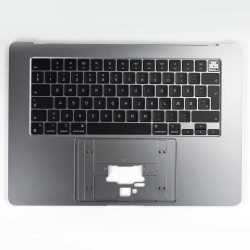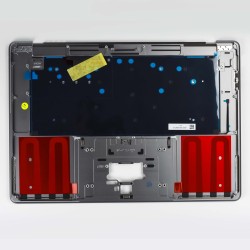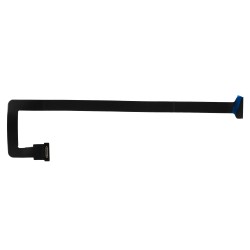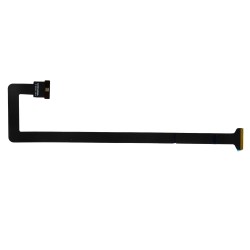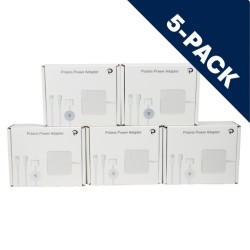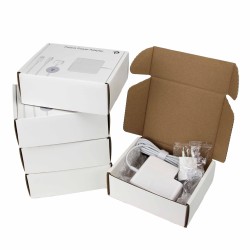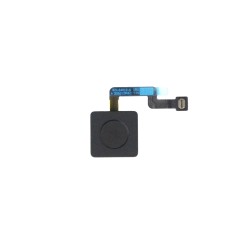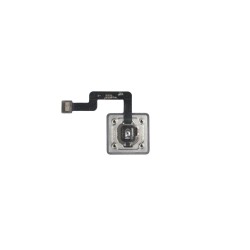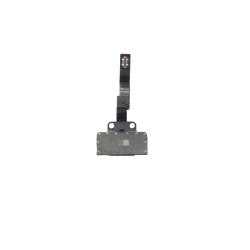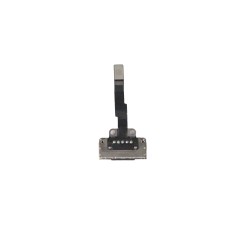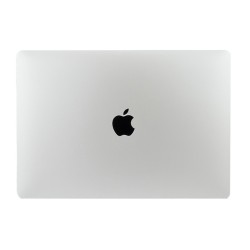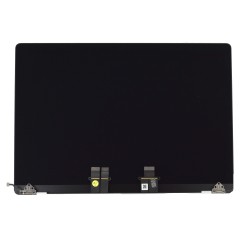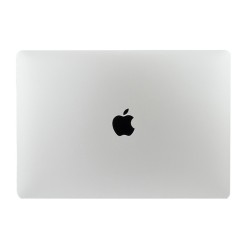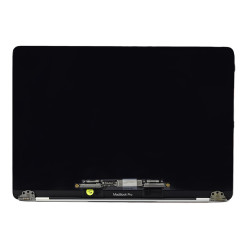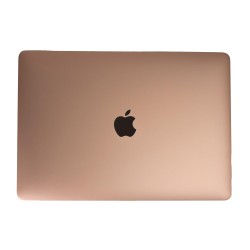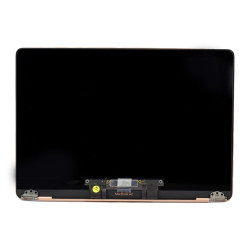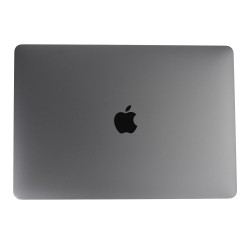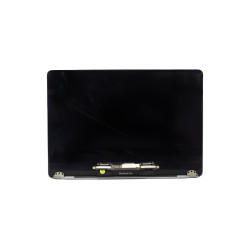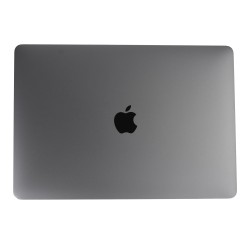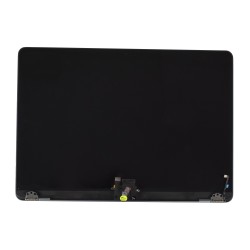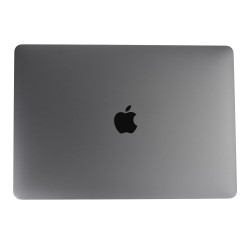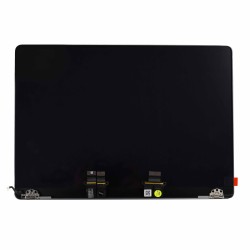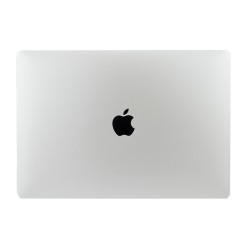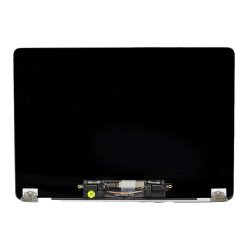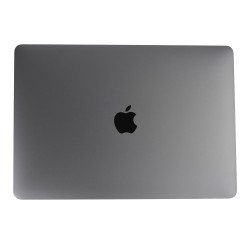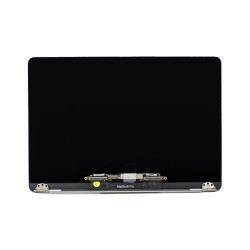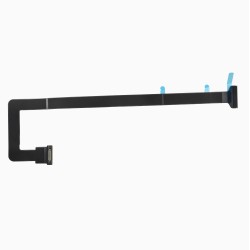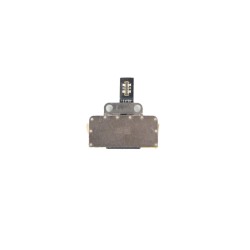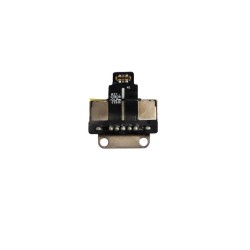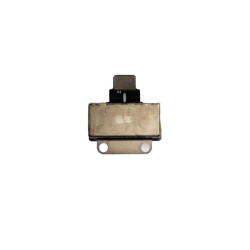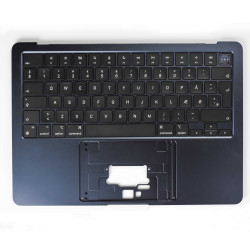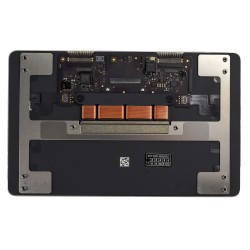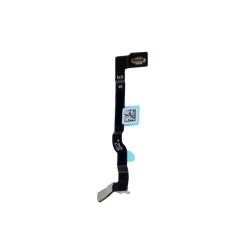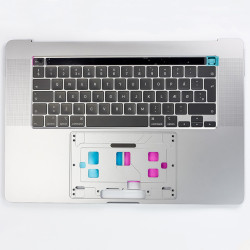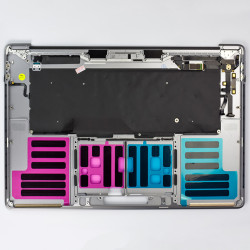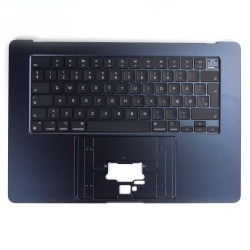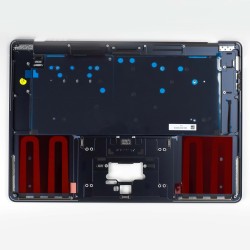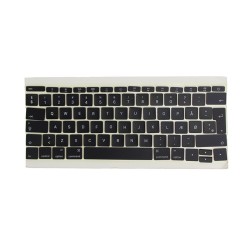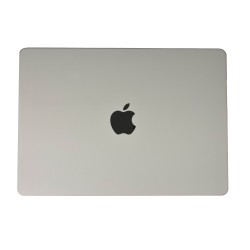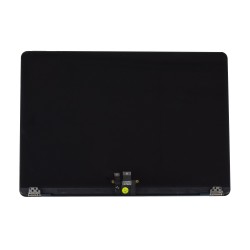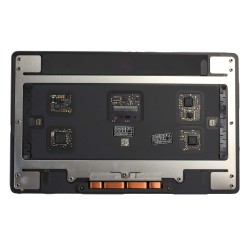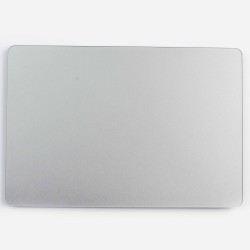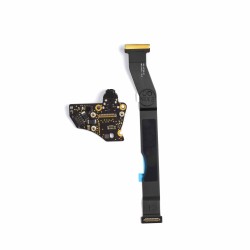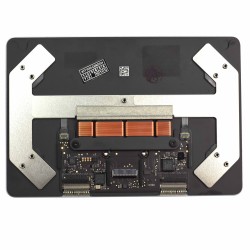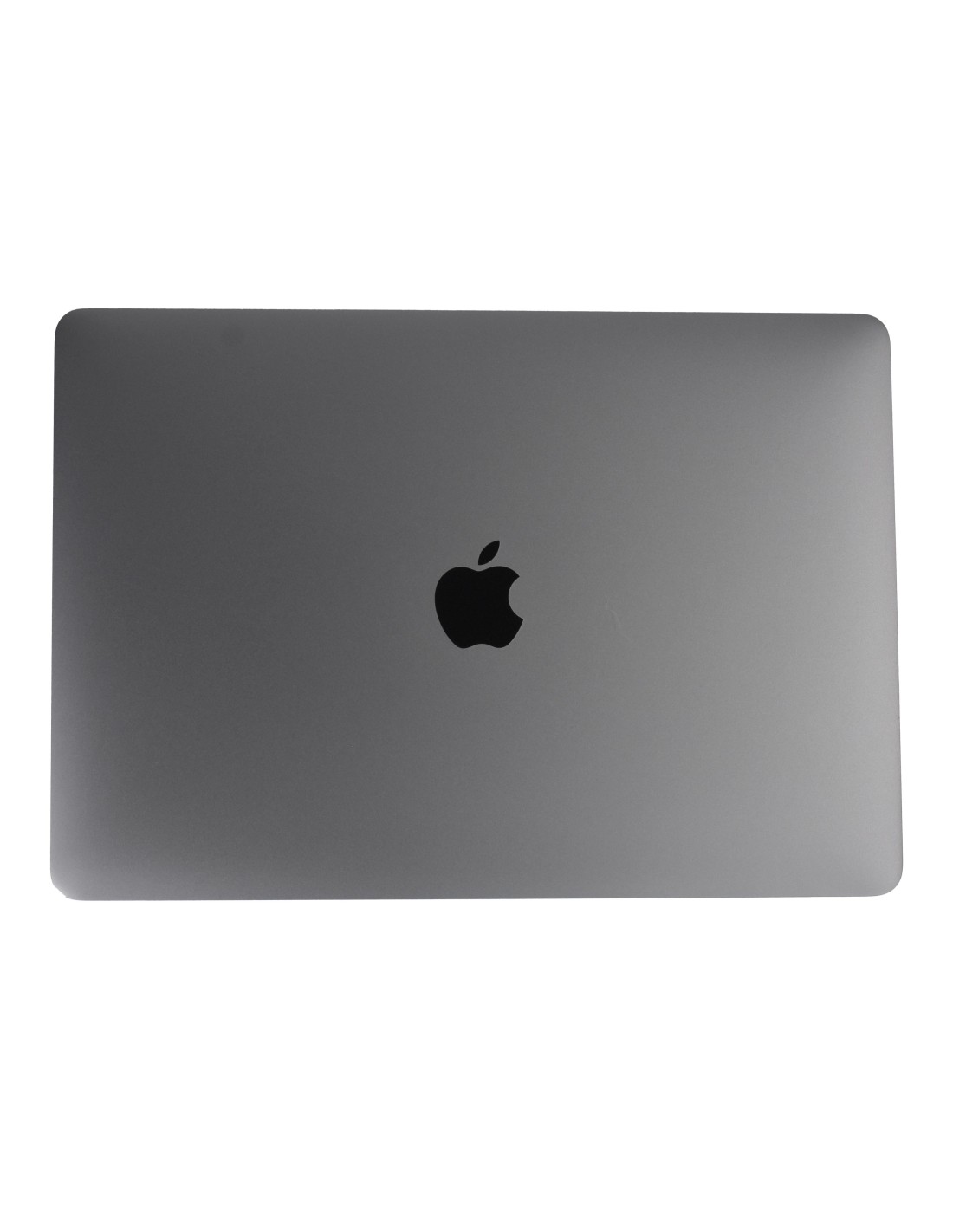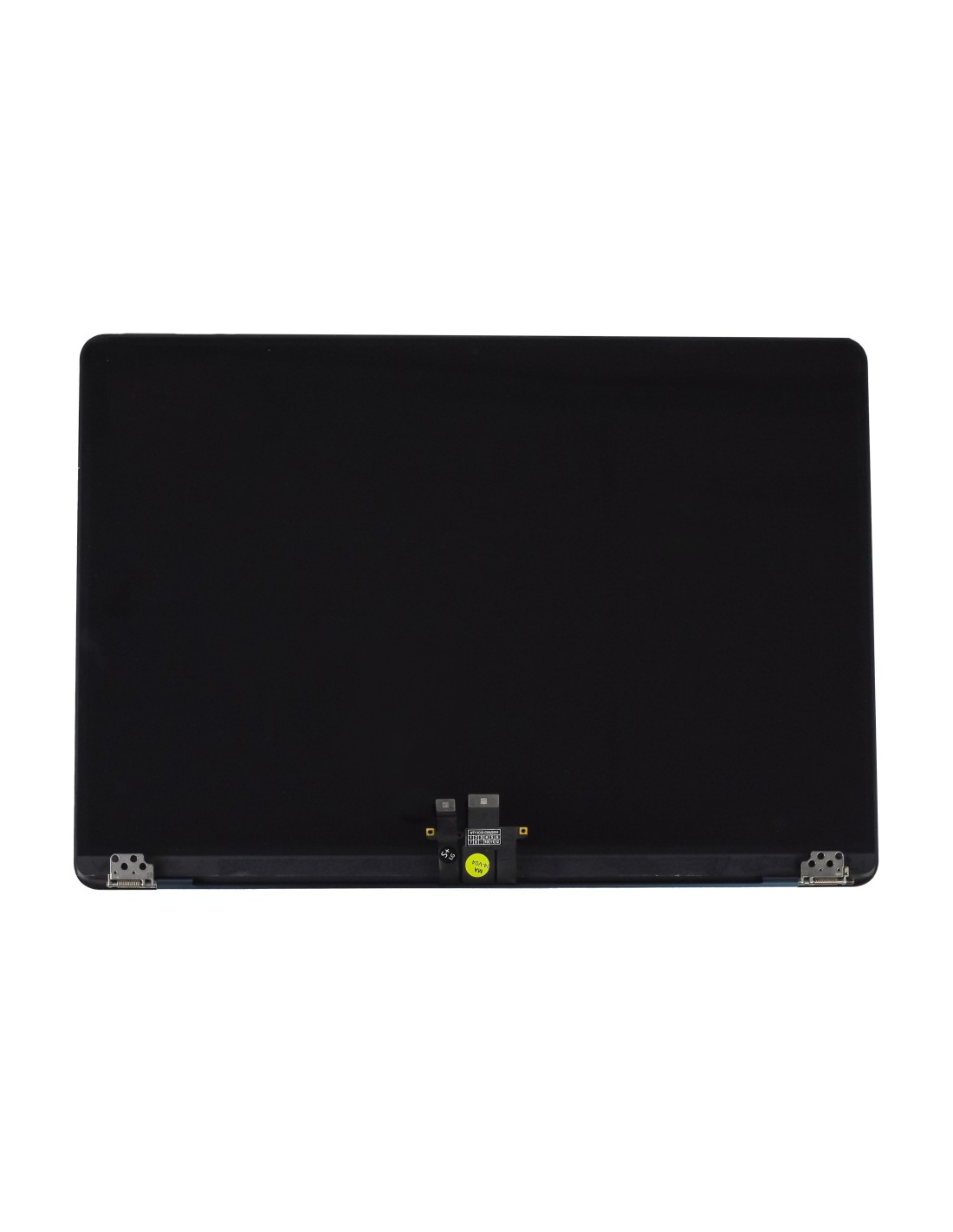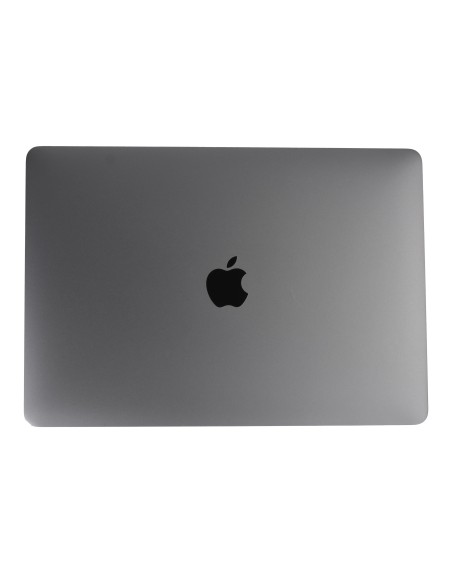
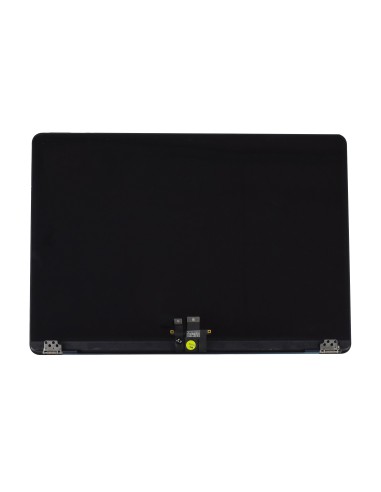
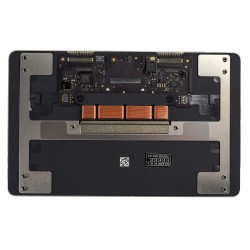
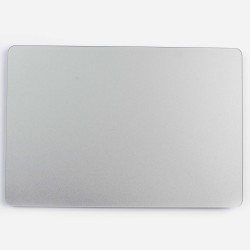

The MacBook Complete A2941 / A3114 in Space Gray offers a seamless match for your Apple device. Designed with OEM quality, it ensures reliable performance and perfect compatibility. Ideal for repair and refurbishing companies across Europe, this screen meets high standards while maintaining the aesthetic appeal expected with Apple products.
This screen perfectly with the MacBook's sleek design, retaining the device's premium feel. The Space Gray finish complements the original look, making replacements virtuallyetectable. Its high-resolution display provides excellent clarity and vibrant colors, essential for professionals who rely on precision in digital tasks.
High-Quality Construction And Performance
Constructed to tackle daily wear and tear, the MacBook Complete A294 / A3114 Screen ensures durability. It efficiently handles everyday challenges, providing a robust solution for anyone needing a reliable screen replacement. The OEM quality a product that performs just like the original, preserving the MacBook’s integrity and functionality.
Installation is straightforward, designed professionals who demand efficiency in repairs. This product streamlines the repair process, reducing time spent on replacements, and allowing technicians to maintain a standard of service. This makes it a preferred choice for repair shops focused on quick turnovers while ensuring quality workmanship.
For repair shops and refurbishing centers, this screen provides an excellent opportunity to clients a cost-effective yet high-quality solution. The perfect fit and finish offer your customers a satisfying experience, enhancing their trust in your. It allows you to confidently back up your repairs with lasting results.
Whether you are addressing cracked screens or faulty displays, MacBook Complete A2941 / A3114 Screen provides an excellent solution. Its reliability and ease of use allow you to maintain your on providing excellent service without worrying about the quality of replacement parts.
You might also like