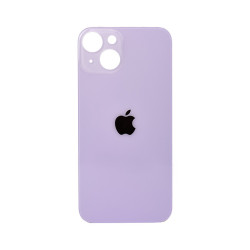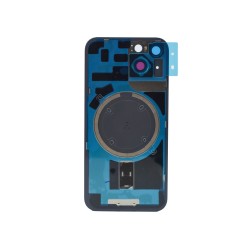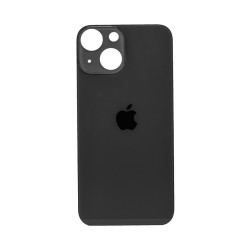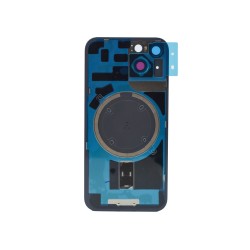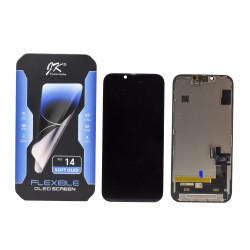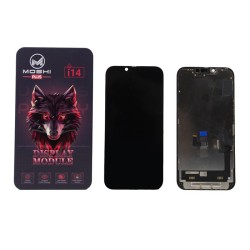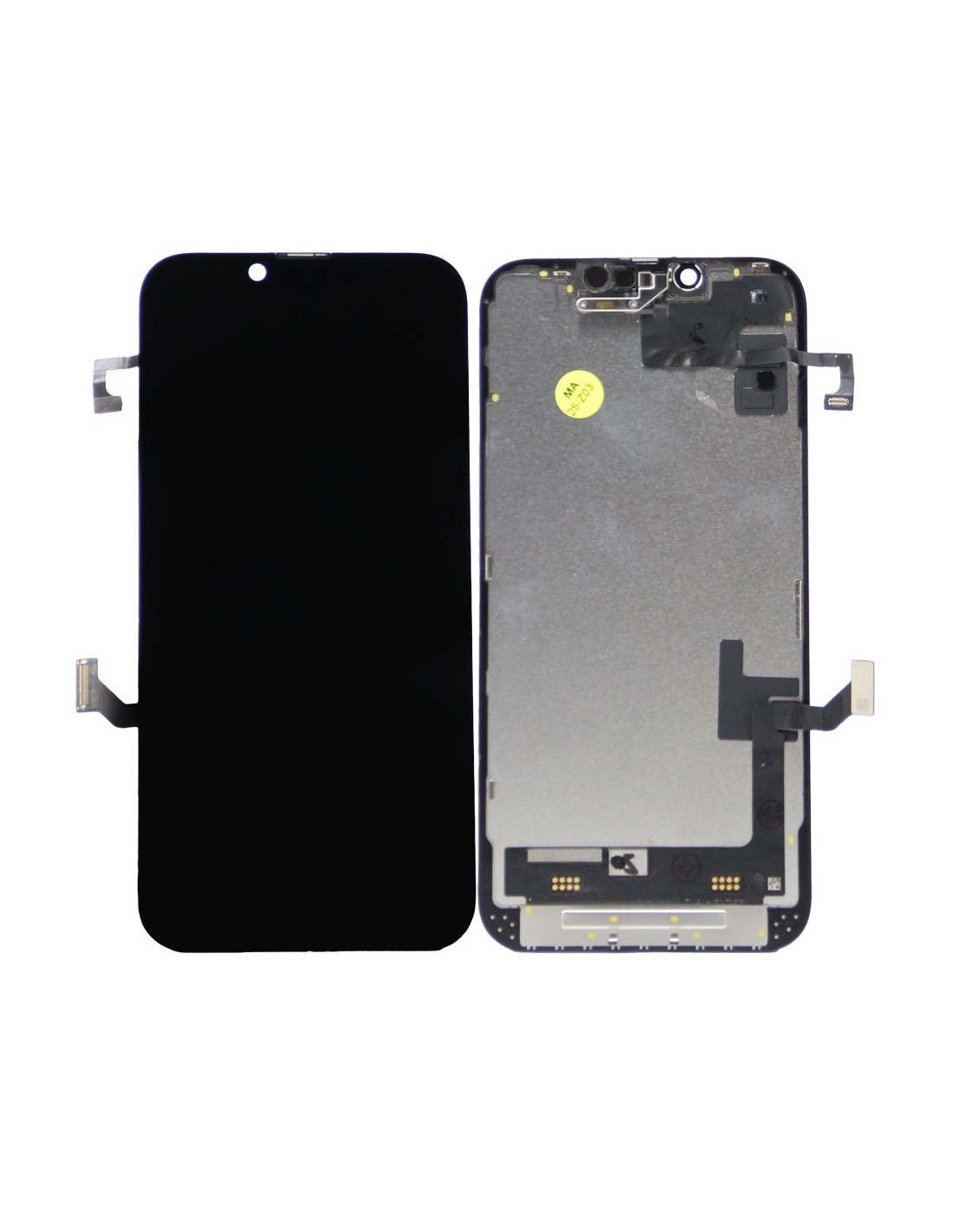




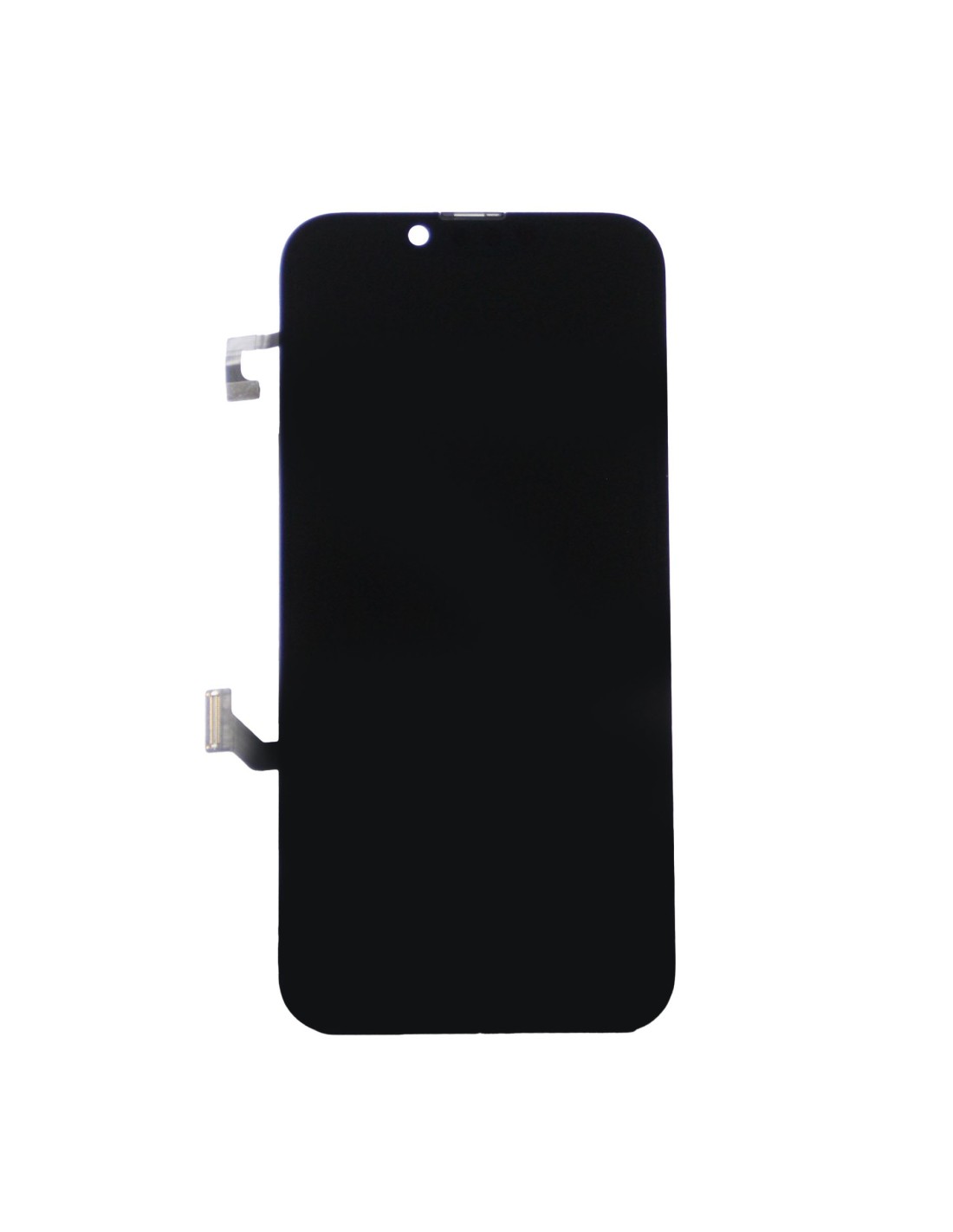
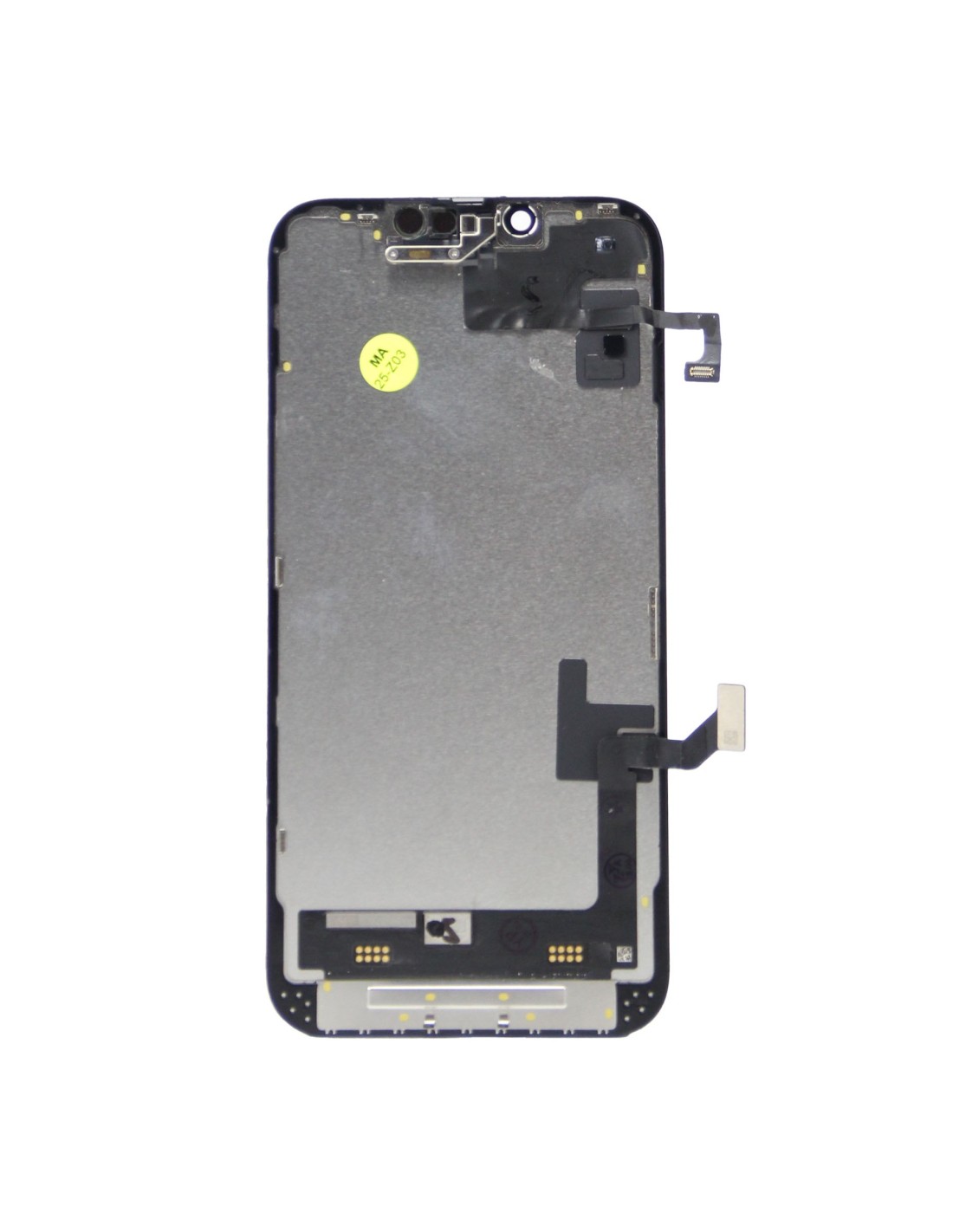

Choose the iPhone 14 - Black - Pulled Diagnostic Screen when you need genuine oled performance, true color accuracy, and a stable fit for repeatable repairs. This original black bezel assembly is pulled from diagnostic-grade hardware and delivers the same super retina xdr quality your customers expect from an iPhone 14. You get sharp 2532 x 1170 visuals at 460 ppi, consistent brightness, and dependable touch response that makes post-re callbacks less likely.
This screen fits model iPhone 14 and model id A2882, with exact connector geometry and frame tolerances for a clean install. The assembly arrives as a bonded display and digitizer on a black frame, ready for transfer of the earpiece speaker and sensor set. Face id continues to work when you migrate the original sensor assembly, and you can keep true tone by writing the original display data with your programmer. Use this part when you want oem-grade image quality, stable calibration, and fewer adjustments at the bench.
Display size is 6.1 inches. Panel type is oled (super retina xdr). Resolution is 2532 x 1170 at 460 ppi. Refresh rate is 60 hz. Typical full‑screen brightness is up to 800 nits with peak hdr up to 1200 nits. Contrast ratio is 2,000,000:1. Color is wide color (p3) with true tone support. Touch is capacitive multi‑touch with haptic touch. Cover glass is ceramic shield grade as per original build. Bezel color is black. Compatibility is iPhone 14, model id A2882.
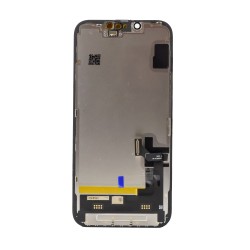
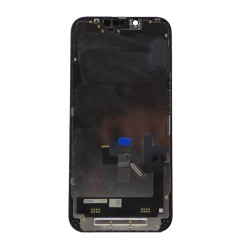
Assembly includes display panel, touch digitizer, and frame. Assembly does not include the earpiece speaker and sensor assembly, proximity and ambient light sensors, or front microphone, which you will transfer from the original screen to retain face id and automatic brightness. Connector layout matches iPhone 14 with oem flex lengths for proper routing. Calibration supports true tone when you clone the original display’s data using your preferred programmer. unit is function‑tested for image, touch, and uniformity before packing.
Power down the device, remove the pentalobe screws, and warm the perimeter to soften adhesive for a controlled open. Disconnect the battery first, then the display, by removing the shield with the correct y000 or phillips driver per your jig and bit set. Transfer the earpiece speaker and sensor assembly onto the new screen, keeping the flex flat and unstressed. Reconnect, boot, and run‑seal checks for touch across the grid, color uniformity on gray and red screens, dead pixels, proximity response, ambient light, and face id.
Write the original display’s calibration data to preserve true tone and avoid post‑repair alerts. Install new perimeter adhesive to restore dust and splash resistance, then close and torque to specification. Avoid bending the display flex beyond 90 degrees and always handle the oled with gloves to prevent pressure marks. This pulled diagnostic screen is a strong choice for refurbishers and repair shops that want original panel quality, consistent batch‑to‑batch results, and a smooth workflow on iPhone 14 A2882 jobs.
You might also like