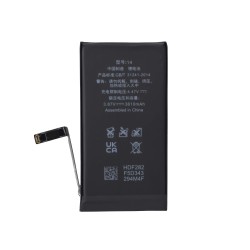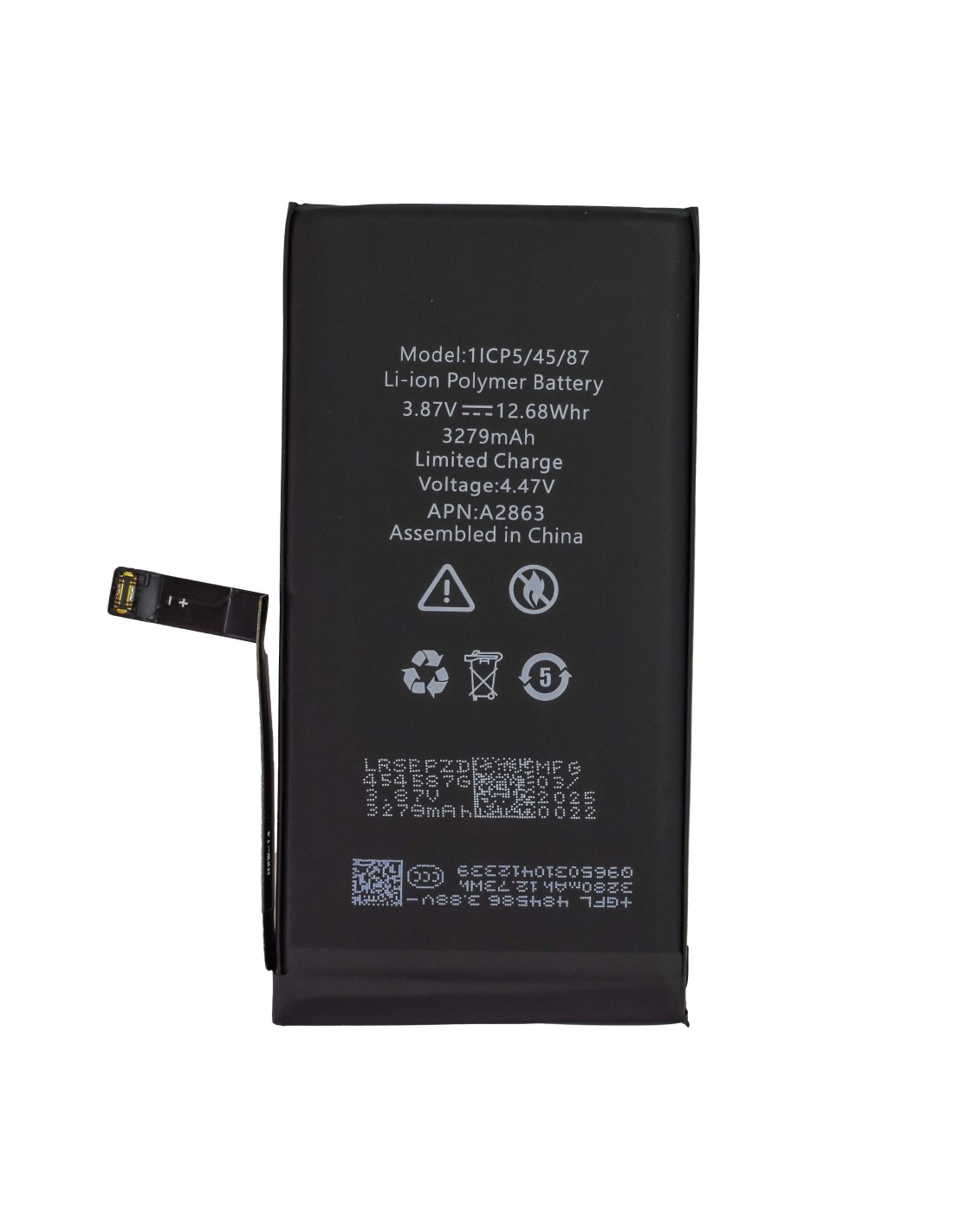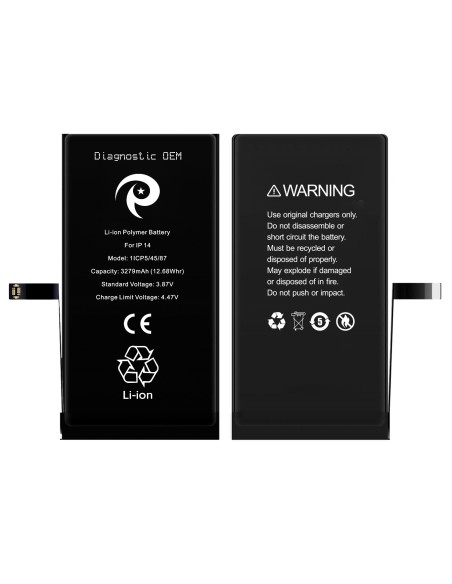
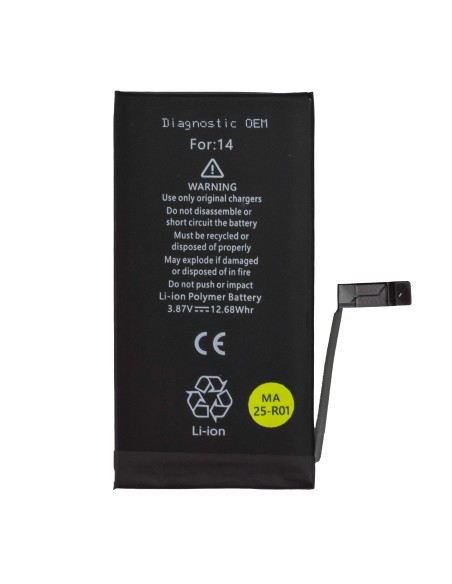
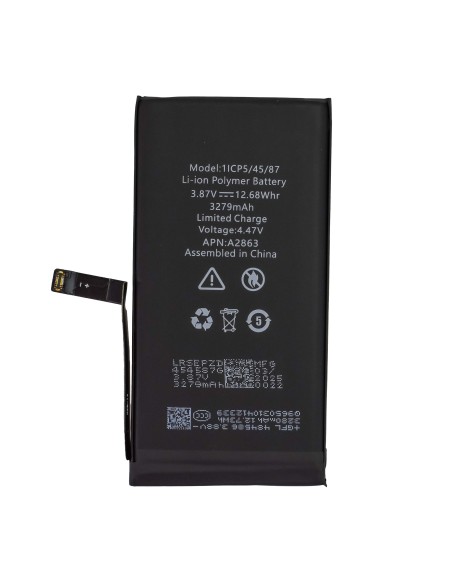
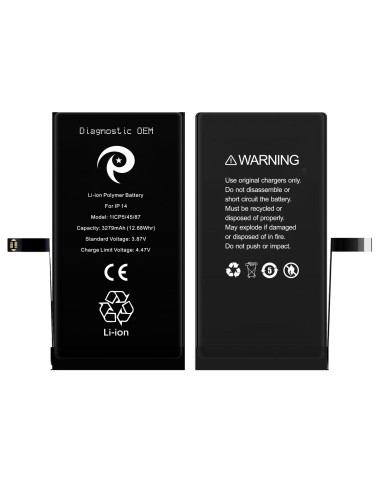
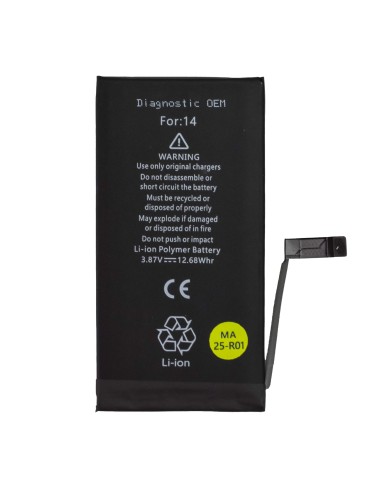
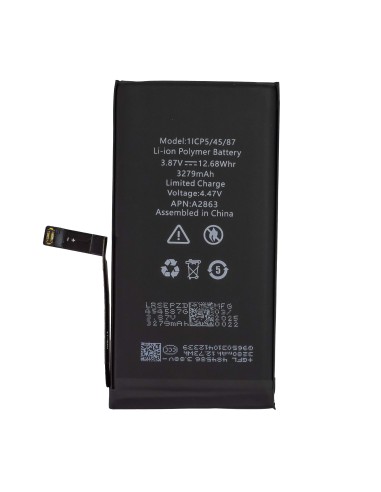

OEM Diagnostic Battery For iPhone 14
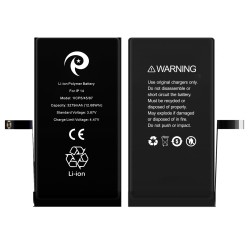
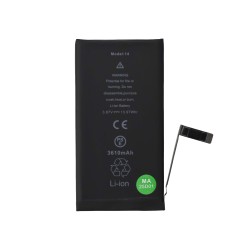
Designed For Fast, Reliable Bench Work, The iPhone 14 - Diagnostic OEM Battery gives you a stable, zero‑cycle pack to validate power draw, boot behavior, and battery health reporting on Apple’s A2882 variant. Built From Genuine‑grade Components, It delivers consistent output and proper communication with the phone’s power management line, so you can quickly rule out a weak or counterfeit pack when troubleshooting random shutdowns, boot loops, or rapid percentage drops.
For Repeat Installations, It features an OEM battery cell and gauge board to support accurate metrics once paired, helping you verify charge acceptance, standby drain, and peak current performance under load. Ideal For Front‑Of‑House Triage And Back‑Of‑Bench Diagnostics, It streamlines your workflow when separating board, charge port, or PMIC faults from a simple battery issue. Compatible With iPhone 14 only, Model Id A2882, It is not intended for iPhone 14 Plus, iPhone 14 Pro, or iPhone 14 Pro Max.
Technical Data For iPhone 14 - Diagnostic OEM Battery
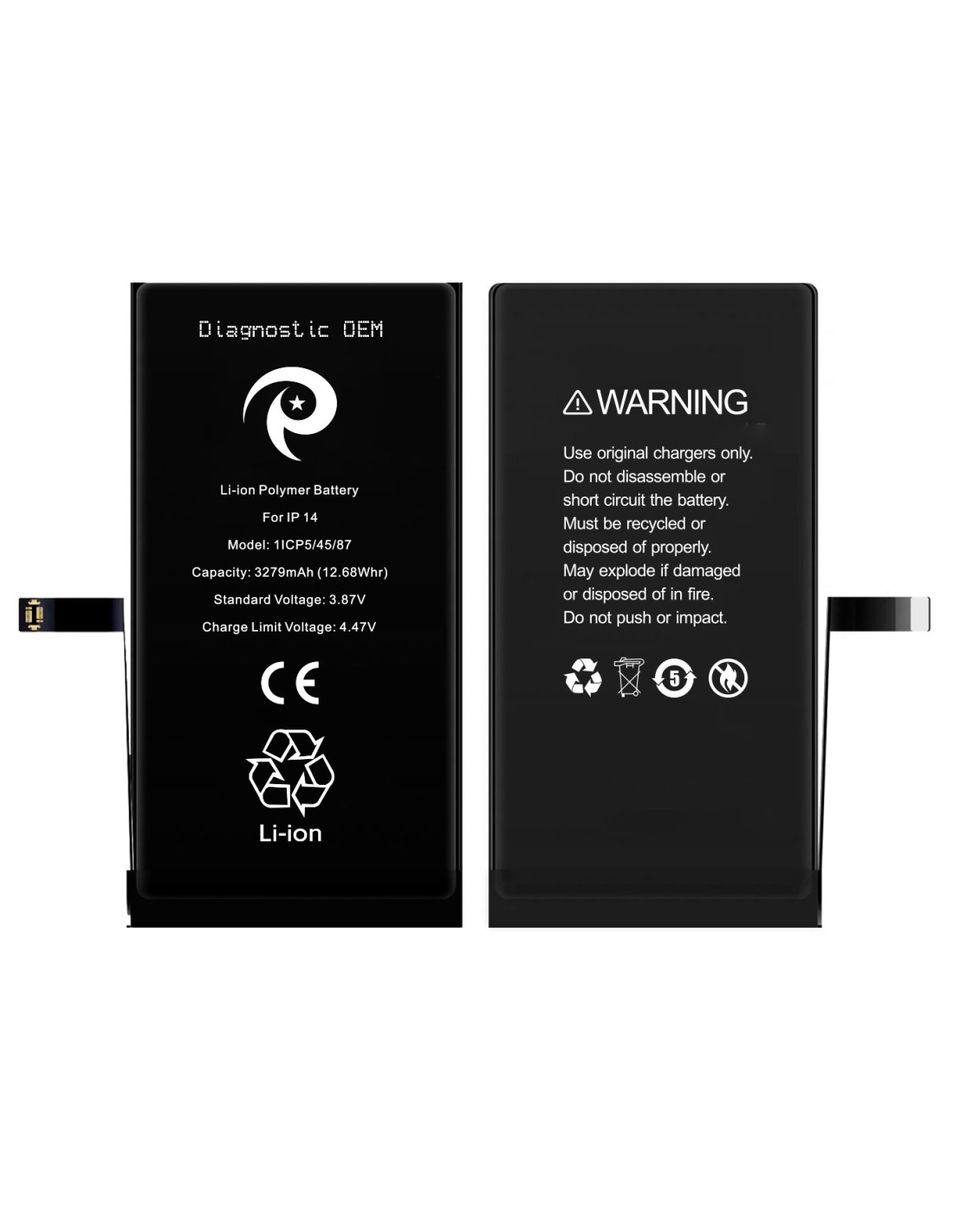
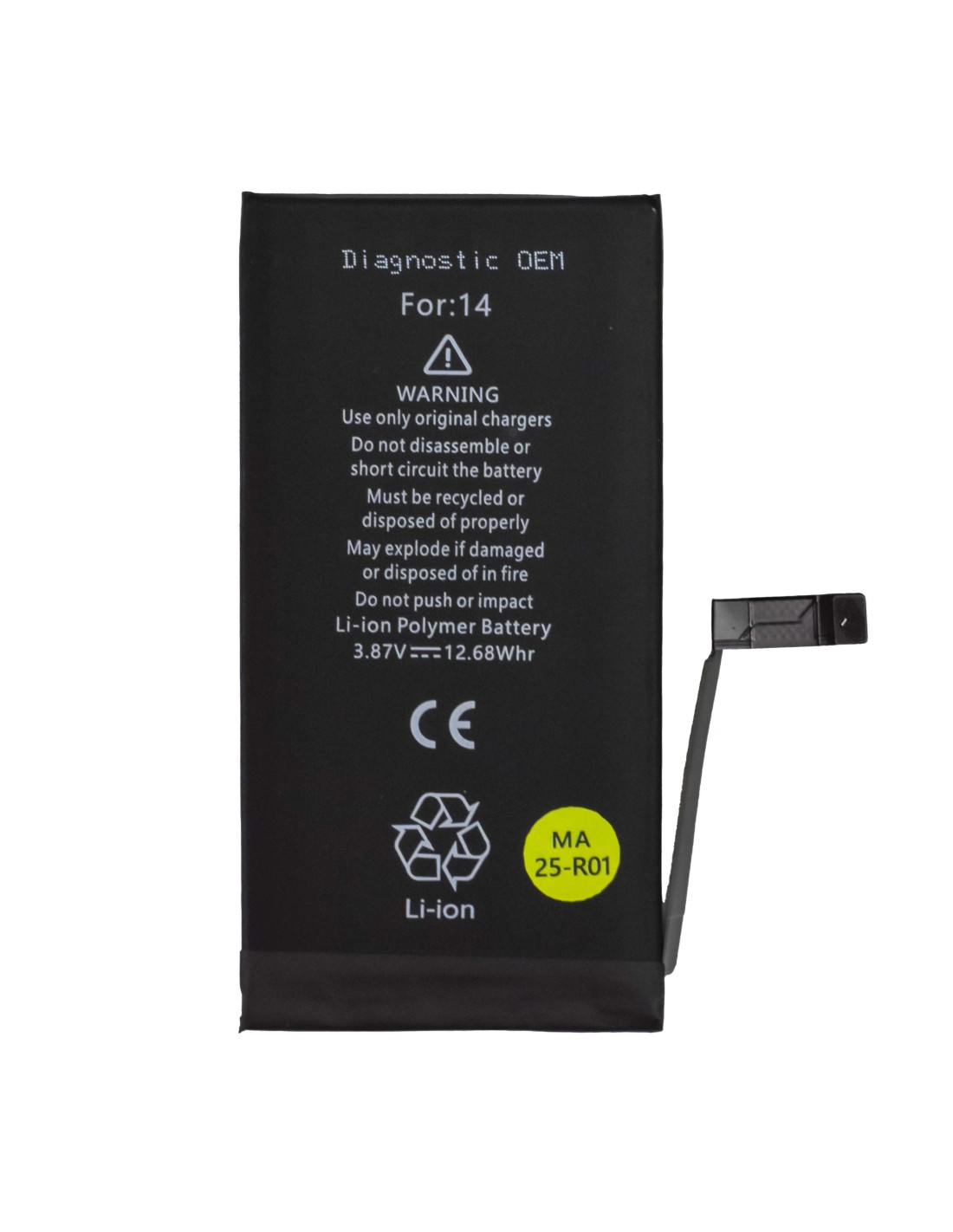
Nominal Capacity Is 3279 Mah, Rated Energy is 12.68 Wh, and Nominal Voltage is 3.85 V, using a lithium‑ion polymer cell with integrated protection. Cycle Count Is 0 On Arrival, and the pack supports high pulse current for peak loads typical of camera, GPU, and modem spikes. Connector And Flex Are iPhone 14 specific, and the gauge board communicates state of charge, cycle count, and voltage data for readings during tests. Fits Model is iPhone 14, and Model Id is A2882.
Gas Gauge And Bms Are OEM‑Specification, enabling correct data exchange with the logic board for Battery Health metrics after proper pairing or data transfer as required by your workflow. Dimensions And Weight follow the iPhone 14 footprint for a clean tray fit, and the enclosure is engineered for even heat distribution during charge and discharge to support repeatable diagnostics on the bench.
Repair Workflow And Compatibility
Use This Pack To Power Path Integrity when assessing no‑power or brownout cases, to compare idle drain before and after a board‑level repair, or to check percentage stability during a quick road test. Deploy It For Rapid A/B Swaps against a suspect customer pack, then log current, voltage, and temperature behavior with your preferred inline meter for consistent results. Pairing Procedures Should follow your standard method to retain Battery Health visibility and avoid unnecessary callbacks.
Keep Your Parts Wall Simple by assigning this unit to iPhone 14 only and clearly labeling it for A2882 jobs Combine It With Known‑Good charge ports, display assemblies, and RF shields to build a repeatable triage rig that shortens diagnostics and reduces unnecessary part consumption.
Installation, Safety, And Handling Notes
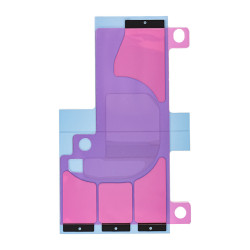
Power Down The Device, Remove The Screen, And Isolate The Battery Line before any measurement or part swap. Replace Adhesive With New Pull‑Tabs during reassembly to ensure proper seating and future serviceability. Perform A Post‑Install Calibration by charging to 100 percent, resting the device for 30 minutes, then discharging to around 10–20 percent and recharging to full, which helps the algorithm align with the pack’s reported capacity.
Work On An Esd‑Safe Mat, Use Controlled Heat For Adhesive Release, And Inspect The Flex For Kinks before install. Verify Compatibility By Confirming iPhone 14 on the housing and A2882 on your intake notes, and document cycle count, voltage at rest, and maximum current draw in your job ticket to maintain traceable repair quality.