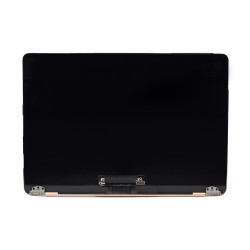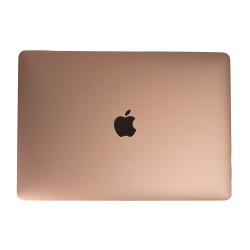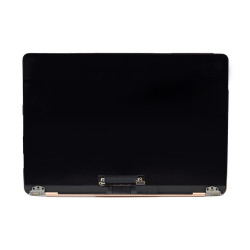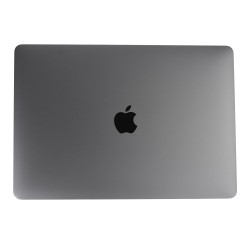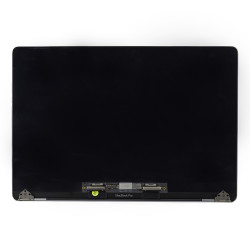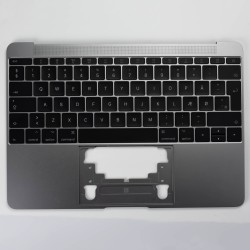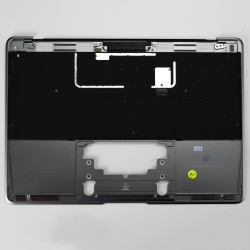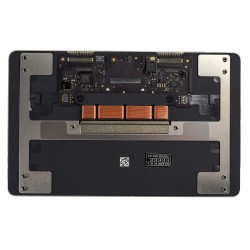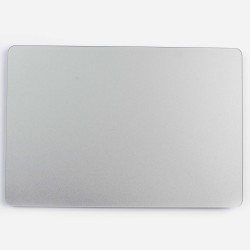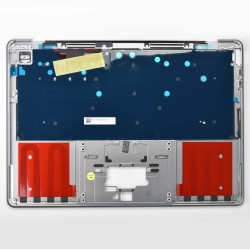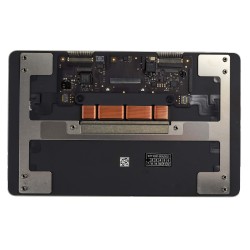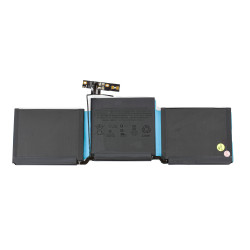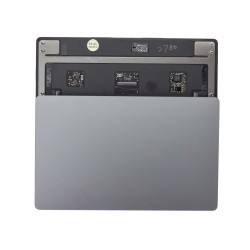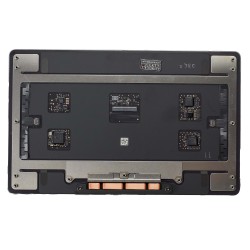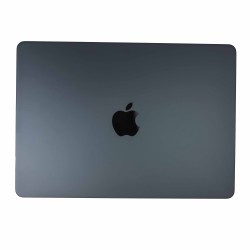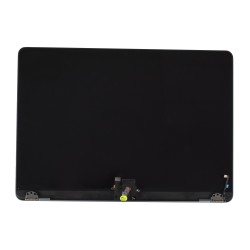
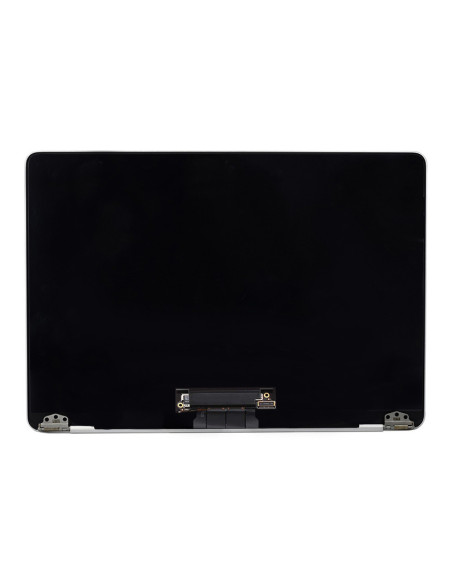

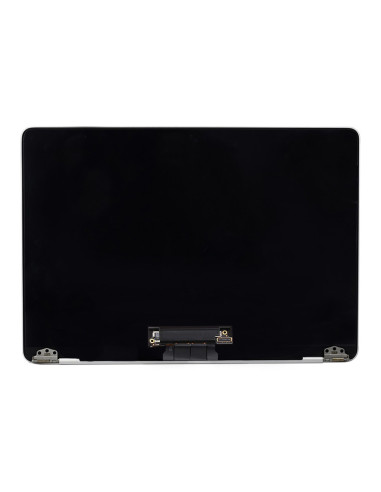
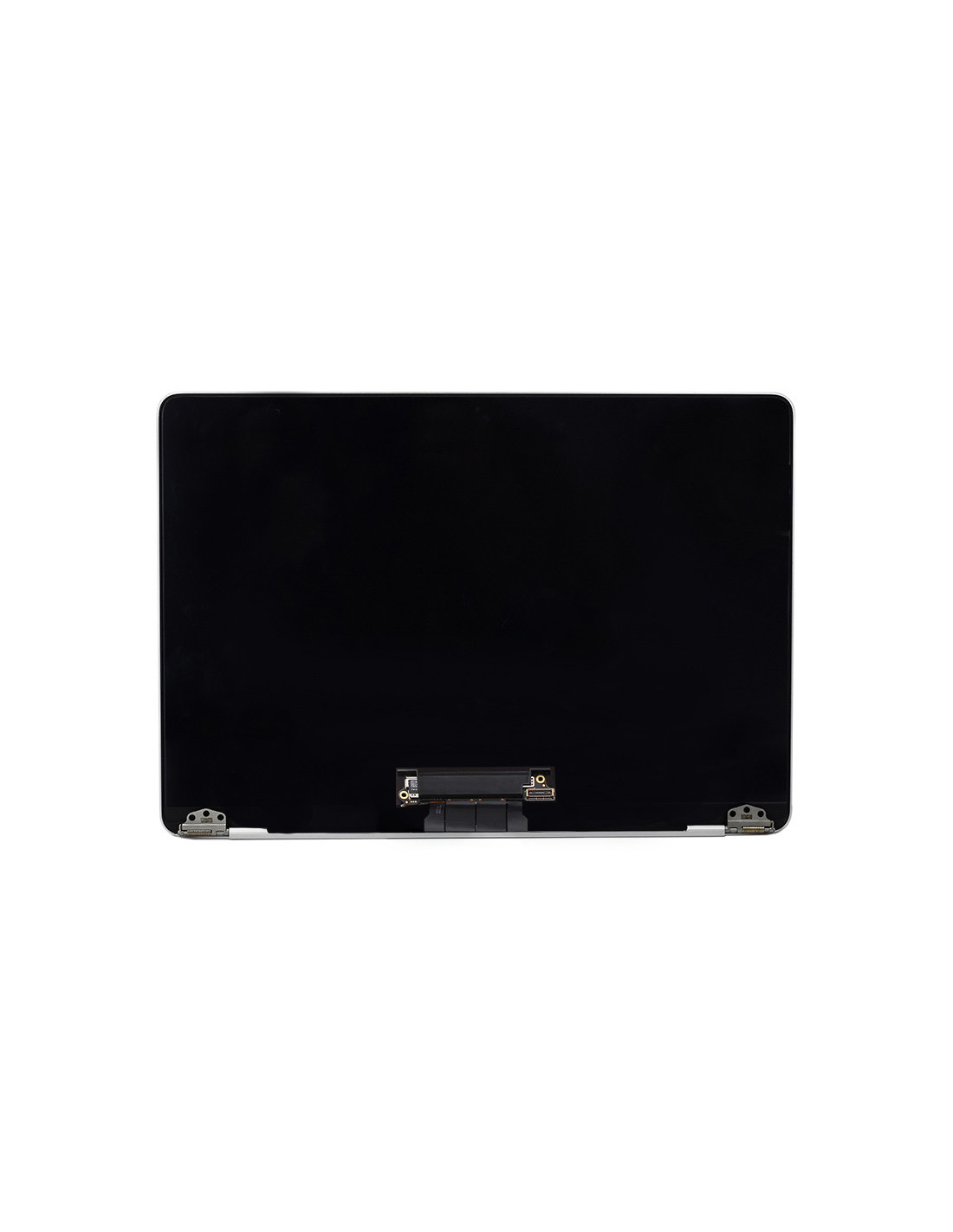

The MacBook A1534 Screen in silver delivers top-notch visual performance and seamless integration with your existing device. Designed with precision, this OEM quality display a perfect fit and finish, closely replicating the original. Whether you're updating a cracked display or refurbishing a pre-loved device, this serves as a reliable choice for repair professionals and refurbishment companies across Europe. The screen boasts a Retina display, offering 2304 x 0 pixel resolution, which provides vivid colors, sharp contrasts, and crystal-clear details that MacBook users expect.
You'll the robust construction that matches Apple's standards, ensuring that any repaired MacBook looks and functions as new. This component is specially engineered for the12-inch MacBook Retina 2015 model with model number A1534, making it ideal for targeted refurbishing operations. With its silver finish, it maintains the classic aesthetics of the MacBook while delivering the technological enhancements essential for today's user demands.
Replacing a screen can often be a daunting task, but the MacBook Complete1534 Screen simplifies the process, allowing technicians to complete installations efficiently and confidently. Its OEM quality means the screen aligns perfectly with existing cas and hardware, without any need for adjustments or additional components. This ensures a streamlined repair process, minimizing downtime and increasing the throughput of deviceishing operations.
The screen comes with all necessary components for swift installation, making it a valuable asset for repair shops and refurb businesses focused on delivering quality without compromising speed. It seamlessly integrates with macOS, maintaining full compatibility with all software functions and ensuring that users the continuity of Apple's user-friendly environment.
For providers, maintaining an inventory of reliable components that combine quality and cost-effectiveness is crucial. The MacBook Complete A1534 Screen represents value, offering a cost-effective solution that doesn't compromise on quality. Its OEM-standard construction ensures durable, long-lasting repairs, contributing to customer and repeat business.
With this screen, you can meet the high standards expected by your customers while managing costs effectively. makes it a strategic choice for any business aiming to offer high-quality MacBook repairs and refurbishing services, keeping you competitive in a demanding.
You might also like