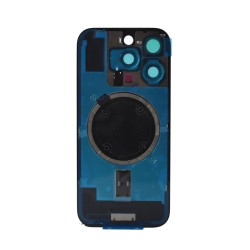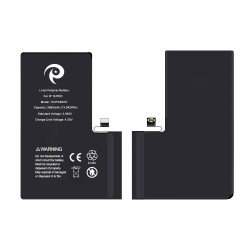
Reliable iPhone 16 Pro Display
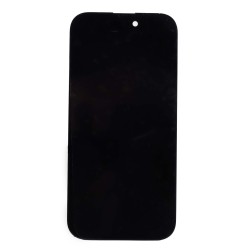
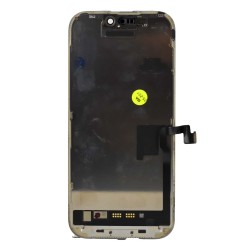
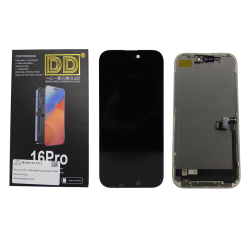
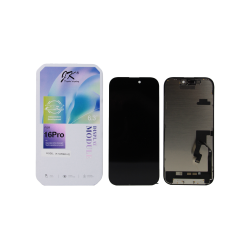
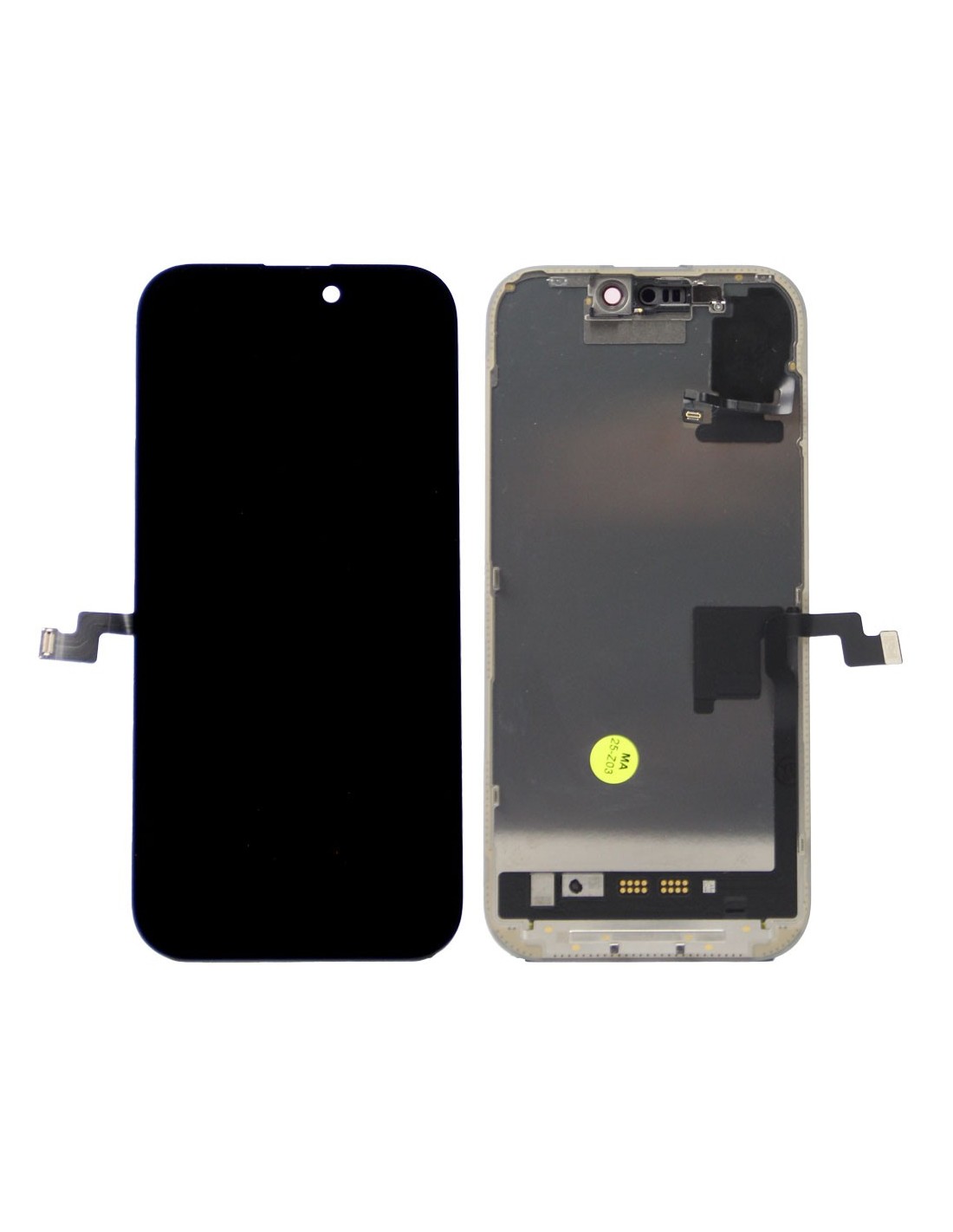
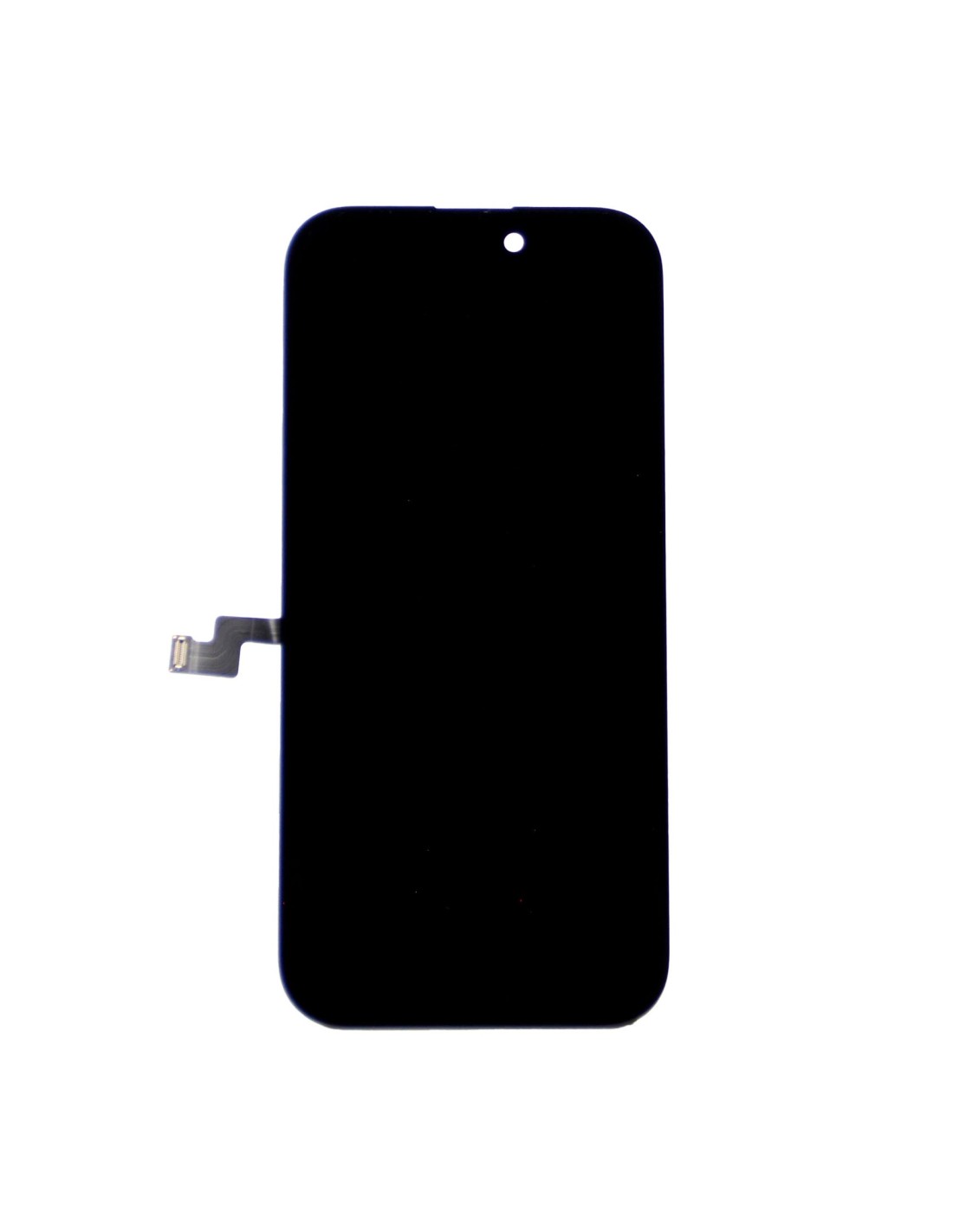
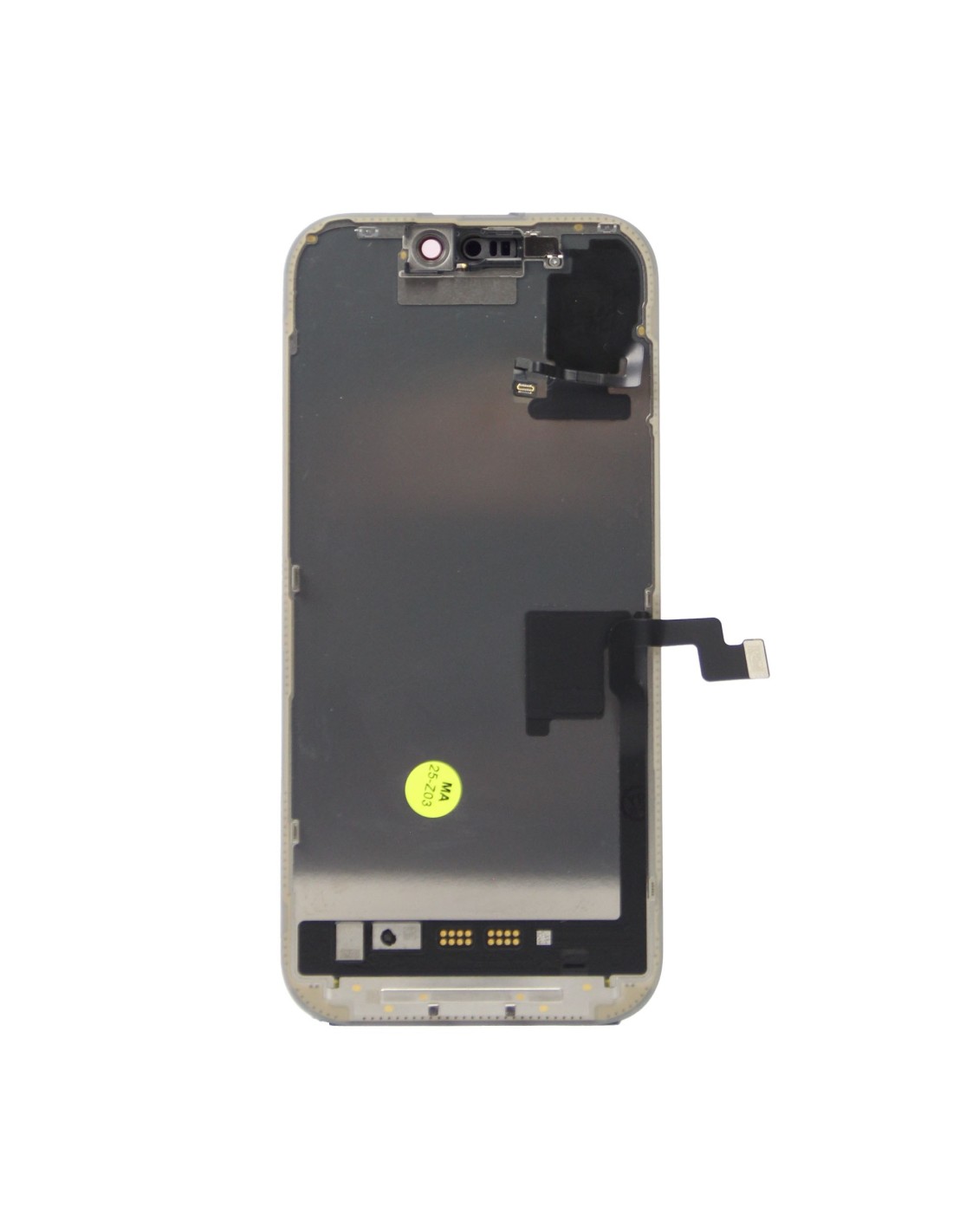
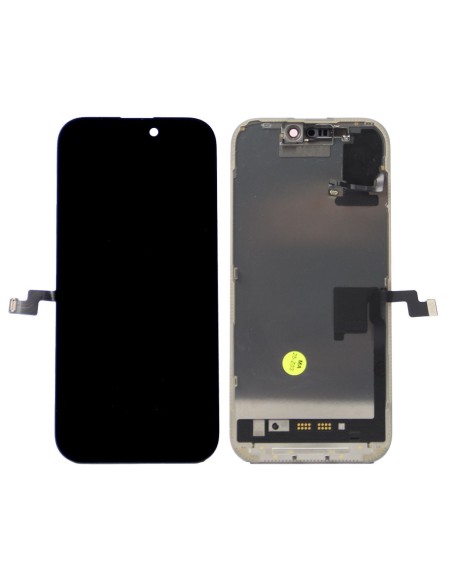
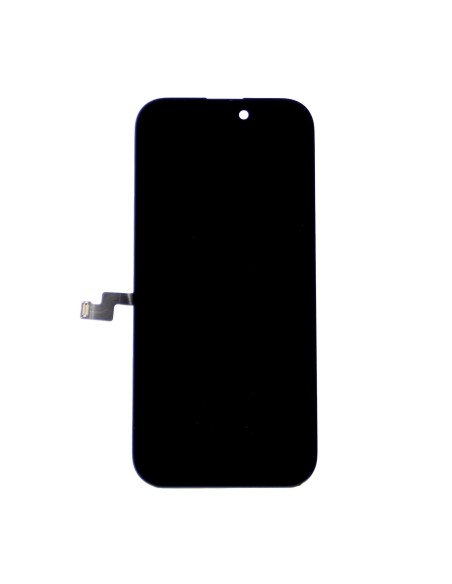
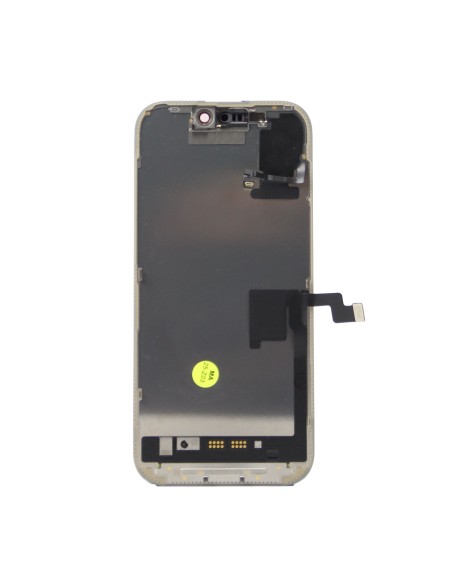
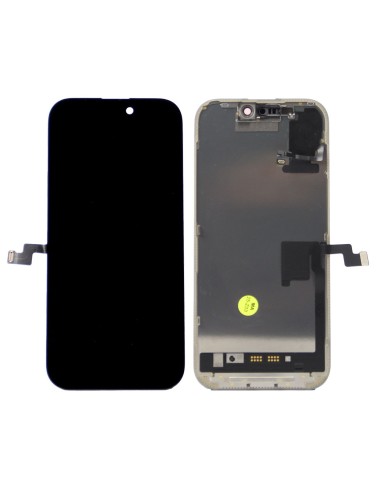
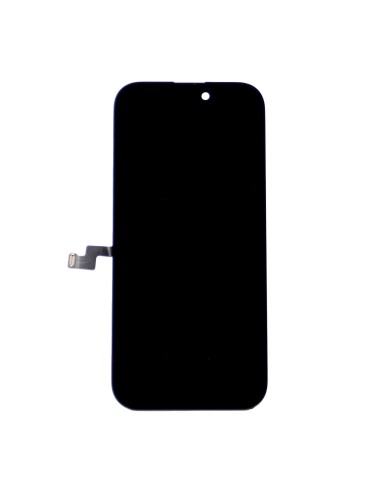
iPhone 16 Pro - Black - Pulled Diagnostic Screen is an oem display assembly removed from a working donor unit and verified for bench use. You get a black front bezel panel that powers on cleanly, registers touch across the grid, and renders colors consistently for quick diagnostics and swap testing.
This unit is purpose-picked for repair benches where you need to boot a board, validate touch and graphics, or rule out display-side faults without committing a new part. You can it in for data recovery, post-reflow checks, triage after liquid damage, or temporary installs during longer jobs to keep throughput steady.
Technical Data And Fit
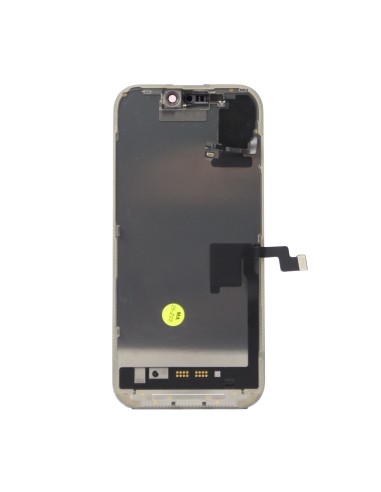
Model id is A3293 and the screen fits model is iPhone 16 Pro only. The assembly includes the oled panel, capacitive touch digitizer, and bonded front glass on the factory frame in black. Small parts are not included, so you should transfer the ear speaker and sensors from the device you are working on as needed.
The display and touch connect using the standard flex layout for iPhone 16 Pro and preserve the device’s refresh behavior when paired with a compatible board. True tone and color balance data are stored in the display eeprom on the original unit, so you should copy that data with your programmer to retain calibration. You may see an “important display message” until you write the correct serial, which is expected on post-11 iPhone models. The package ships in an esd-safe pouch to protect the panel during transit and storage.
Repair Lab Use Cases
You can keep this pulled diagnostic screen on your bench for rapid fault isolation on no image, no backlight, touch failure, and gpu-related tickets. You can verify boot and ui response after rework, confirm a logic board repair before sealing, and perform dfu or os restores when the customer panel is missing or damaged.
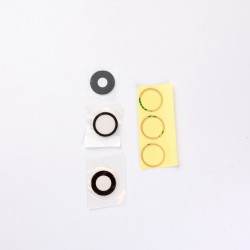
You can also use it in refurbishment flows as a donor for testing enclosures, validating camera window alignment, and screening frames before lamination. The stable panel response reduces retests, helps you separate panel faults from board faults, andens your turnaround on triage and qa.
Handling And Installation
You should disconnect the battery before fitting the screen and support the flexes to avoid pin damage. You should replace the perimeter gasket during final assembly if the device is leaving the bench, and you should never transfer paired face id components between devices. You should run a full touch grid test, white and black backgrounds for uniformity, and a color sweep before returning the device to the customer.
You should program true tone from the original screen where possible and clear any display notice after serialization. You should avoid pressure points on the active area, store flat in an esd pouch, and handle the frame edges rather than the glass. This approach keeps the iPhone 16 Pro - Black - Pulled Diagnostic Screen ready for repeat bench cycles with consistent results.