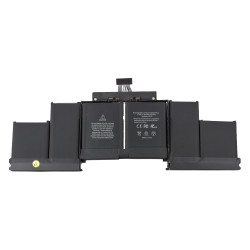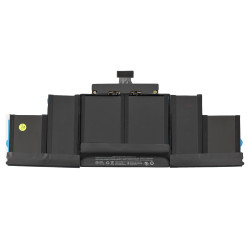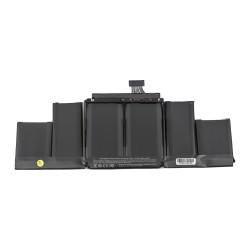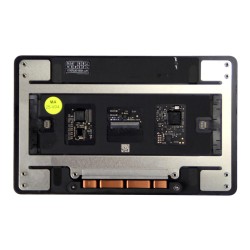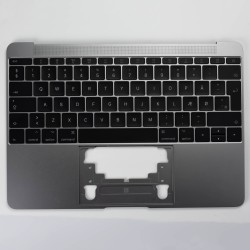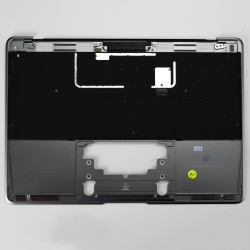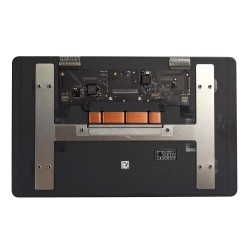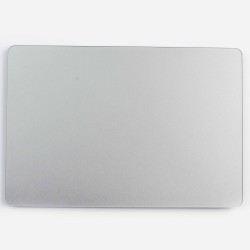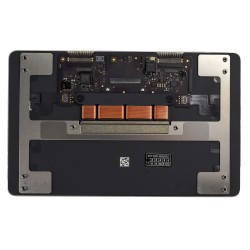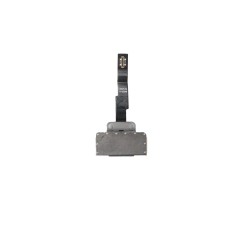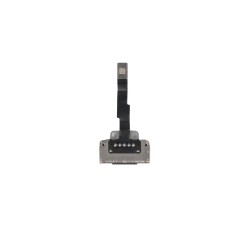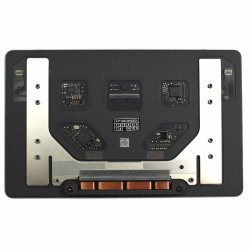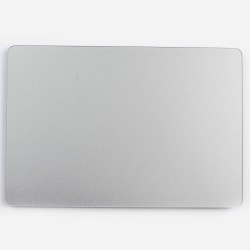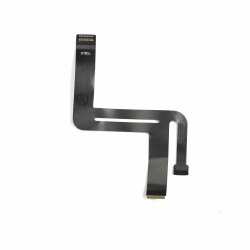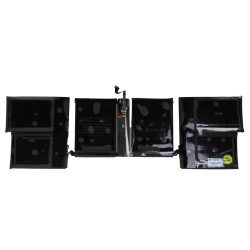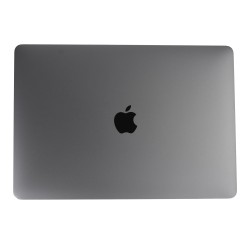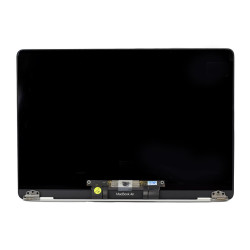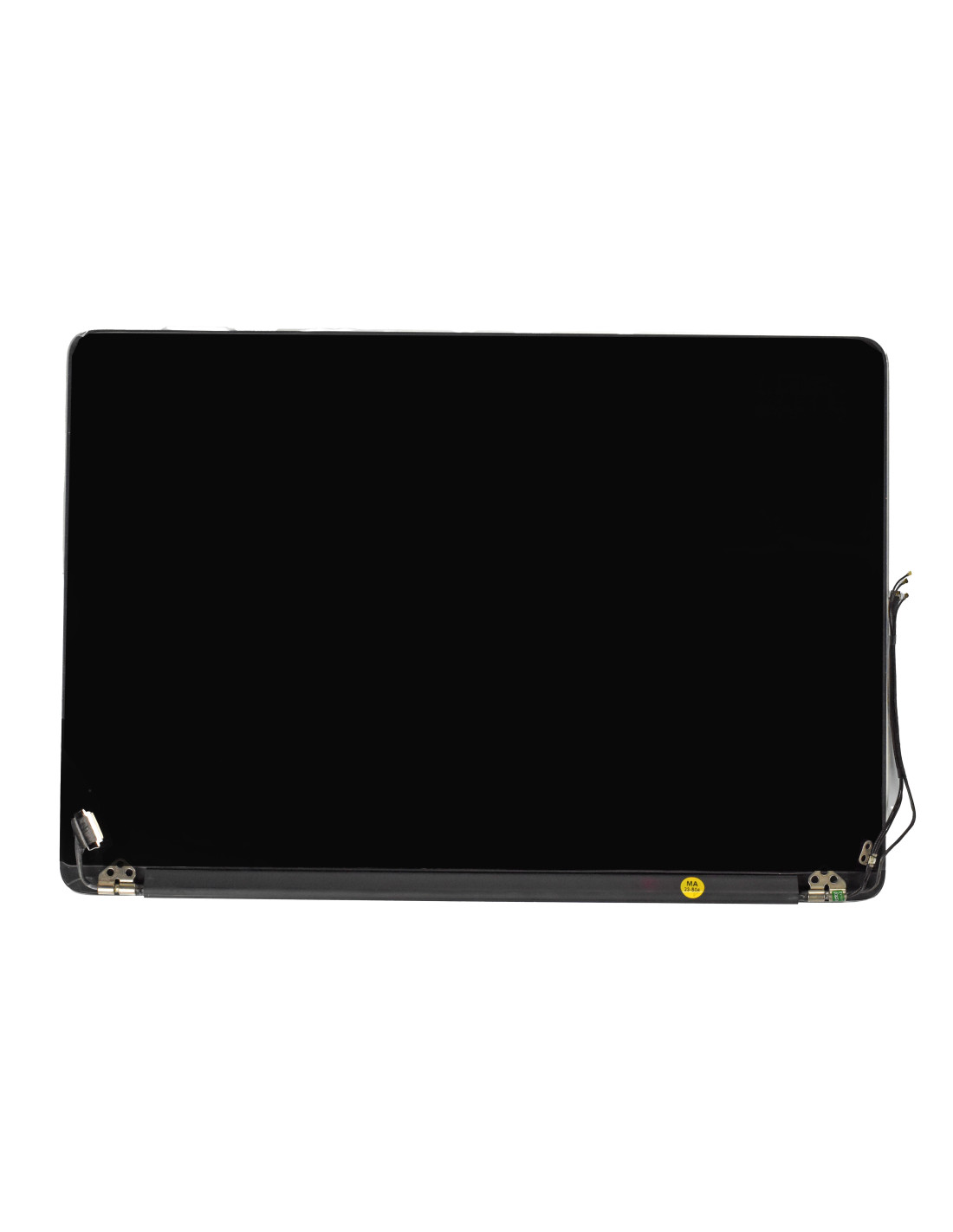
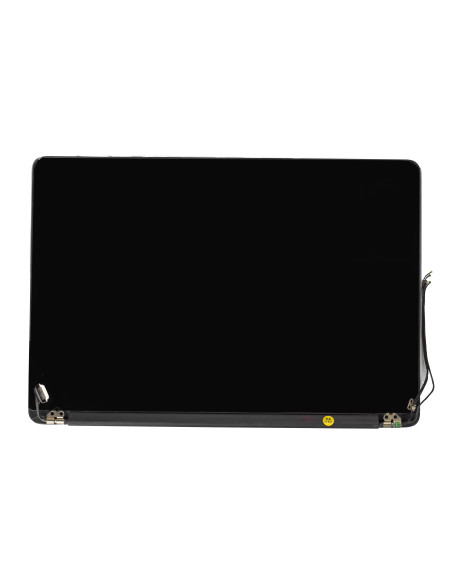

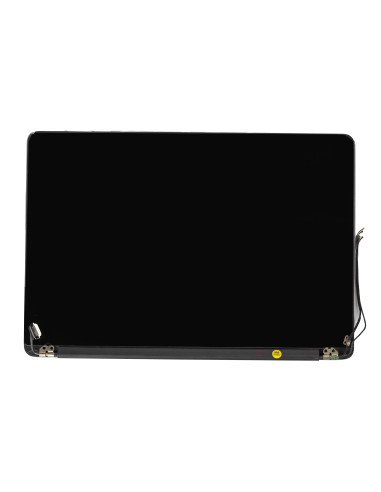

This complete display assembly is built for the MacBook Pro 15‑inch Retina mid 2015, model A1398, emc 2909 and 2910, and comes finished in silver to match the original lid. You get a ready‑to‑install unit with lcd, cover glass, aluminum top case, hinges, clutch cover, camera, display cable, and integrated antennas, so you can swap the entire lid without panel-level workp>
The assembly restores a cracked panel, flickering backlight, column lines, hinge damage, or worn anti‑reflective coating in one pass. The oem quality build keeps the look, feel, and fit you expect, while reducing rework and keeping bench time predictable for your team.
The screen measures 15.4 inches with a native 2880 x 1800 resolution at 220 ppi for sharp ui scaling. The panel is ips with led backlight, 60 hz refresh rate, glossy surface with anti‑reflective coating, typical 300 nits brightness, approximately 900:1 contrast, wide 178° viewing angles, and accurate srgb color coverage. The unit includes a 720p facetime hd camera assembly and the correct display and camera flexes for the 2015 logic board connectors.
Included components are the laminated lcd and cover glass, silver anodized aluminum lid, left and right hinges preinstalled, clutch cover with integrated wifi antennas, rubber perimeter gasket, camera bracket, and factory‑routed. The assembly is dimensionally matched to the oem housing so lid clearances, bezel lines, and hinge geometry align like stock.
The pre‑mounted hinges and routed cables let you move straight from teardown to reassembly with no panel bonding or glass separation. The color match of the silver lid aligns with 2015 batches, helping you deliver consistent refurb units and mixed‑part repairs without visible mismatch.
Quality steps include pixel screening, backlight uniformity checks, temperature verification, and camera focus testing, which means fewer surprises after install. Most shops can complete the swap in under an hour once the unit is on the bench and the battery is safe‑disconnected.
Always disconnect power and the battery before touching display or camera flexes. Use a p5 driver for the bottom case, a t5 for antenna and bracket hardware, and a t8 for hinge screws. Support the lid while removing hinge bolts to avoid twisting the clutch area, route the leads cleanly under the hinge cover, and tighten hinge screws gradually from center outward to keep the lid square.
Before sealing the bottom case, boot to check all brightness levels, run a quick gradient to spot mura or tint shifts, test the facetime hd camera, verify sleep‑wake by closing the lid, and confirm wifi signal strength after antenna reconnection. Finish by setting the desired color profile in display settings and leave the transport film on the glass until the final wipe to prevent dust or microfiber drag marks.
The screens are covered with a 2-year warranty. The warranty does not cover man-made damage.
You might also like