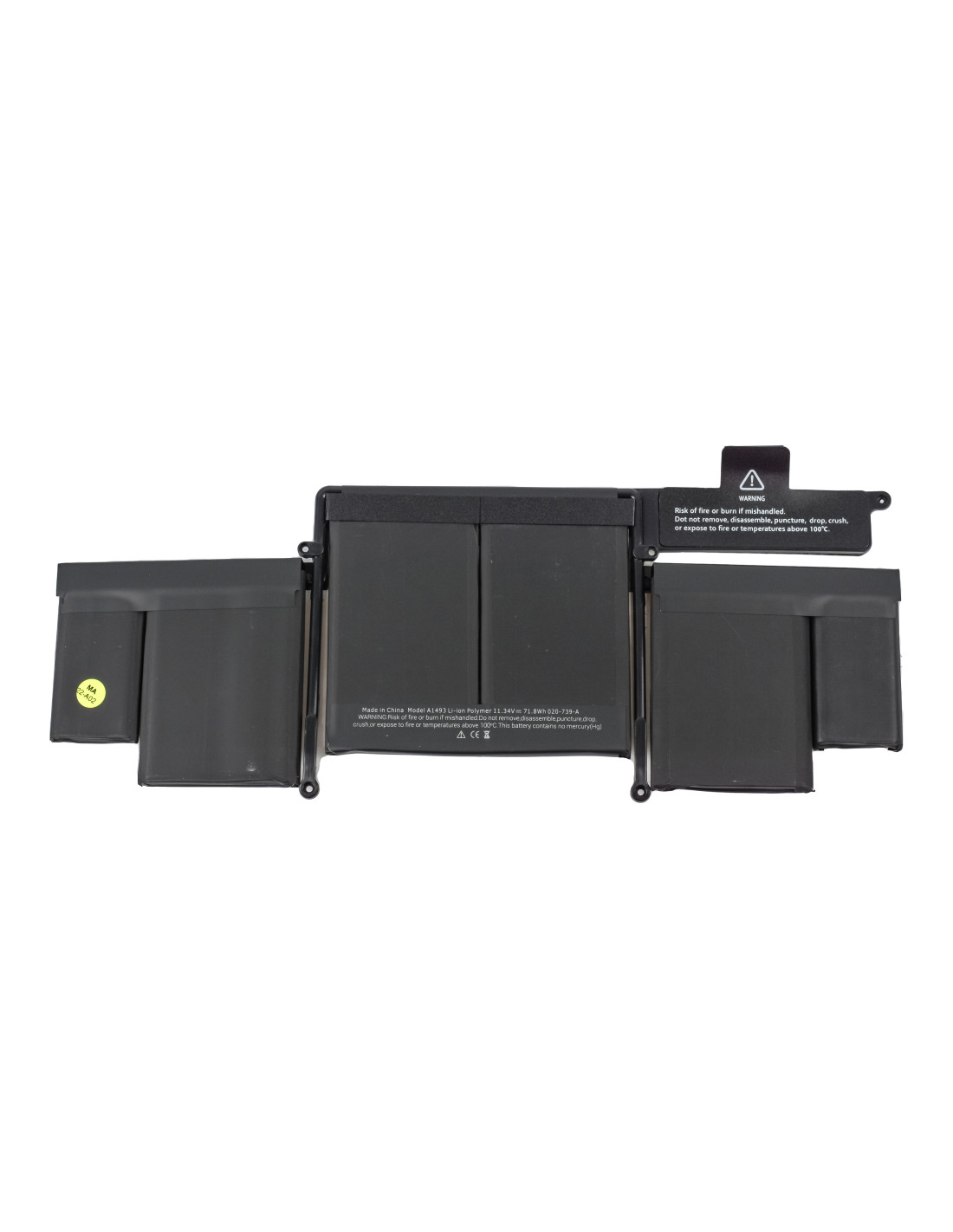

Get a reliable drop-in replacement with the MacBook Battery A1437 - OEM Quality, built for the 13-inch MacBook Pro Retina platform. The pack delivers 10.95 V nominal output at 74 Wh capacity, equivalent to roughly 6700 mAh, using high grade lithium‑polymer cells for steady runtime and accurate fuel‑gauge reporting in macOS. Each unit is zero cycle, cell matched, and balanced for charge acceptance and stable discharge under typical office, web, and light creative workloads.
The integrated protection board features overcharge, overcurrent, short‑circuit, and thermal cutoffs so you can return devices with confidence. The assembly includes the pre‑installed flex cable and connector for the logic board, and the low‑profile cell plates are adhesive backed to sit flush in the upper case without introducing pressure on the trackpad or speakers.
Designed for MacBook Pro 13‑inch Retina A1425 models, this battery fits Late 2012 and Early 2013 units with EMC 2557 and 2672. Common cross‑references include Apple service part 661‑7005 and 661‑7109, and pack identifier A1437. The chemistry is li‑polymer, six‑cell layout, nominal voltage 10.95 V, capacity 74 Wh, cycle rating up to 1000 cycles under normal use, and a calibrated gas‑gauge IC that communicates correct percentage, cycle count, and condition to mac and Apple Diagnostics.
Typical operating temperature is 0 °c to 35 °c, with storage recommended at 10 °c to 30 °c. Shelf the battery at approximately 40 to 60 percent state of charge when not installing immediately. The assembly retains the original footprint and weight profile for proper distribution across the left, center, and right cell banks in the A1425 topcase.
Use a P5 pentalobe driver for the case and a T5 driver for internal fasteners, along with a plastic card or nylon tool to separate the adhesive under each cell. Isolate the system from power, disconnect the old pack first, and protect the trackpad cable before lifting cells. Solvent‑based adhesive remover or controlled heat helps release the factory glue without bending the thin cell shells.
Clean residual adhesive to ensure the new cells lie flat, then position the center bank first for alignment and connect the flex to the board after all cells are seated. Torque screws to original feel, verify there is pressure on the trackpad click, and run a quick boot test on adapter only before final closure. ESD precautions and eye protection are recommended whenever handling exposed cells.
After install, reset the SMC, charge to 100 percent, keep charging for an additional 30 minutes, then discharge to around 5 to 10 percent and recharge to full to calibrate the fuel gauge. Confirm cycle count, full charge capacity, and battery condition in System Information and run Apple Diagnostics or your preferred bench test to check load behavior and idle drain.
For spares, store the MacBook Battery A1437 - OEM Quality in a dry room, away from heat sources, and recheck the state of charge every three months. Avoid puncture, bending, or excessive pressure on cells, and never transplant the protection board from another pack. Following these steps helps you deliver stable runtime, predictable health metrics, and fewer comebacks on 13‑inch Retina A1425 repairs.
The battery is covered with a 1-year product warranty. The warranty does not cover man-made damage or wear and tear. To be used with MacBook model number: A1425
You might also like