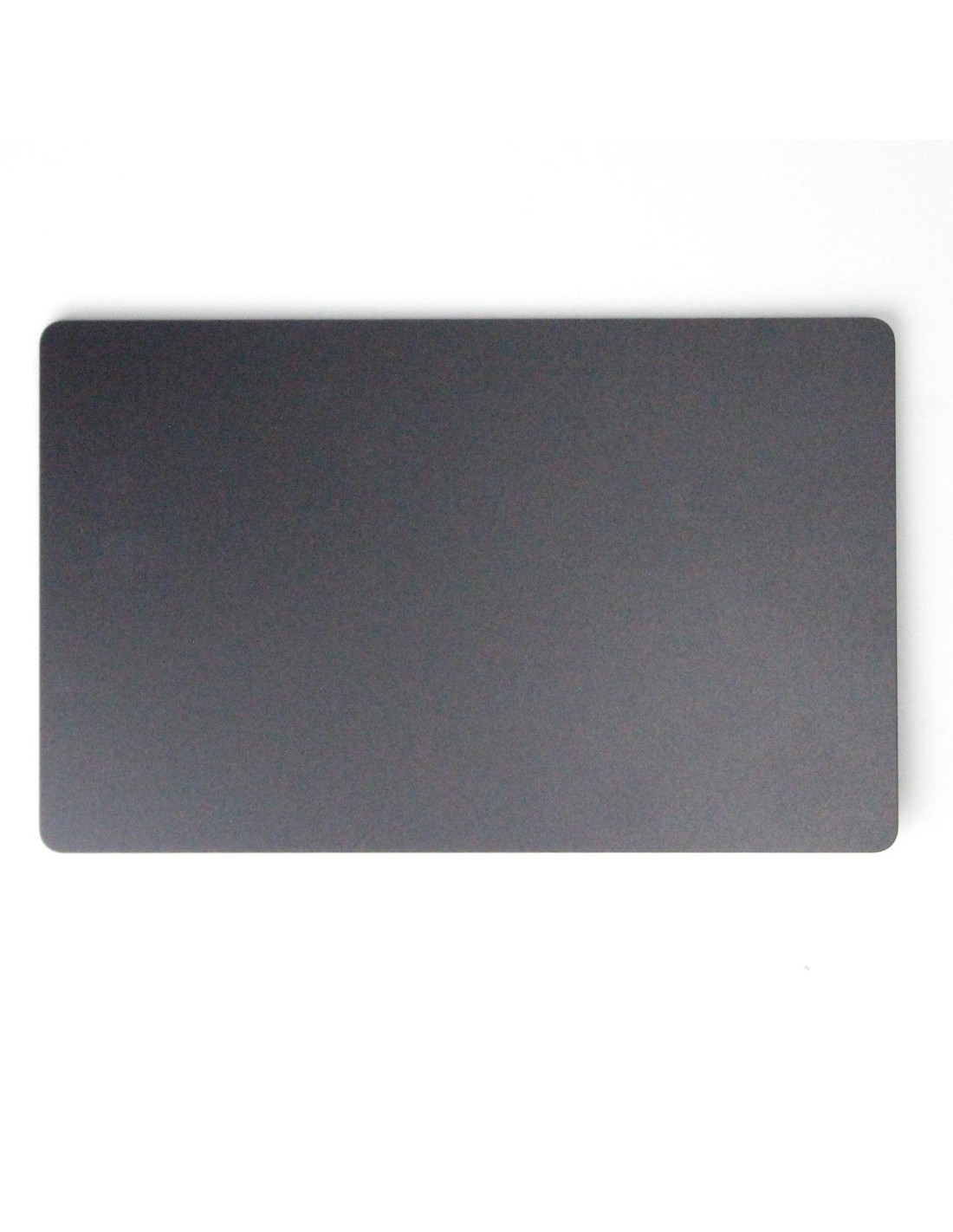

Macbook A2918 - Trackpad - Space Black - Pulled Original Quality
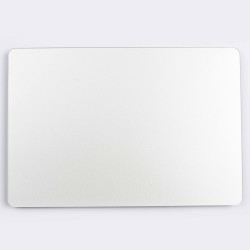
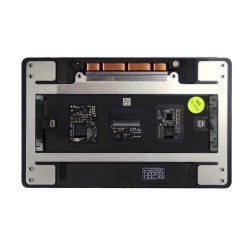
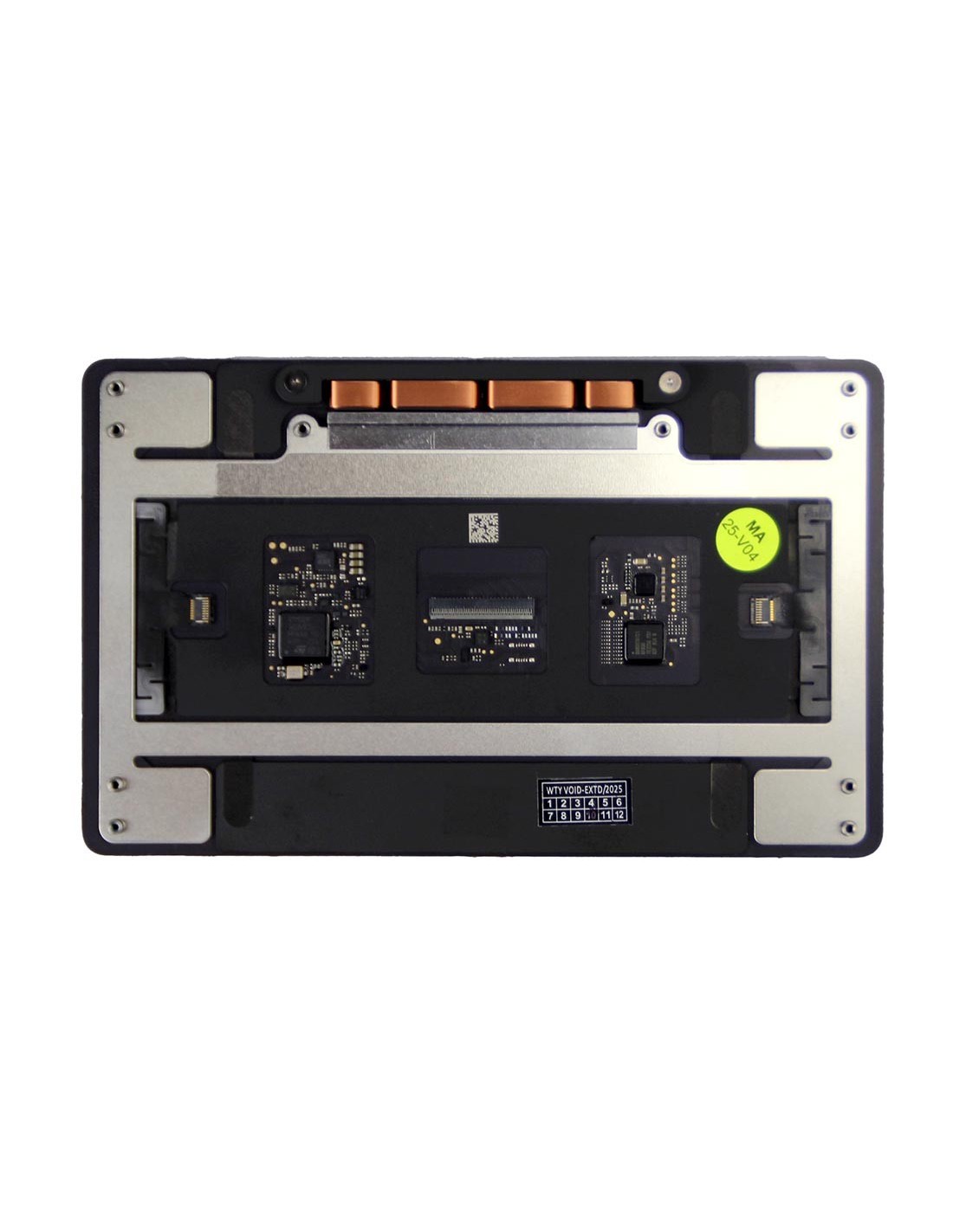
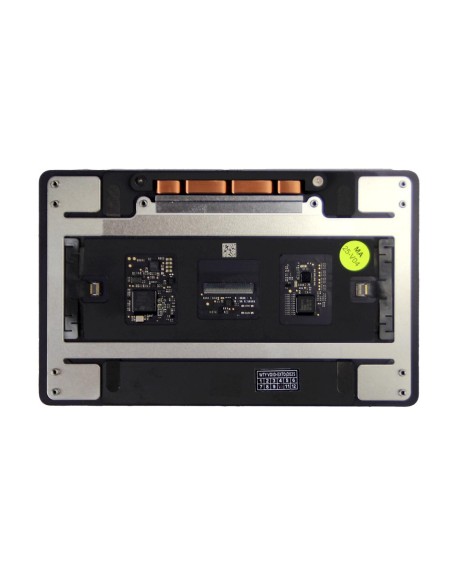
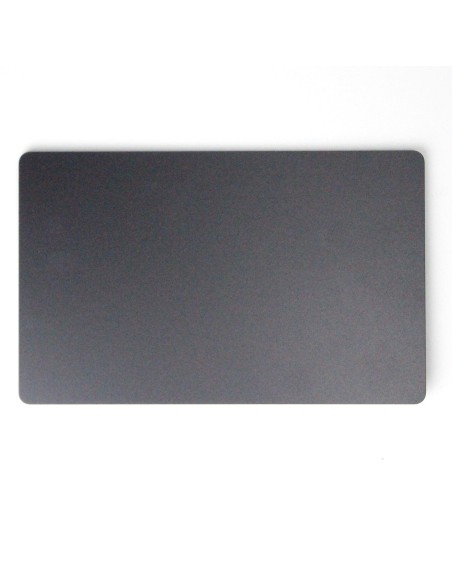
This Is A Genuine Pulled Trackpad For Macbook A2918 In Space Black, Selected For Color Match And Tactile Consistency. This Unit Retains The Original Force Touch Haptic Module And Glass Surface, Delivering Uniform Click Response Across The Entire Pad. You Get Native Multi‑Touch Gesture Support And Accurate Pointer Control Exactly As Intended On Macos, Without Aftermarket Variations.
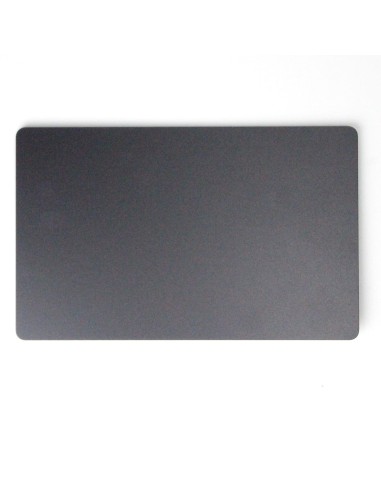
The Finish Matches Space Black Chassis Hardware So Refurbished Builds Keep A Cohesive Look. The Assembly Is Pulled From Working Donor Hardware And Function Tested, Making It A Reliable Drop‑In For Repairs Addressing Dead Zones, No Click, Erratic Cursor Movement, Or Liquid Impact Around The Palm Rest. Cosmetic Micro Marks Can Be Present From Previous Use, But The Active Surface And Haptics Are Verified.
Technical Details And Compatibility
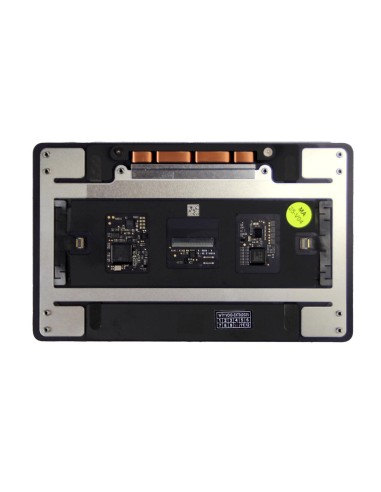
This Part Fits Macbook A2918 Only, Ensuring Correct Mounting Hole Layout, Frame Thickness, And Haptic Performance. The Top Layer Is A Hard‑Coated Glass Surface With Oleophobic Treatment For Smooth Glide And Easy Cleaning. The Under‑Glass Module Uses Force Touch With A Built‑In Haptic Motor For Pressure Sensing And Consistent Feedback From Edge To Edge. The Electrical Interface Is A Flexible Flat Connection To The Logic Board With A Zif‑Style Latch.
The Color Is Space Black, Matching The Original Palm Rest And Keyboard Surround On A2918 Units. System Features Such As Tap To Click, Silent Click, And Pressure‑Based Look Up Operate As Through Macos Settings. Firmware Pairing Is Not Required For Trackpad Replacement On A2918, So You Can Swap And Boot Directly To Test. Part Identification Should Be Made By The A2918 Model Code And Finish Rather Than Cross‑Family Part Numbers, Which Can Vary By Batch.
Repair Workflow And Installation Notes
Begin With A Full Shutdown, Battery Disconnect, And Esd Precautions. Remove The Bottom Case With P5 Pentalobe, Then Use Suitable Torx Drivers For The Brackets That Secure Thepad Frame. Note Screw Lengths And Positions To Maintain Proper Height And Click Uniformity. Route The Flex Carefully Through The Frame Cutout Without Creasing, And Ensure The Zif Latch Is Fully Closed After Insertion. Reinstall The Height Spacers Or Shims Exactly As Found To Avoid Edge Lift Or Over‑Compression.
After Reassembly, Power On And Verify Cursor Accuracy, Palm Rejection, And Haptic Feedback Across Corners And Center. Open System Settings > Trackpad To Confirm Gesture Recognition And Adjust Click Feel If Required. Run A Quick Pass To Check For Unintended Inputs Or Stiction Caused By Misaligned Screws. If Click Feels Uneven, Loosen The Mounting Screws One Quarter Turn And Retorque Gradually In A Cross Pattern.
Quality And Testing For Refurbishers
Each Pulled Original Unit Is Inspected For Flatness, Connector Integrity, And Consistent Haptic Output Before Grading. Functional Tests Cover Gesture Tracking, Pressure Response, And Edge Uniformity, With Rejection Of Pads Showing Ghost Touch, Excessive Wear, Or Delamination. This Sourcing Approach Helps You Maintain Oem Look And Feel On High‑Value Restorations While Keeping Lead Times Short For Batch Repairs.
Use Cases Include Direct Replacement After Liquid Damage, Swap For Stuck Or No‑Click Symptoms, Cosmetic Downgrades On Refurb Lines, And Color‑Accurate Builds In Space Black. Keeping A2918‑Specific Stock On Hand Reduces Rework From Cross‑Fit Attempts And Speeds Turnaround For Service Centers Focused On Apple Portfolios Across Europe.
The MacBook Trackpad is covered by a 2-year warranty. The warranty does not cover man-made damage.