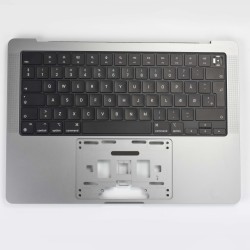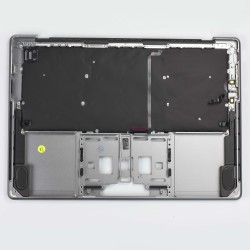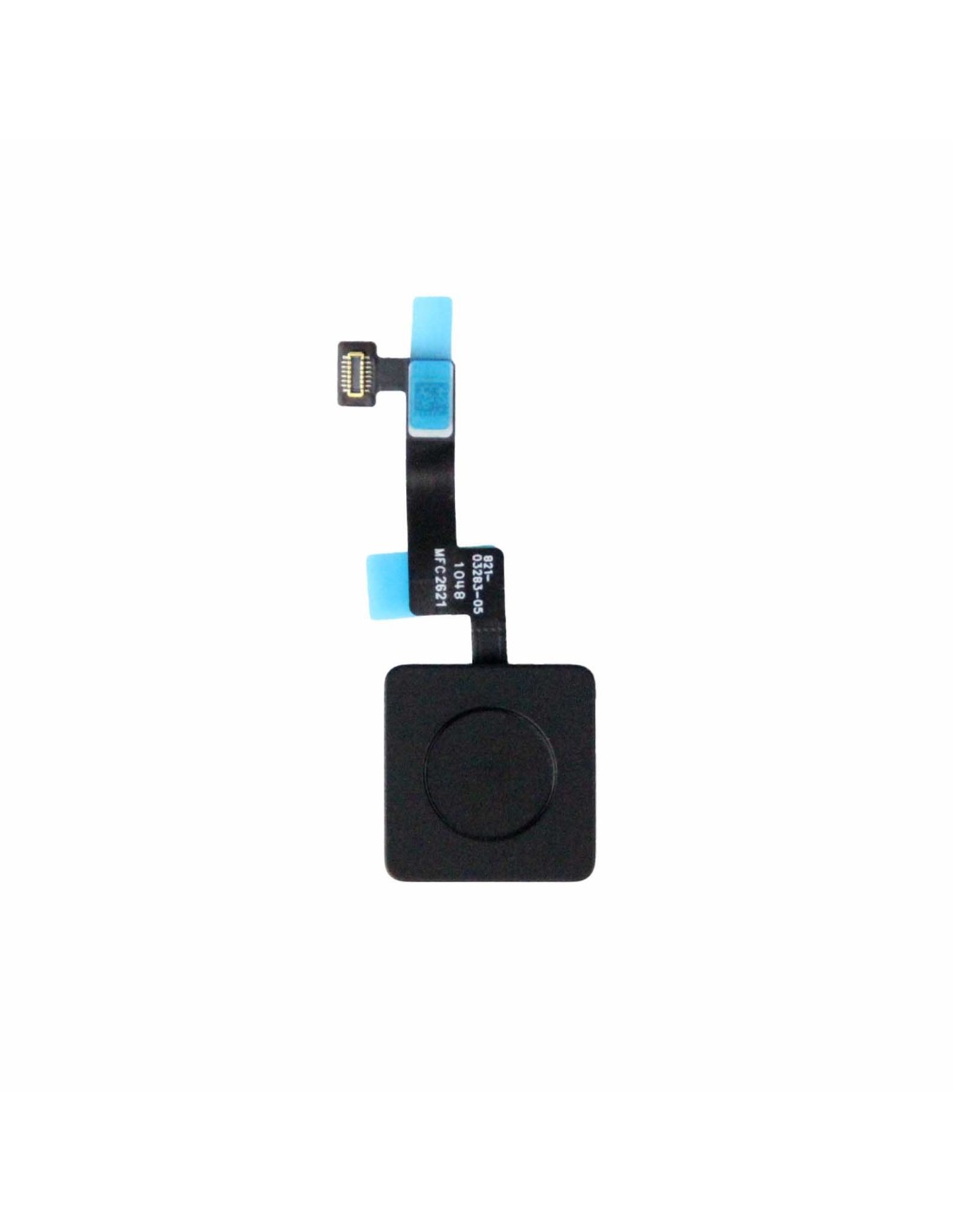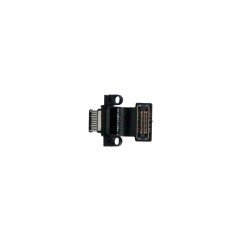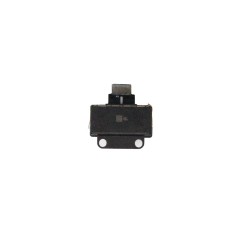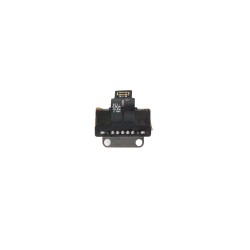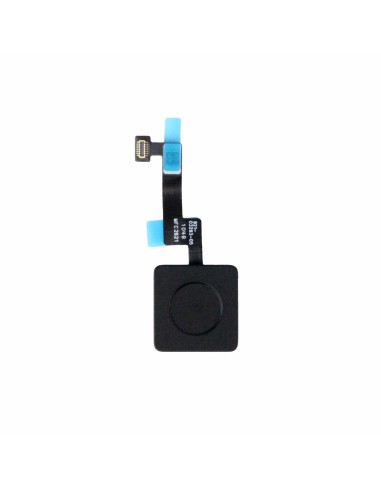

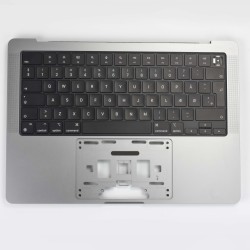
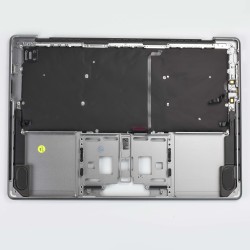

Experience assured reliability with the MacBook A244/A2779/A2918/A2992 Power Button Cable w/Button - Original Pulled Quality. Designed for the discerning technician, this part maintains integrity of your repair with components sourced directly from functional devices. Equipped with a fully operational button, you can count on it for seamless and consistent performance. Replace worn or broken power button cables with this high-grade component and restore functionality to your client's MacBook.
>Whether you're fixing a power issue or dealing with a faulty button, this component is robust, durable, and compatible with the specified Mac models. Enjoy peace of mind knowing you're using parts that meet Apple's strict standards, which ensures optimal compatibility and performance.Designed to fit precisely, the MacBook A2442/A2779/A2918/A2 Power Button Cable w/Button caters to a range of MacBook models, providing versatility and convenience for repair experts. No need to worry aboutatched parts or inadequate fits that can compromise your repair. Every detail aligns accurately, ensuring a smooth replacement process.
The compact efficient design of this component allows for easy installation. With clear markings and tailored connectors, you will find it straightforward to navigate the repair. is especially valuable when time is precious, and you have a queue of devices needing attention.
Integrate the MacBook Power Button Cable into your inventory and elevate your service offerings. Not only does it strengthen your credibility with quality parts but it also quickens repair times, enhancing customer satisfaction and retention. This product is a must-have for professionals aiming to client expectations in quality and service efficiently.
With Original Pulled Quality, your business stands out as a reliable partner in Mac repairs. Boost productivity with dependable parts that protect the device’s integrity, allowing you to focus on what you do best—delivering top repairs.
You might also like