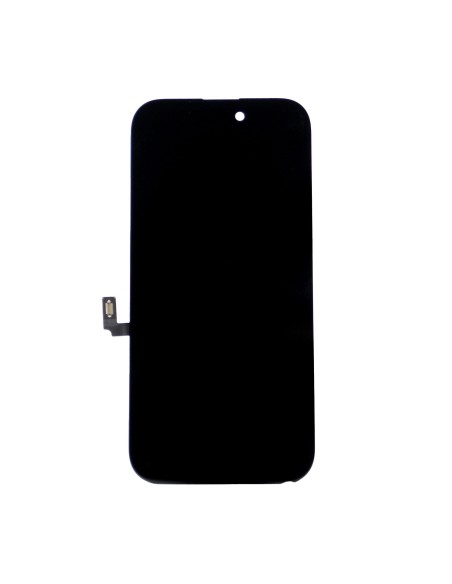
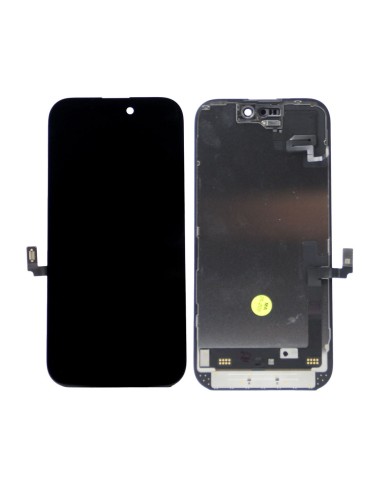
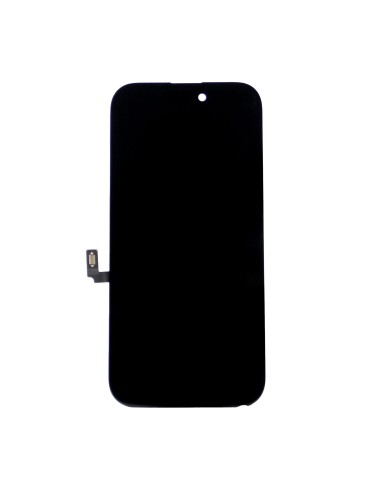
Reliable Replacement For iPhone 16
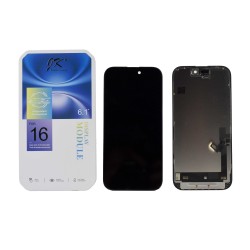
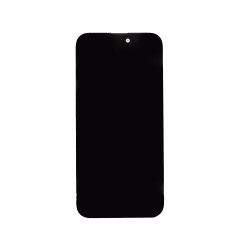
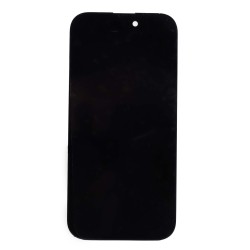
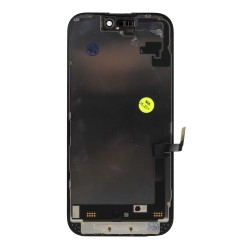
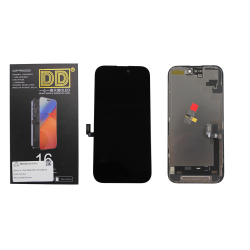
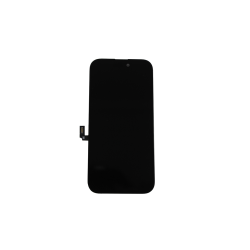
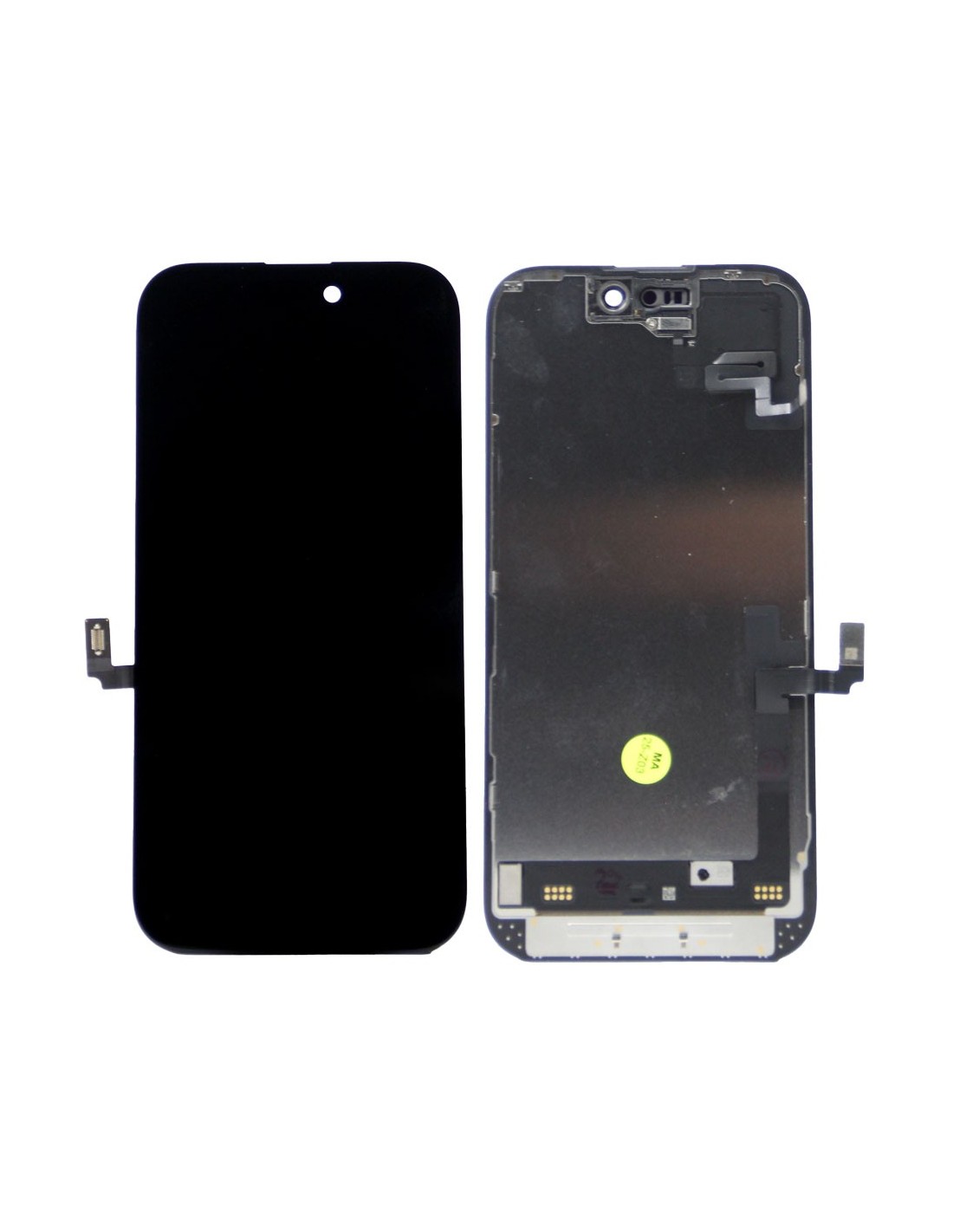
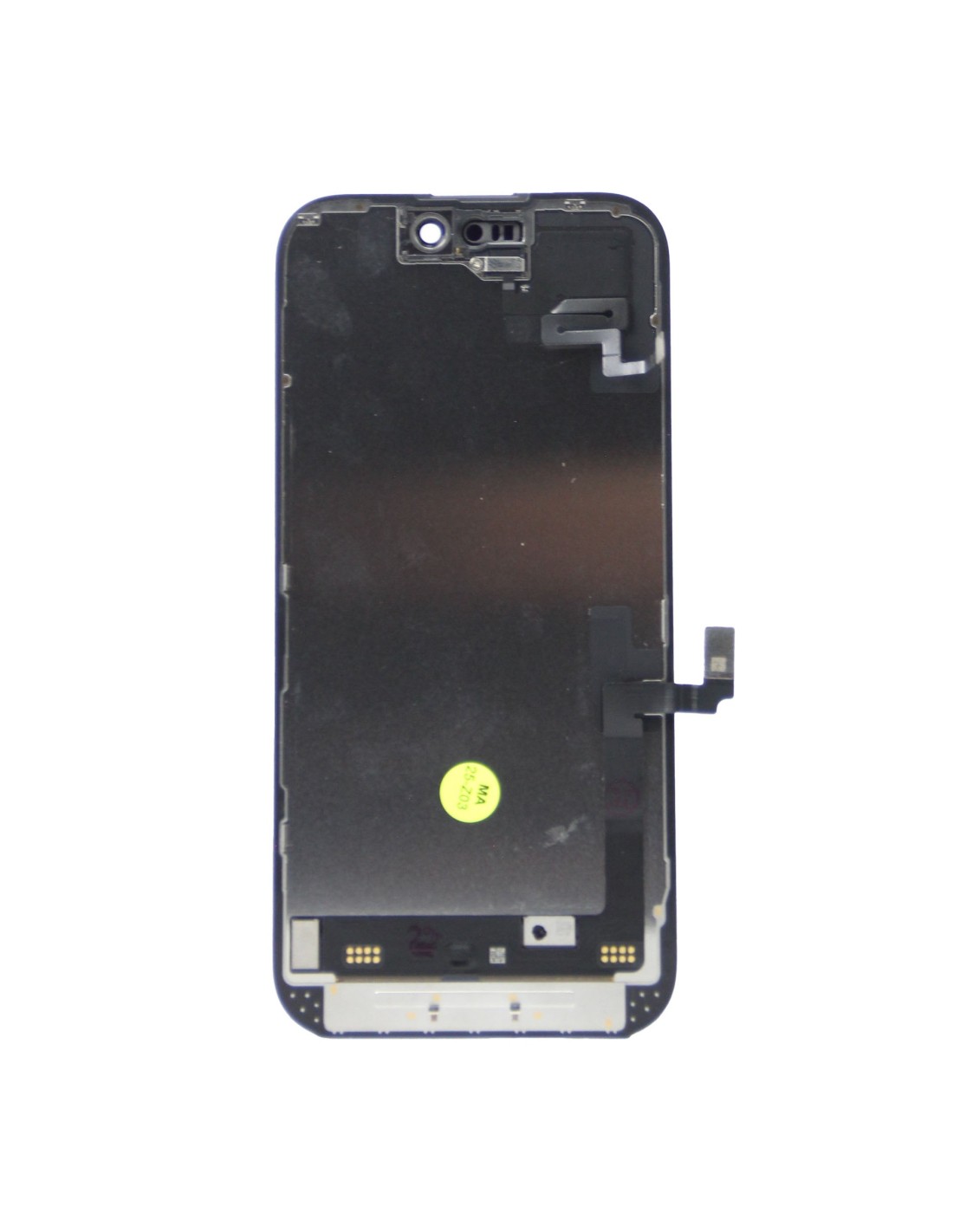
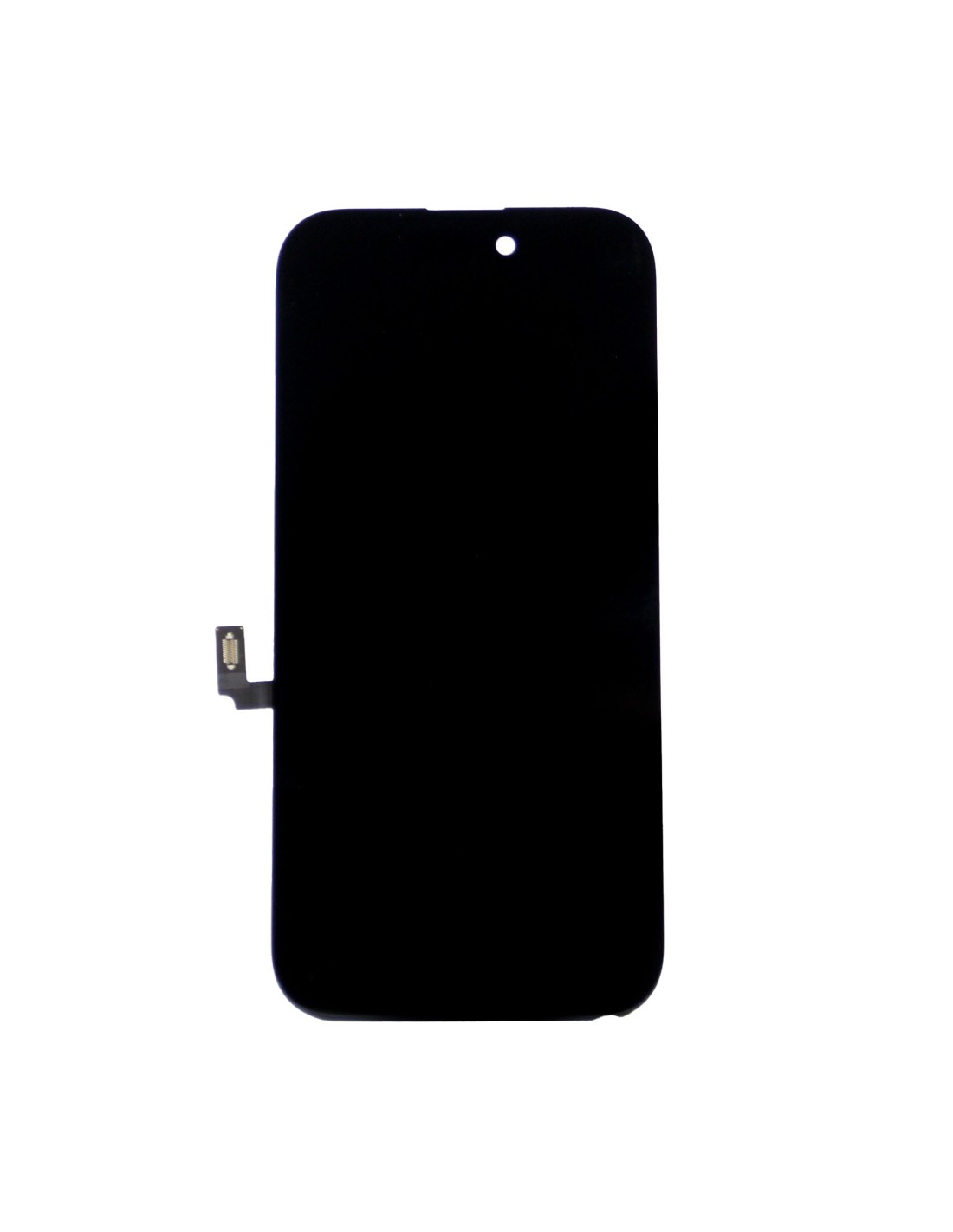
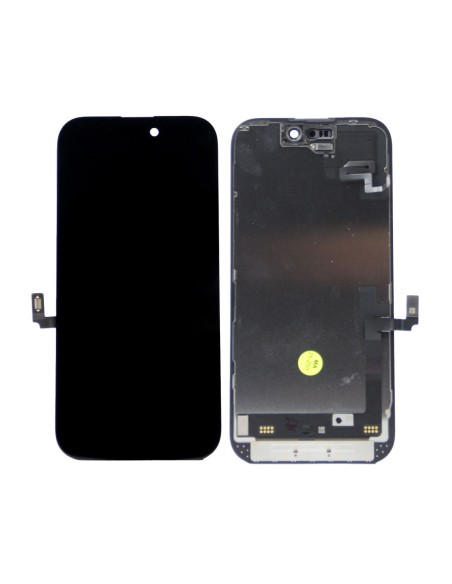
Meet the "iPhone 16 - Black - Pulled Diagnostic Screen," your go-to solution for replacing damaged or malfunctioning displays. Specially designed for the iPhone 16, this screen provides a pristine viewing experience, ensuring vibrant colors and sharp details. Ideal for repair shops and refurbishment services, this diagnostic screen saves time and resources by offering a reliable, pre-tested product. Its compatibility with the iPhone guarantees a perfect fit, leaving no room for error during installation.
The screen is equipped with advanced touch sensitivity, meaning interactions remain smooth and responsive. Each unit undergoes rigorous testing to meet the high standards expected by customers. This focuses on maintaining display without compromise, making it an essential part of your repair toolkit. Whether you are dealing with a cracked screen or LCD issues, this product delivers a cost-effective and efficient solution.
Efficient Installation Process
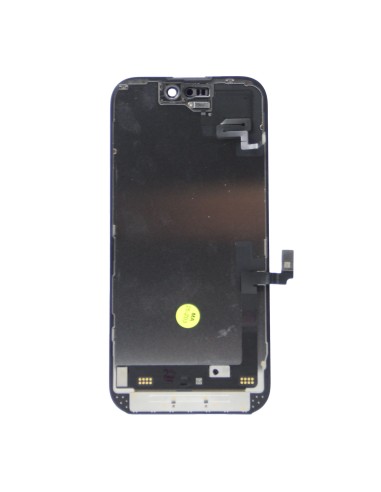
The replacement is designed to be straightforward, ensuring quick turnaround times for your business. The iPhone 16 - Black - Pulled Diagnostic Screen comes with easily accessible connectors, minimizing installation complexities. This feature is beneficial in high-paced work environments where speed is crucial. The includes mounting points aligning perfectly with the iPhone 16’s internal architecture, promoting an accurate fit and enhanced device integrity.
Each screen package includes necessary tools and guides, providing helpful assistance in the installation process. Experienced technicians and novices alike will find user-friendly, reducing the risk of errors during replacement. By choosing this screen, repair shops can increase operational efficiency, serving more clients in less time.