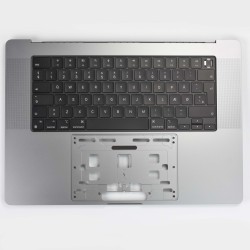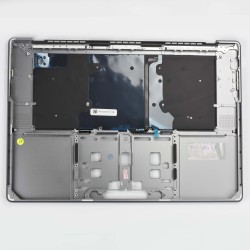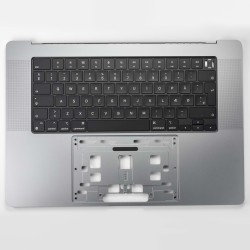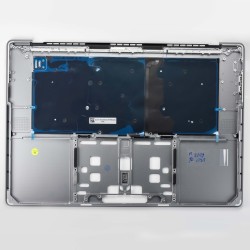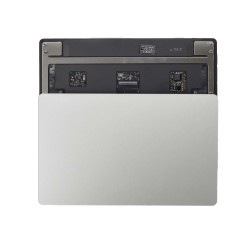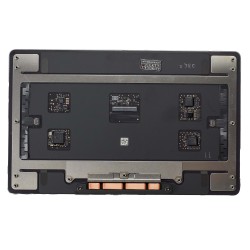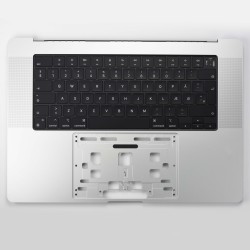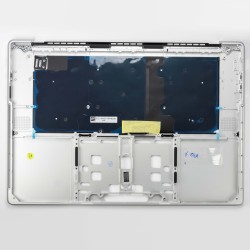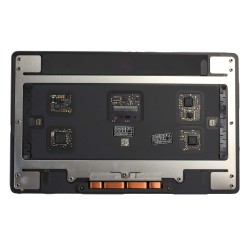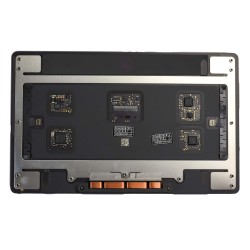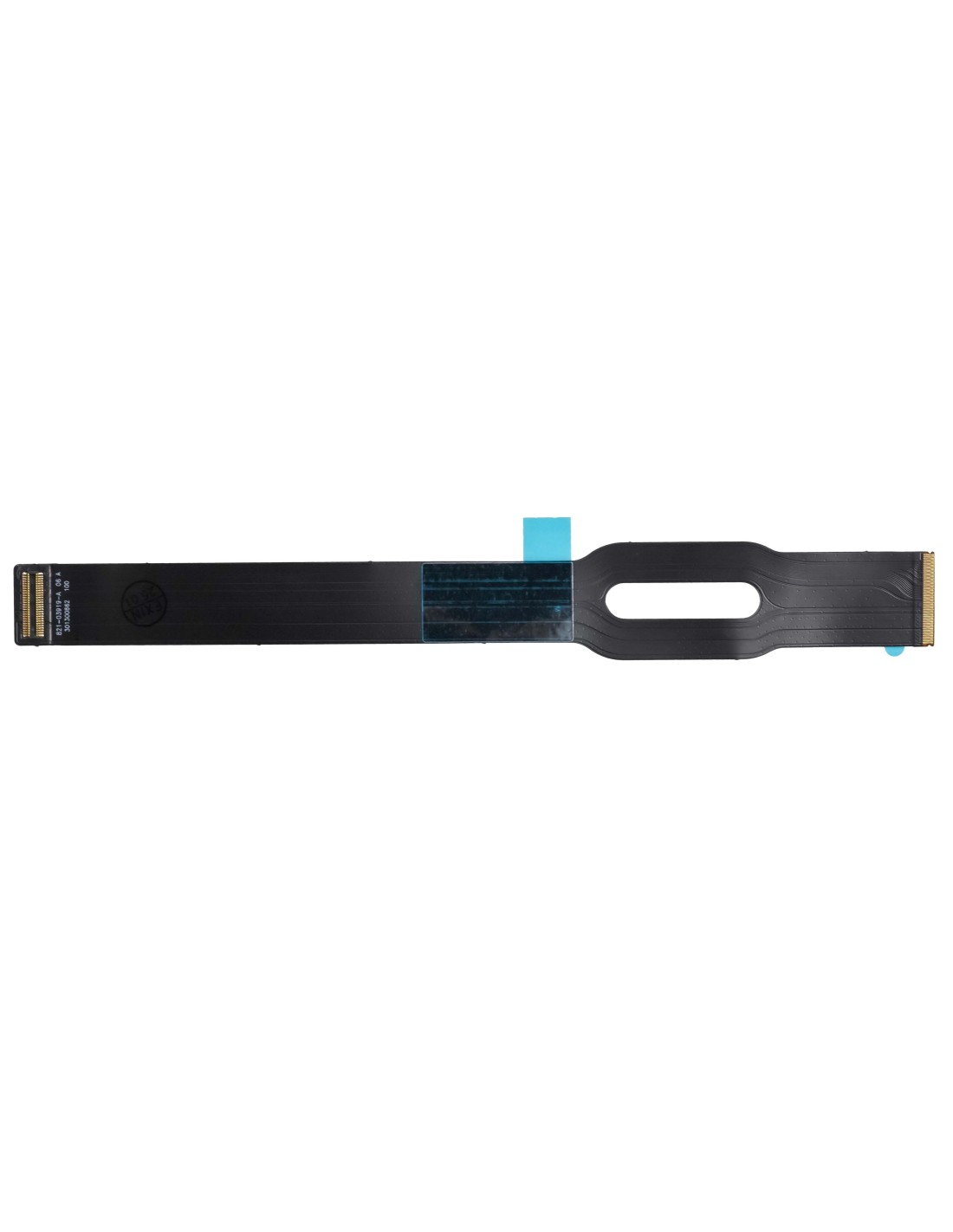

MacBook A2485/A2780 Trackpad Flex Cable - Original Pulled Quality

MacBook A2485/A2780 Trackpad Flex Cable - Original Pulled Quality

Description

MacBook A2485/A2780 Trackpad Flex Cable - Original Pulled Quality

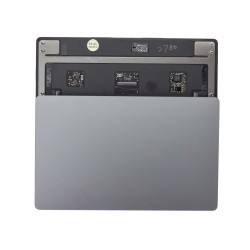
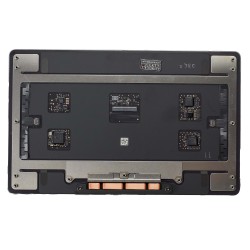
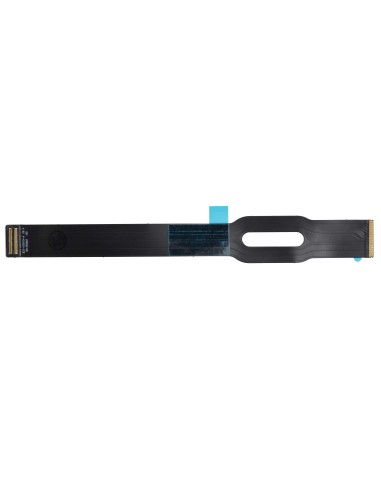
This is a genuine MacBook A2485/A2780 trackpad flex cable in original pulled quality, sourced from donor units and fully tested for reliable click, cursor, and haptic response. It links the force touch trackpad to the logic board and restores normal input when the original cable is damaged, creased, or contaminated by liquid.

Compatibility covers the 16‑inch MacBook Pro A2485 (2021 and A2780 (2023), and it is not suitable for 14‑inch models. The cable features fine‑pitch FPC terminations with locking ZIF connectors at both ends and follows the exact factory length and routing for these chassis. You receive an Apple‑made pulled with intact grounding pads and shielding film where present, visually inspected under magnification and function tested in a host device.

Compatibility, Technical Data, And Part Checks

The flex supports full trackpad functionality including cursor movement, multi‑touch gestures, and force feedback signaling. The assembly consists of a single flexible printed cable with two board connectors, pre‑formed bends, and integrated shielding to minimize noise on the trackpad signal lines. The connector latches are flip‑up style and must be opened before insertion to avoid pin damage.</>

You should match by model code on the bottom case or by EMC, and confirm the connector layout against the original before installation. The cable is keyed for correct orientation and will sit flush when fully seated. The piece may arrive with donor adhesive strips; replace them if they have lost tack to ensure secure routing and to prevent chafing against the bracket. Static safe handling is required and battery power must be isolated before connecting or removing the flex.

Installation Notes For Repair Shops

You begin by powering down the machine, removing the bottom case with P5 screws, and disconnecting the battery before touching any signal connectors. You then release the trackpad bracket fasteners, lift the ZIF latches with a nylon tool, route the new cable along the original path, and lock the latches fully before re‑se the bracket. You should avoid over‑bending the flex and keep bends to the factory radii to prevent micro‑fractures in the copper traces.

You close the unit only after a live test. You verify click and gesture response, confirm haptic feedback, and check for stable cursor movement without jitter. You can run a quick check in system settings for tracking speed and click feel and confirm no palm‑rejection anomalies. You finish by reinstalling the bottom case and performing a final wake‑from‑sleep test to rule out intermittent dropouts.</p

When To Replace And Typical Fault Symptoms

You replace this flex when the trackpad is unresponsive, when clicks do not register, when the cursor freezes intermittently, or when input fails after a top case or battery service where the cable may have been pinched. You also see failure after liquid exposure, heavy pressure on the palm rest, or repeated lid movement that stresses the cable near the bracket.

You will benefit from keeping a small stock of these cables if you handle 16‑inch MacBook Pro intake, because many “dead trackpad” cases trace back to a fatigued or creased flex rather than the trackpad module. You reduce turnaround by swapping the cable first for diagnosis, and you can return the unit quickly when the new flex restores normal operation without any calibration or pairing steps.

Product Details

01-03-2780-312
5744001312247

You might also like
16 other products in the same category:

Product added to wishlist
Product added to compare.