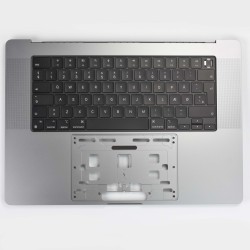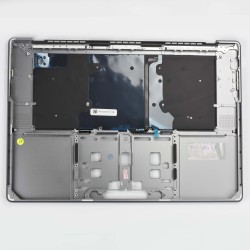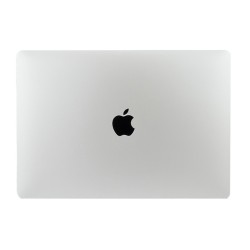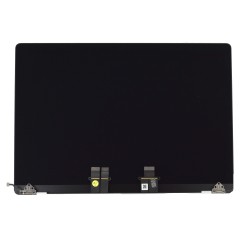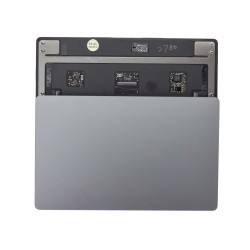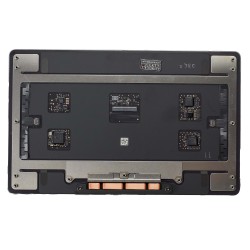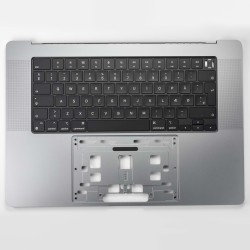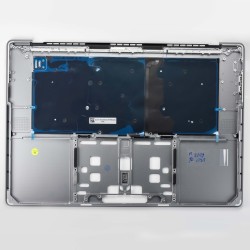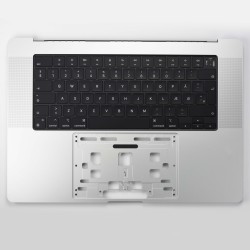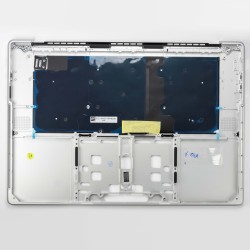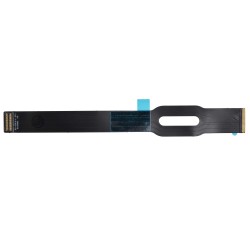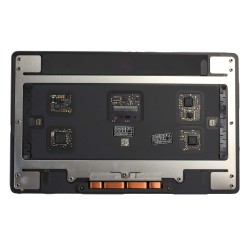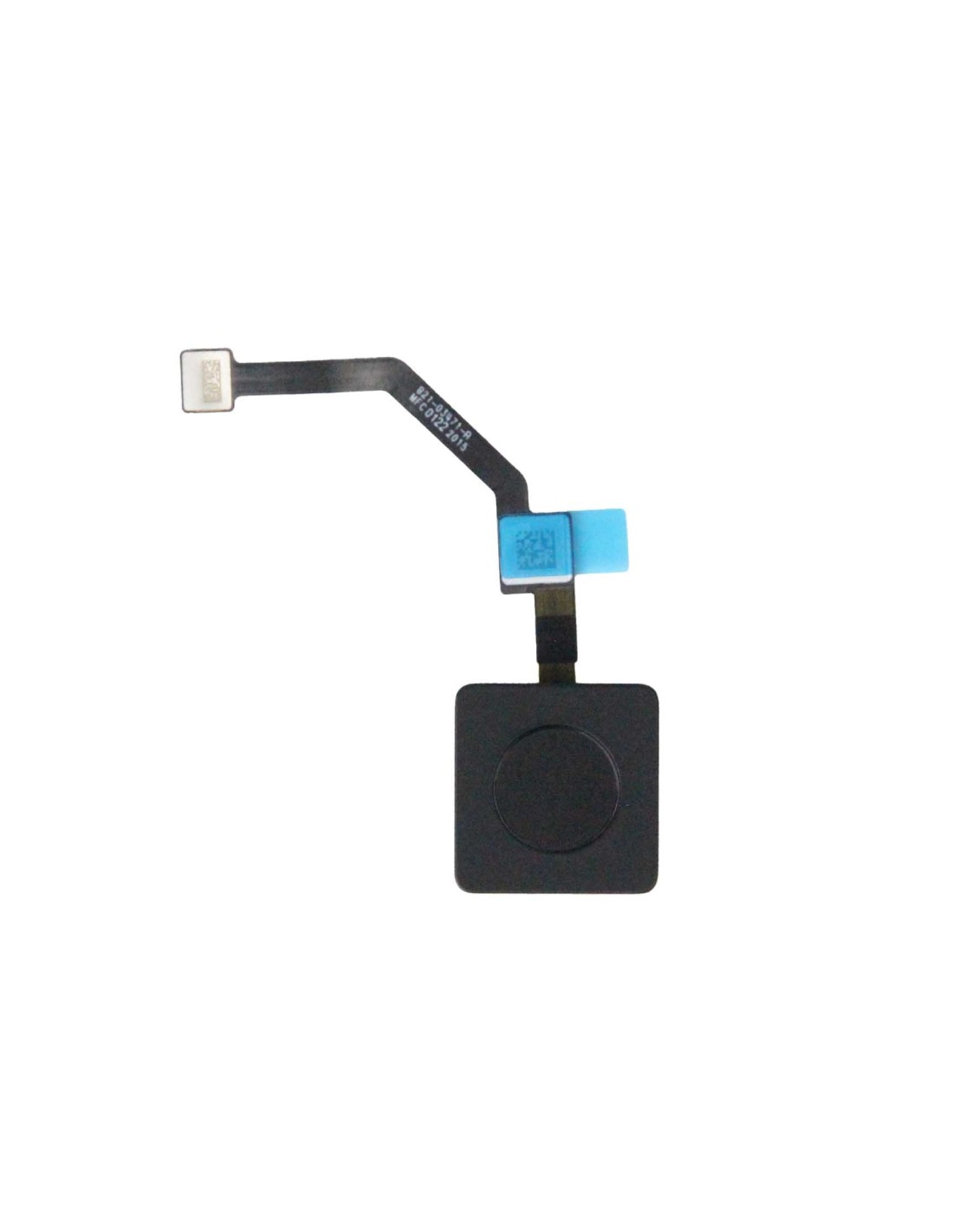
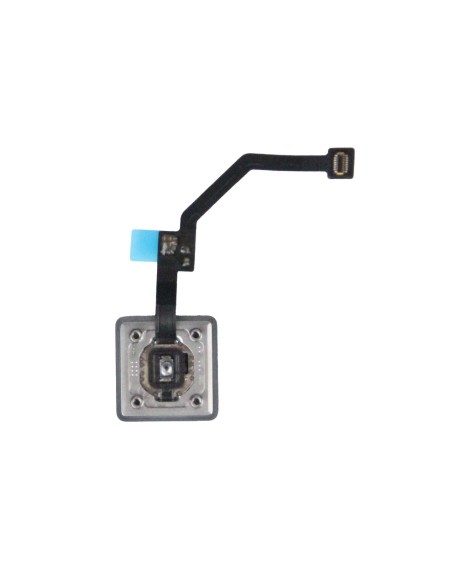
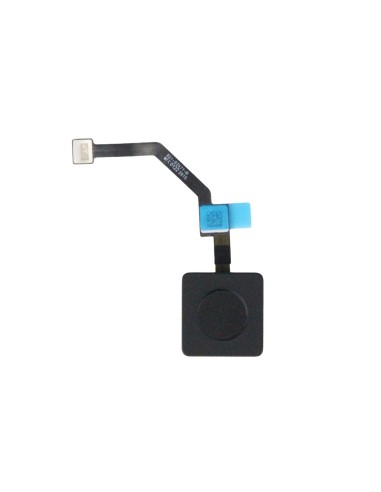
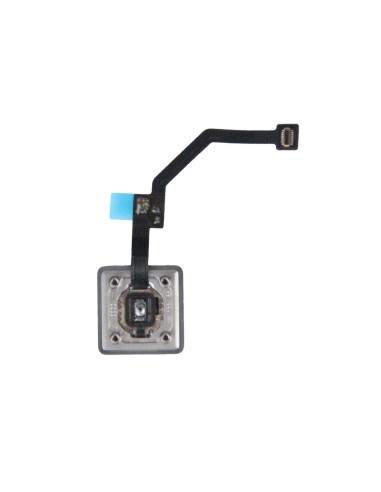
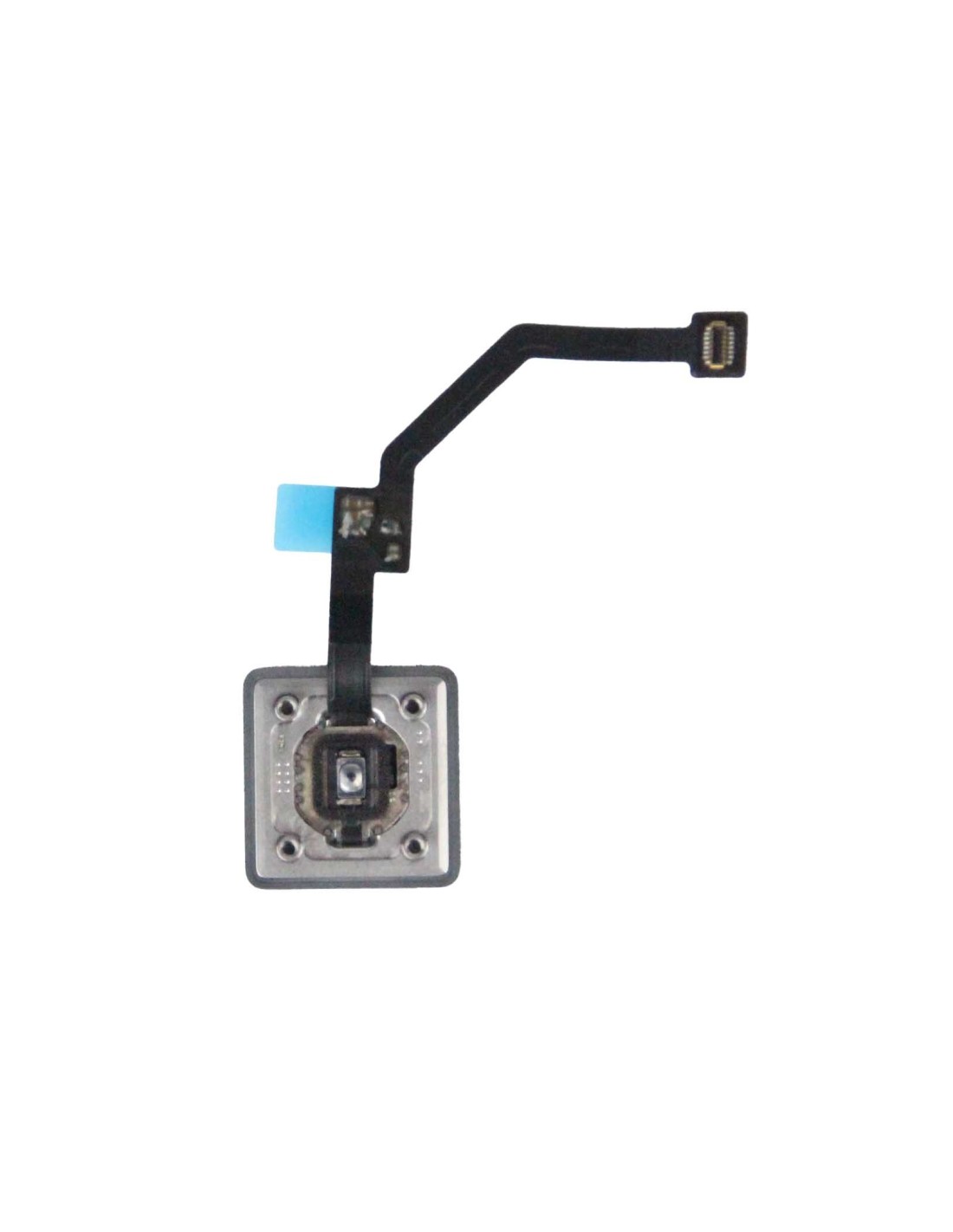
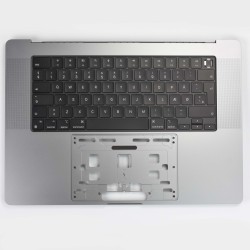
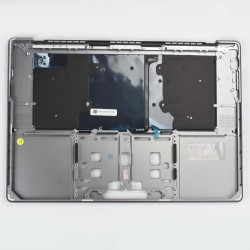

Equip your MacBook A248 or A2780 with an essential component that ensures smooth functionality. The MacBook A2485/A2780 Power Button Cable with button an original pulled quality part, offering a dependable replacement for faulty power buttons. Made for professionals who demand the highest standards, this part has carefully extracted from authentic MacBooks, providing you peace of mind regarding its performance and fit. Reinforce the longevity of your MacBook with genuinely reliable component.
The part is designed specifically for these MacBook models, making sure each cable interfaces seamlessly for effortless integration You can trust this component to restore the power functionality seamlessly without complications. Its original pulled quality signifies that the component was pre-tested in a MacBook, proving its reliability. This makes it an ideal choice for repair shops and refurbishing companies looking to maintain a high-quality service.
For technicians aiming to simplify the repair process, this power cable is a straightforward solution. It enables swift installation, precisely matching the original specifications of the MacBook A2485 and A2780. As it is an original part, no additional modifications or updates are required during installation. It is particularly useful for experienced professionals in repair who prioritize efficiency and effectiveness.
Designed for optimal performance, this power button cable is an invaluable resource for maintaining the operational of Apple's MacBook series. Owners and employees of repair shops across Europe will appreciate its alignment with professional needs, streamlining repair processes and delivering results for customers.
You might also like