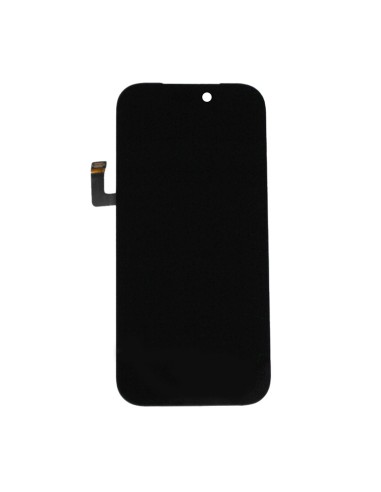
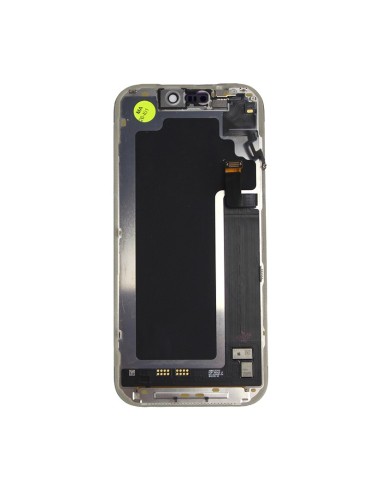

Reliable Screen For Your Repairs
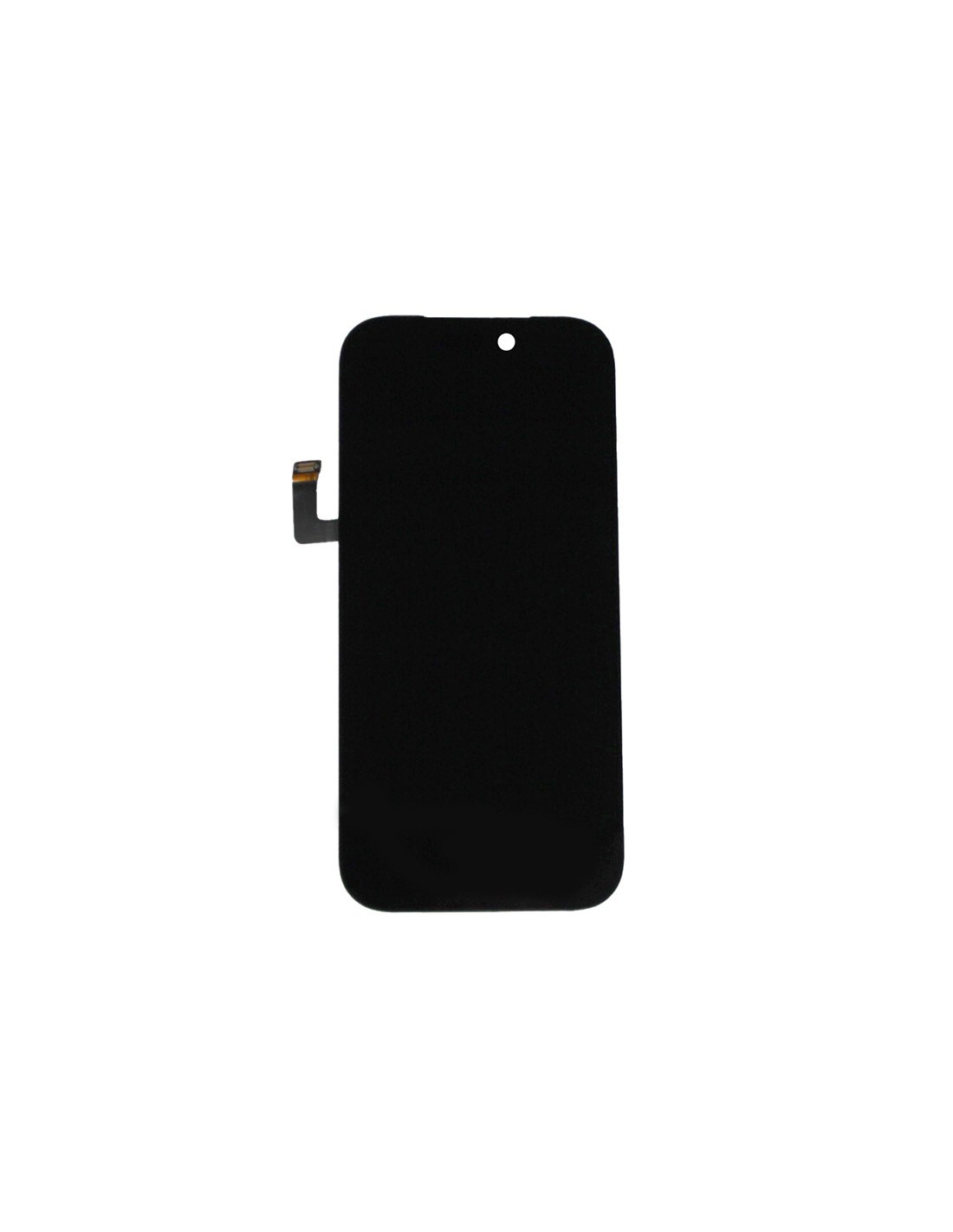
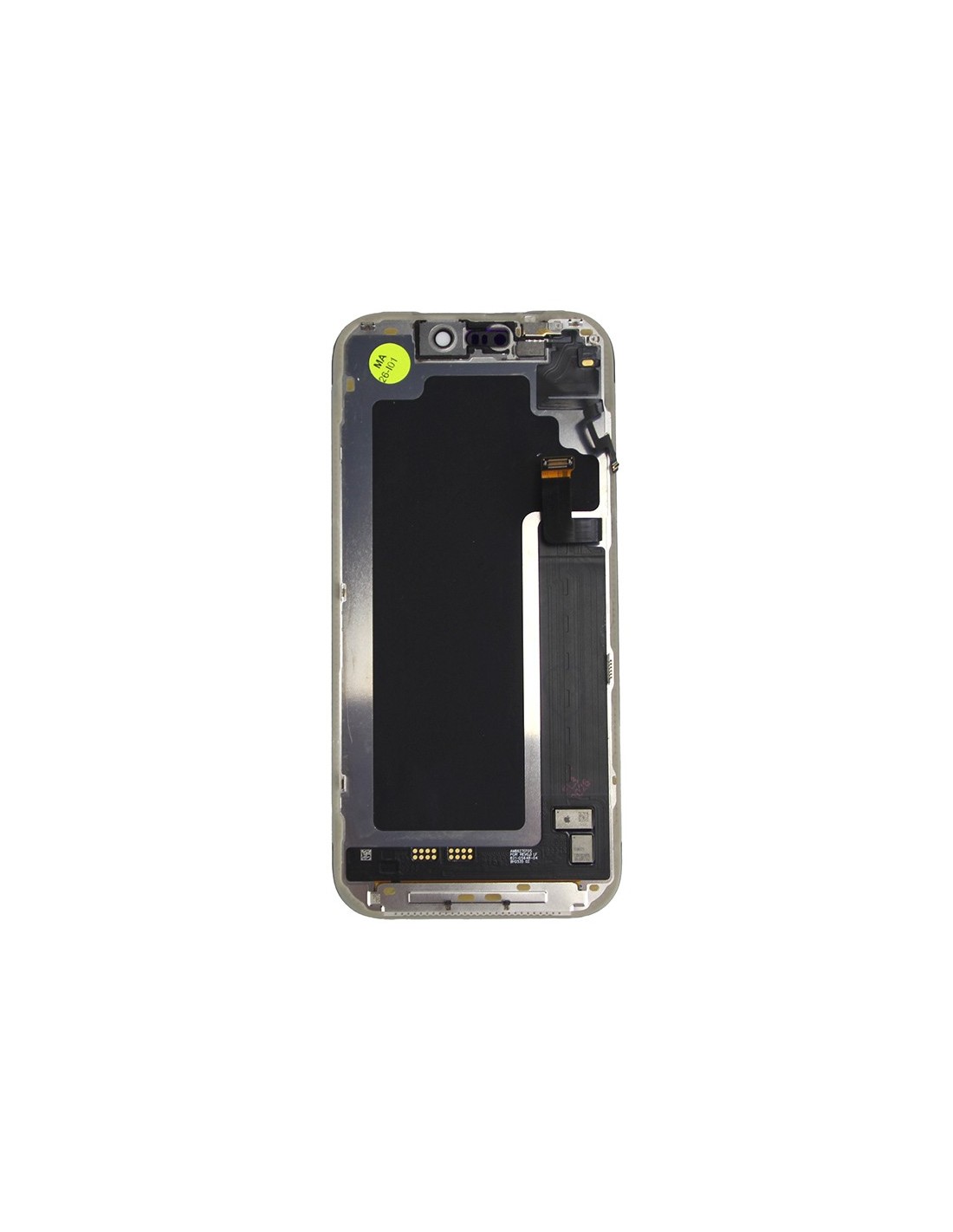
The iPhone 17 Pro - Black - Pulled Diagnostic Screen is an essential component for repair specialists across Europe, especially those focusing on refurbishing Apple products. This display features precise design ensuring it integrates seamlessly with the iPhone 17 Pro's intricate architecture.
Built for durability, the diagnostic screen retains the original touch sensitivity and visual clarity, vital for providing your clients with premium repair results. Equipped with advanced OLED technology, it sharp and vibrant colors, enhancing the iPhone’s visual appeal. Moreover, this screen comes with carefully calibrated brightness levels, ensuring an optimal viewing experience under various lighting conditions.
Necessary For Effective Workflows
Time critical in repair environments, and the iPhone 17 Pro - Black - Pulled Diagnostic Screen ensures you have what’s needed for efficient workflows. Its straightforward installation process minimizes downtime, allowing you to deliver quick and reliable service to your customers.
>The diagnostic nature of this screen makes it ideal for testing and troubleshooting. It enables you to identify issues with extraordinary precision, facilitating accurate repairs and maintaining your excellent service reputation. For those intricate repair tasks, this screen provides the reliability and performance needed. 2>Trustworthy Component In Your ArsenalSecure peace of mind knowing this screen is crafted with quality in mind. Each unit undergoes rigorous testing to meet high standards, providing your repair business with top-tier components. As you work withPhones, this diagnostic screen ensures you deliver the quality and reliability your clients expect.
This screen is specially pulled for diagnostic purposes, ensuring your task force is prepared for all scenarios. Lead your repair services with confidence, equipped with the excellence of thePhone 17 Pro - Black - Pulled Diagnostic Screen.