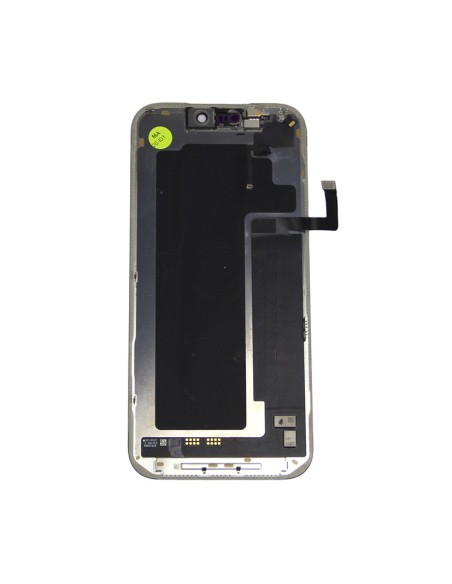
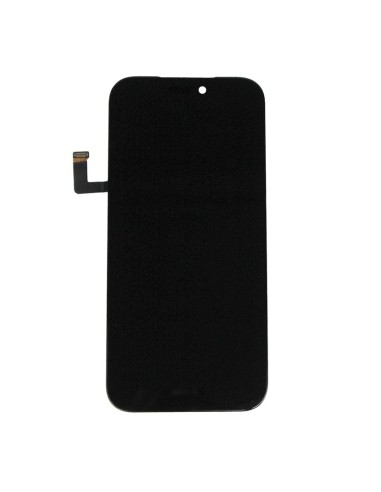
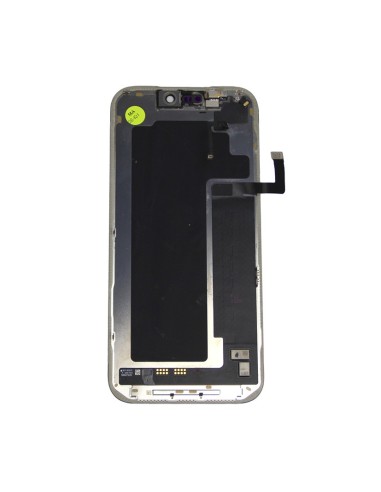

iPhone 17 Pro Max Pulled Diagnostic Screen Overview
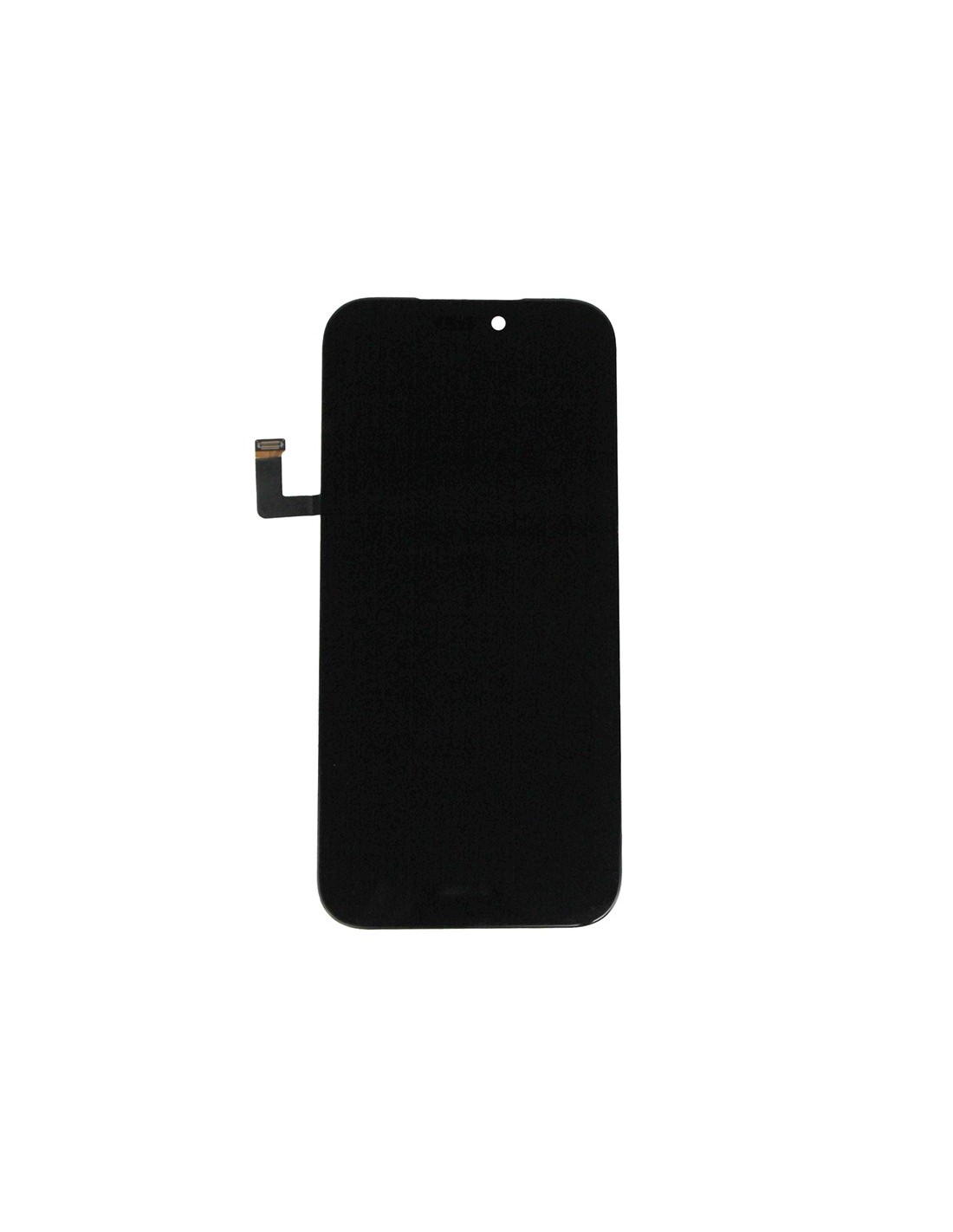
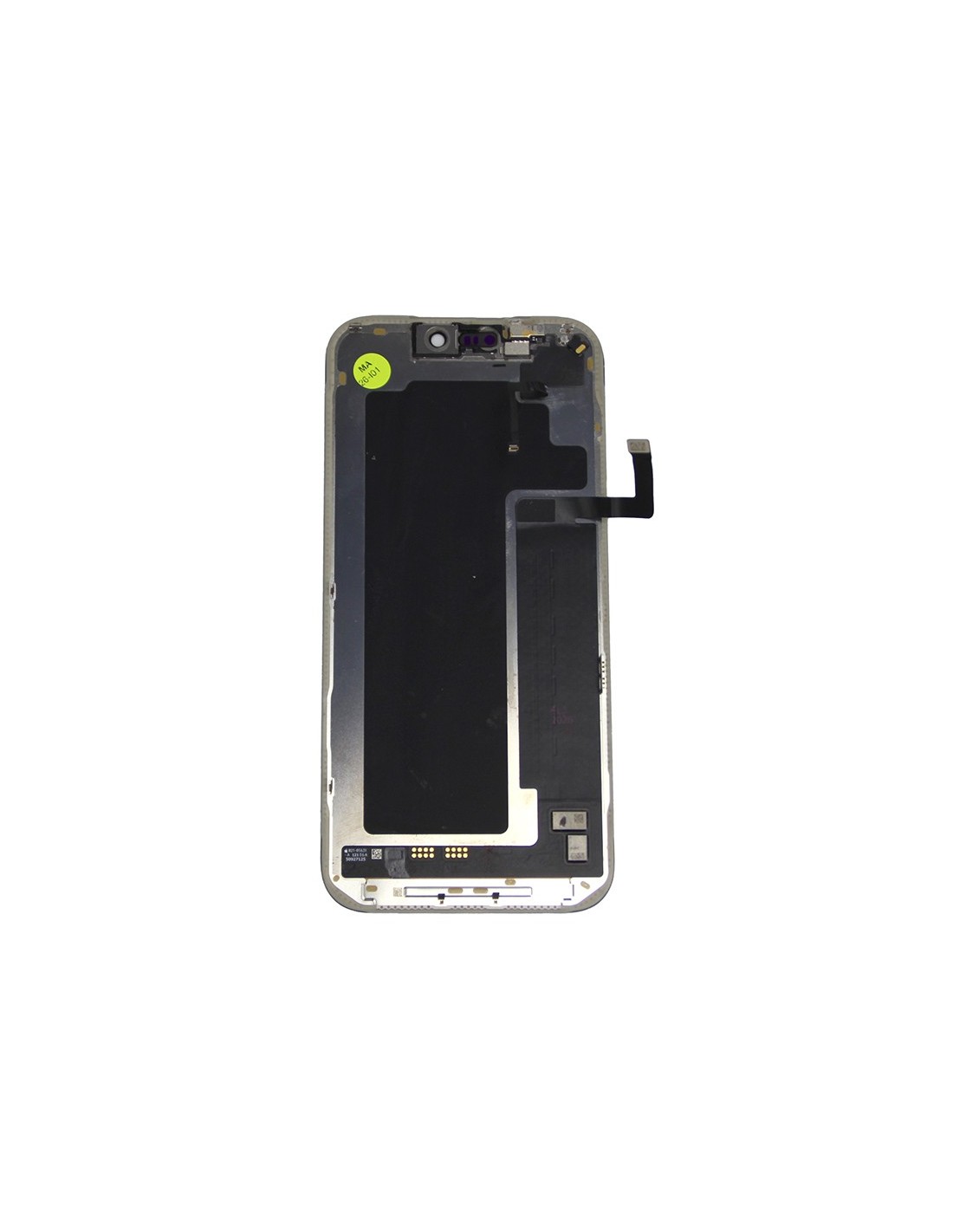
The iPhone 17 Pro Max - Black - Pulled Diagnostic Screen is an essential component for repair professionals focused on restoring Apple devices to their original glory. This genuine, OEM screen is specifically designed for the iPhone 17 Pro Max, ensuring optimal compatibility and performance.
Crafted with precision, the screen guarantees seamless integration with the device’s existing features. It comes equipped with advanced touch sensitivity and vivid color display. The screen’s OLED technology provides deep blacks and vibrant colors, enhancing the visual experience significantly. For repair shops, this screen offers a reliable solution to meet high customer expectations and maintain device integrity.
Installation And Compatibility
Installation of the iPhone 17 Pro Max Pulled Diagnostic Screen is straightforward, making it ideal for professional repair environments. The component includes essential pre-installed elements such as the touch IC and display IC, reducing the need for additional configurations.
Compatibility is a key feature, as the screen perfectly matches the specifications of the iPhone 17 Pro Max. It facilitates hassle-free swapping, minimizing downtime during repairs. This ensures that you can provide clients with fast and efficient service, a critical factor retaining customer loyalty and satisfaction.Quality And Performance Advantages
Choosing the Pulled Diagnostic Screen means opting for high quality and reliable performance. The screen undergoes rigorous testing to confirm its functionality and durability. It is-resistant and designed to withstand the rigors of daily use.
Furthermore, the display offers smooth scrolling and responsiveness, critical for maintaining the premium feel of Apple devices. This feature enhances customer satisfaction, as end-users will maintain their device's operational excellence. By sourcing genuine components, repair businesses can ensure top-tier service delivery.