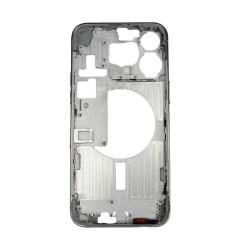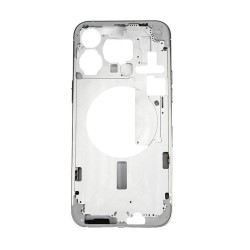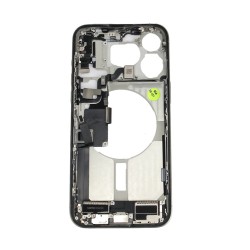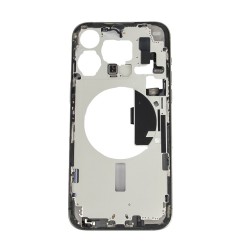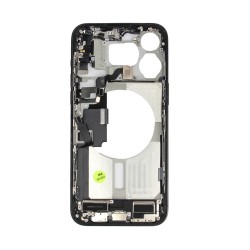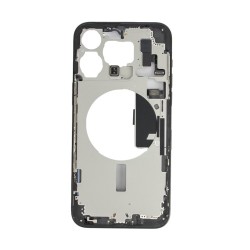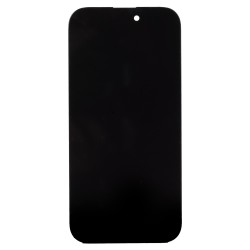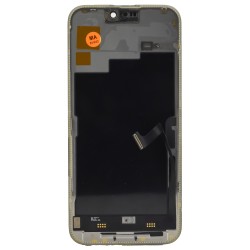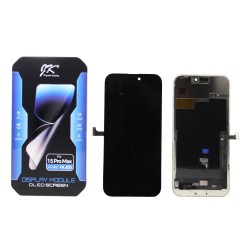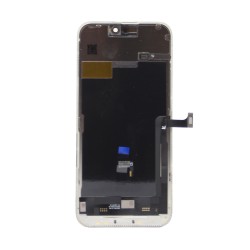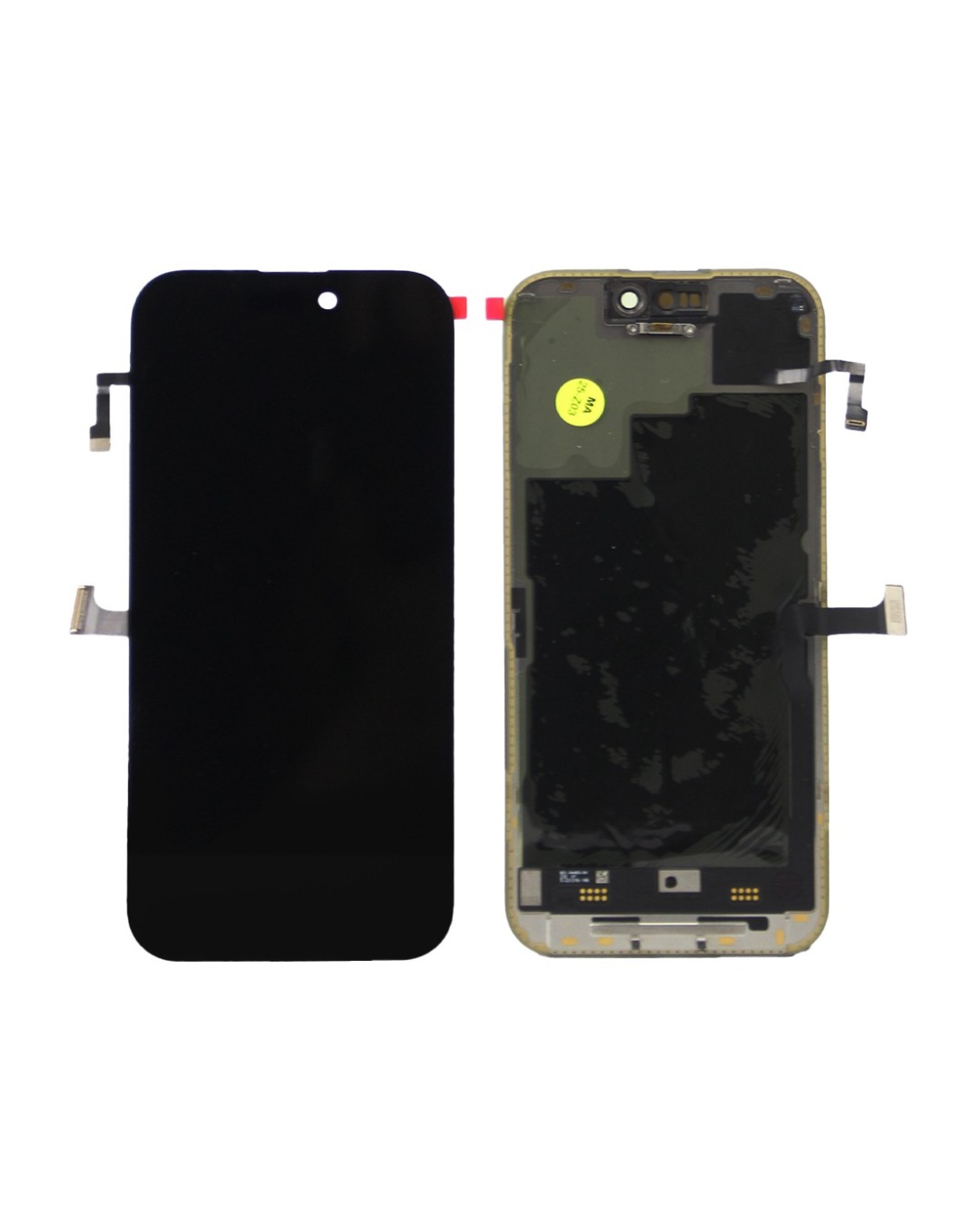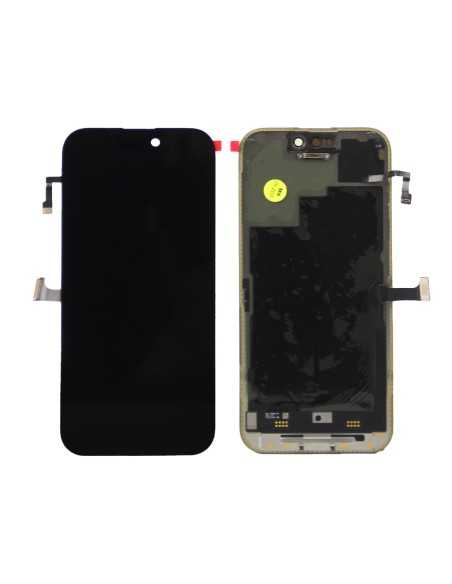
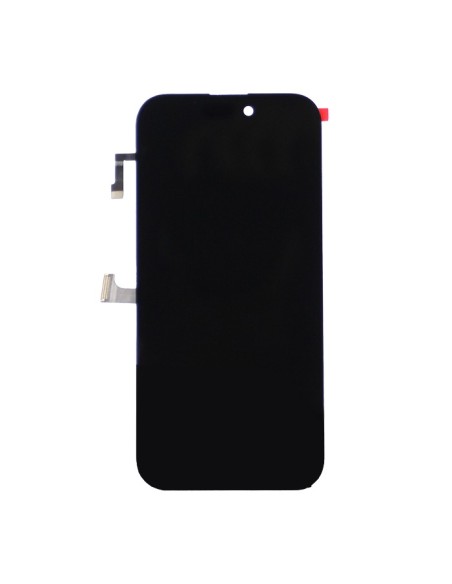
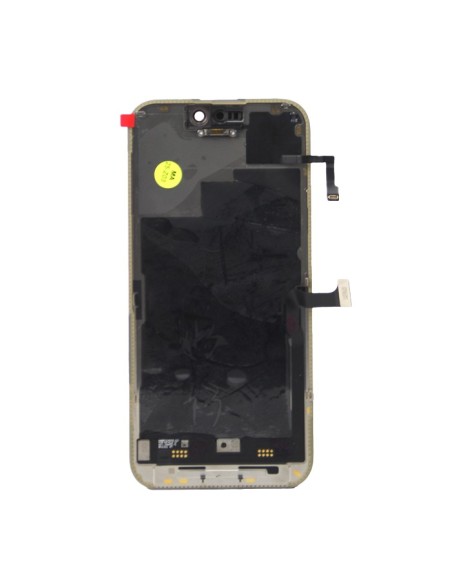
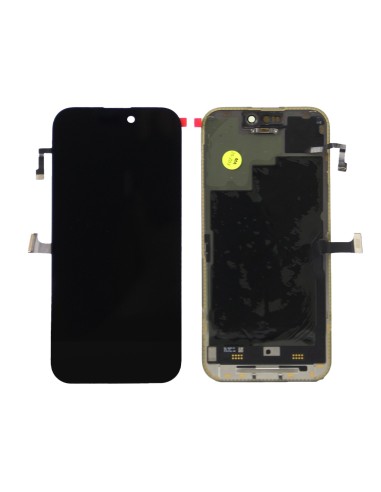
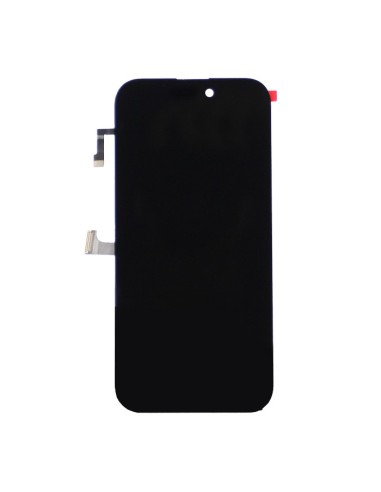
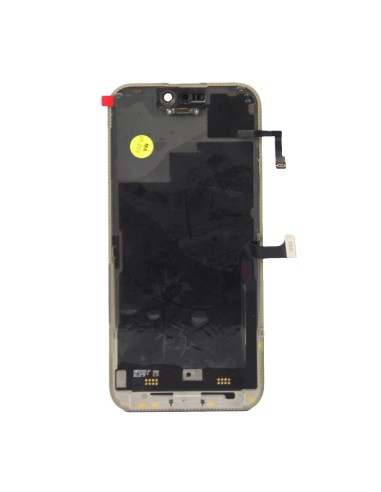
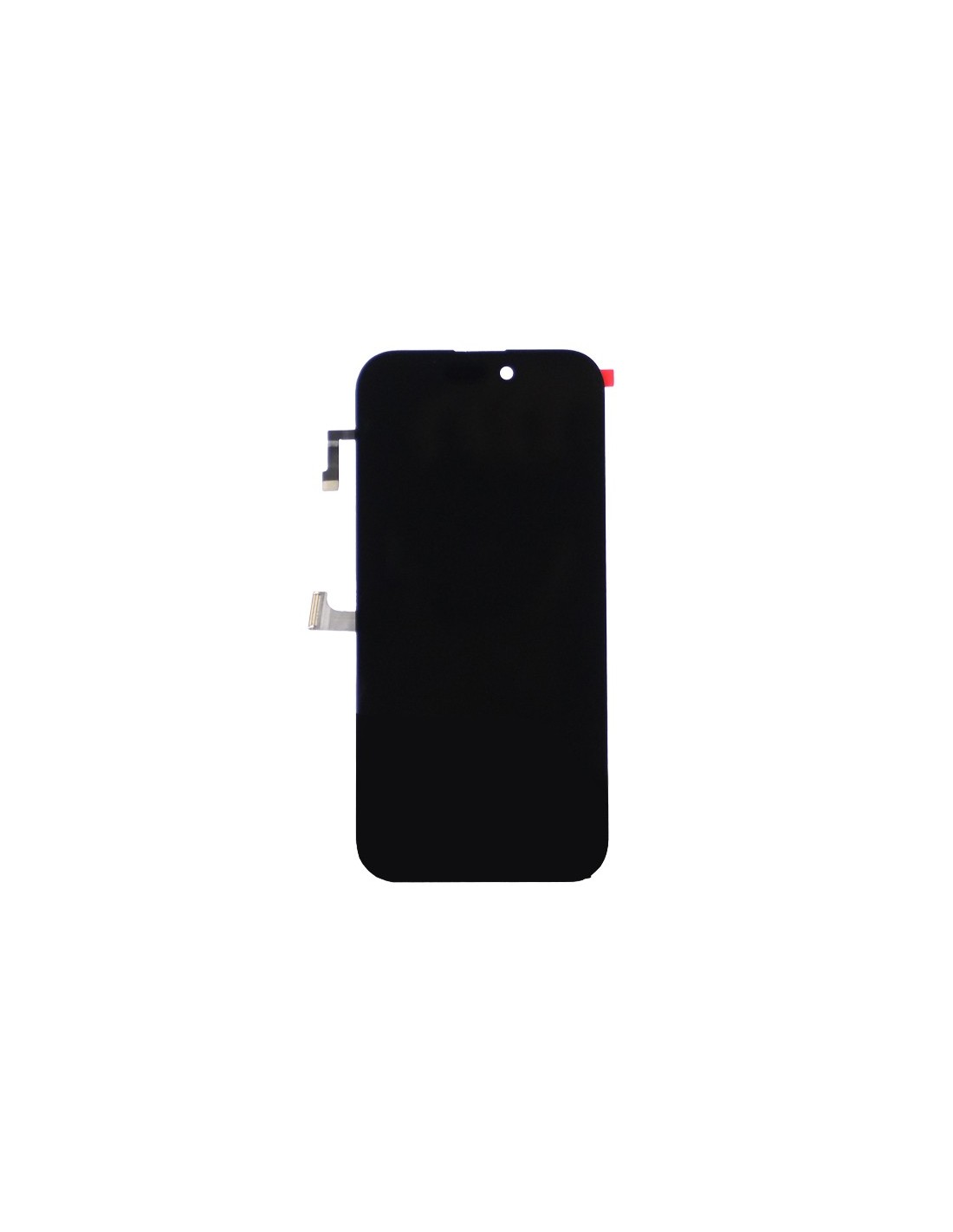
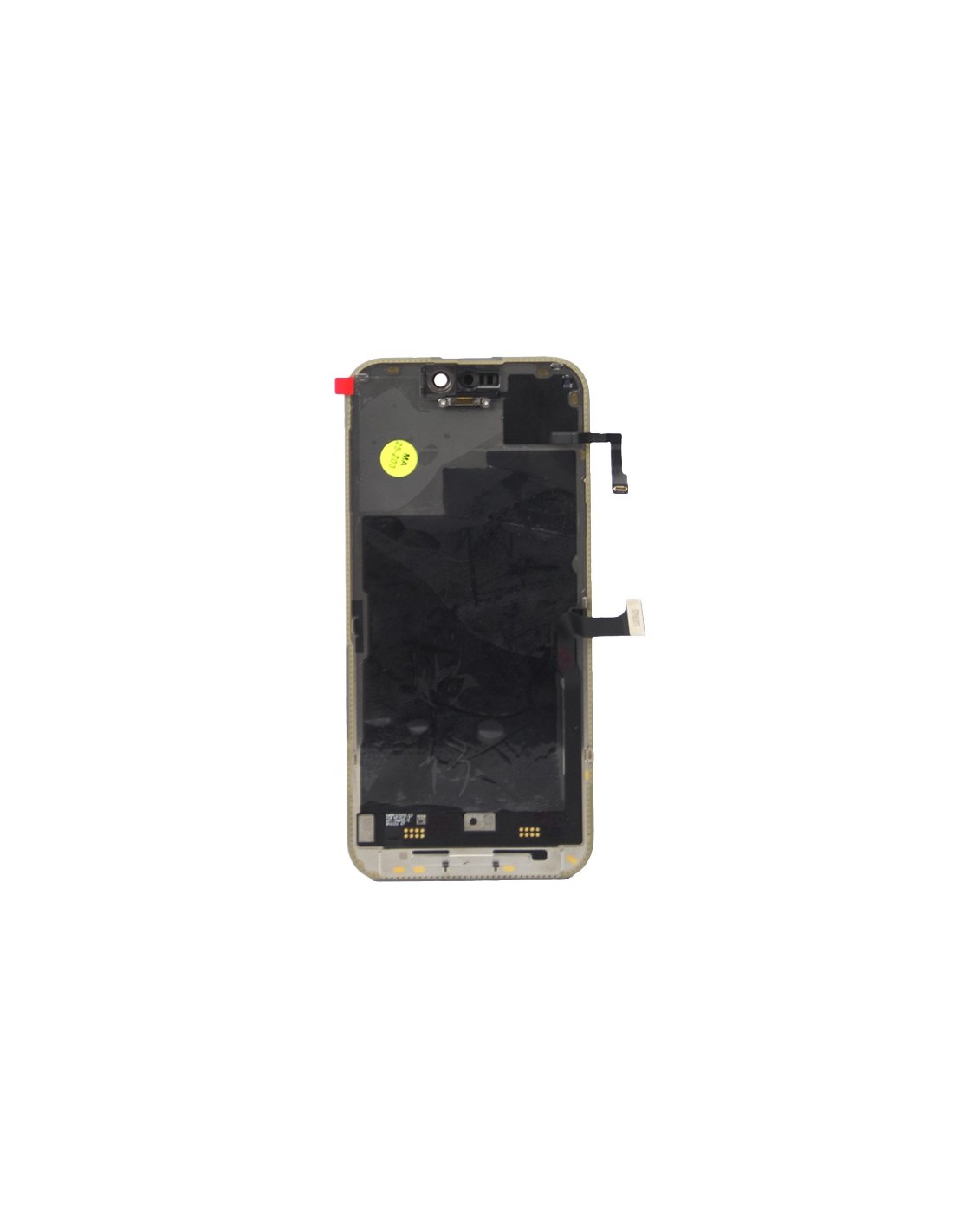
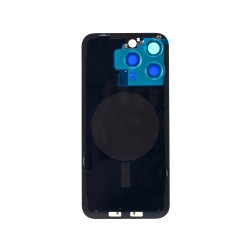

iPhone 15 Pro Max - Black - Pulled Diagnostic Screen

iPhone 15 Pro Max - Black - Pulled Diagnostic Screen

Description

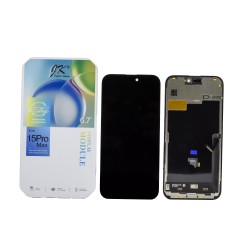
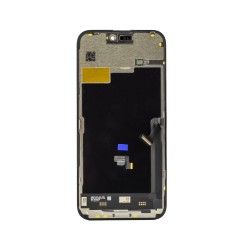
Original Pulled Diagnostic Screen For iPhone 15 Pro Max

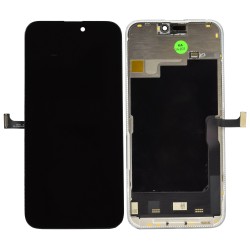
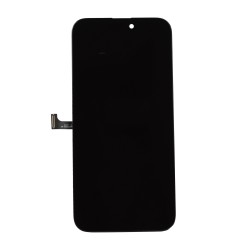
The iPhone 15 Pro Max - Black - Pulled Diagnostic Screen Is A Genuine Pulled Front Display Intended For Bench Testing, Fast Triage, And Temporary Fitting On iPhone 15 Pro Max Boards. This Unit Is Black And Matches The Native Black Bezel Used On All iPhone Front Assemblies, Making It Ideal For Rapid Swap‑In Checks Without Cosmetic Mismatch. The Part Is Tailored For Repair Benches And Refurb Lines That Need A Reliable To Validate Boot, Touch Response, Backlight, And True Tone Support During Workflow.

The Display Is Built For The iPhone 15 Pro Max Platform And Provides The Visual Characteristics You Expect When Verifying A Proper Boot And UI Render. You Can Use It To Isolate Logic Board, PMIC, Or Flex‑Level Faults Quickly, And To Run Diagnostics Before Committing New Adhesives Or Final Assembly. The Pulled Nature Makes It A Practical Spare For Rework Stations Handling Multiple A3106 Units Per Day.

Key Specs, Compatibility, And Identifiers

Model Id Is A3106, And It Fits Model iPhone 15 Pro Max Only. The Panel Size Is 6.7 Inches With An Oled Super Retina Xdr Class Display, Delivering 2796 × 1290 Resolution At Approximately 460 Ppi For Accurate On‑Bench Visual Confirmation. The Screen Supports Promotion Up To 120 Hz, Which Aids In Verifying Smooth Scrolling And Animation During System Checks. The Display Supports True Tone, Hdr, And Always‑On Capabilities As Implemented By The Host Board And iOS.

The Unit Includes Integrated Capacitive Touch For Full Digitizer Response Testing. The Color Is Black, Matching The Original Bezel Finish. The Connector Layout Matches iPhone 15 Pro Max Display Fpc Arrangement, Allowing Standard Plug‑In With A Bench Harness Or Direct Mainboard Connection. The Screen Is Intended For Diagnostic And Replacement Scenarios On iPhone 15 Pro Max Hardware And Is Not Cross‑Compatible With Other iPhone Models.

Repair Bench Use And Workflow Scenarios

You Mount This Screen To Quickly Confirm Boot Loop Resolution, Face Id Setup Flow Visibility, Baseband Activation Screens, And General Ui Rendering After Board‑Level Or Power‑Rail Repairs. You Can Validate Touch Matrix Health, Ghost Touch Elimination, And Backlight Stability Under Brightness Sweeps Before Sealing The Housing. You Can Also Use It As A Known‑Good During Intake To Separate Display Faults From Logic Board Or Flex Failures.

You Can Keep It As A Dedicated Donor For Rework Lines Where Swift Swap‑In Testing Cuts Handling Time Per Device. Can Pair It With A Programmable Power Supply And A Known‑Good Battery To Run Functional Smoke Tests, Sensor Checks, And Post‑Flash Visual Verification After Software Restores Or Eeprom Rewrites.

Handling, Pairing, And Installation Notes

You Should Transfer The Original Front Sensor Assembly If Converting A Diagnostic Fit To A Permanent Repair, Because Face Id Is Paired To The Host Logic Board And Resides In The Earpiece Sensor Set, Not In The Display. You Should Use A Display Programmer To Restore True Tone Data When Replacing A Customer Screen, As The Calibration Blob Is Board Specific. You Should Inspect And Seat The Fpc Fully, Power Cycle Before Final Screws, And Run A Full Brightness And Touch Grid Test To Confirm Stability.

You Should Use Fresh Frame Adhesive If You Proceed Beyond Diagnostic Fitting, And You Should Verify That No Dust Or Debris Rests On The Proximity And Ambient Light Windows Before Final Closure. You Should Record The Device Serial, The A3106 Identifier, And The Panel Swap In Your Ticketing System To Maintain Traceability Across Refurb Batches.

Product Details

01-01-38-102
5744001313602
Fits model iPhone 15 Pro Max

You might also like
3 other products in the same category:

Product added to wishlist
Product added to compare.