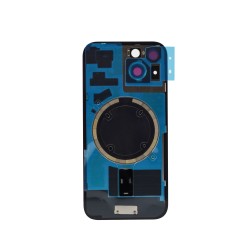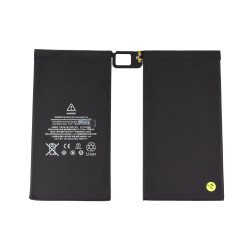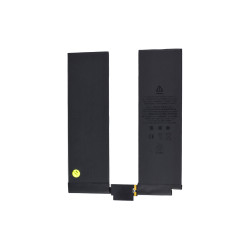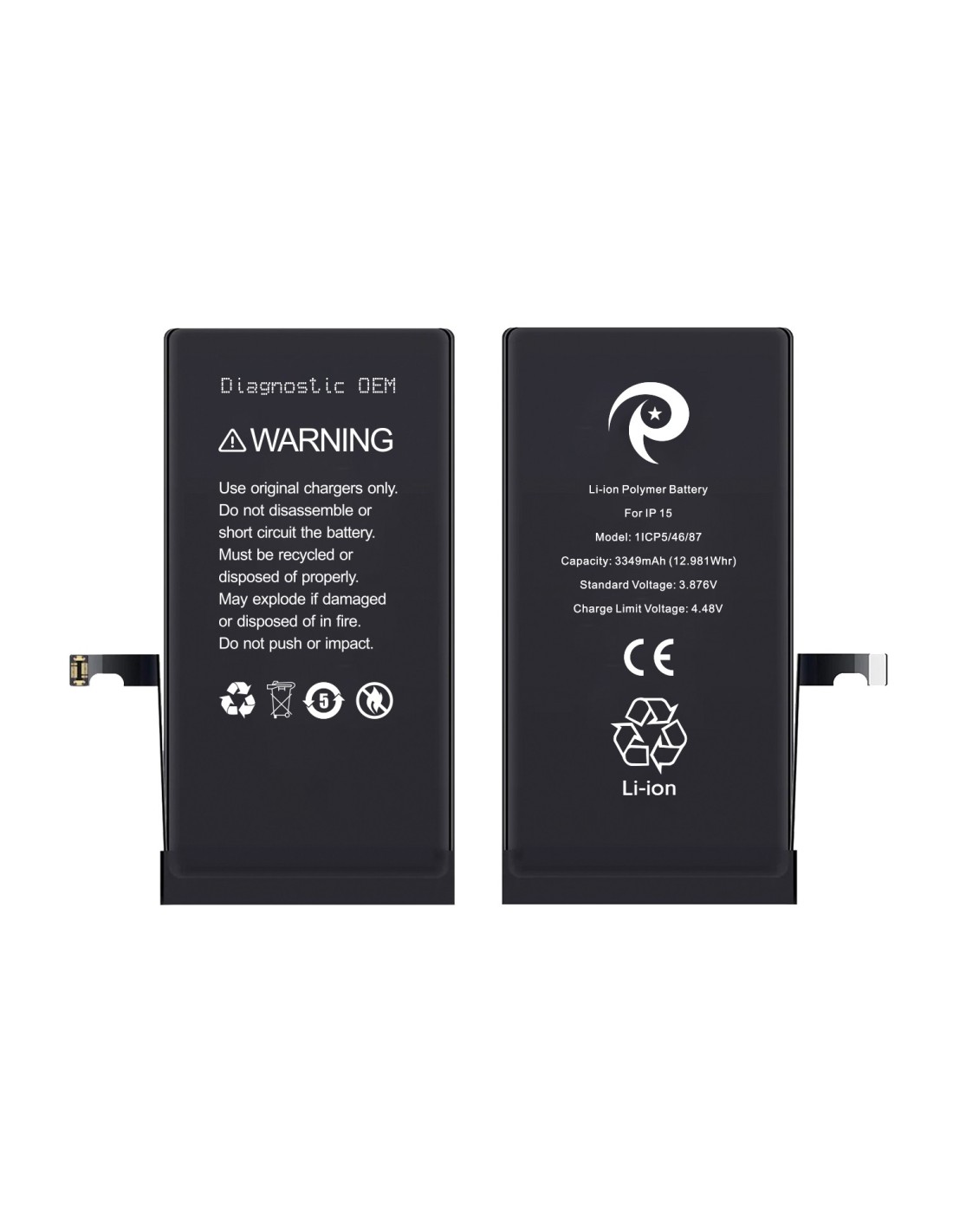


Maximize performance with the iPhone - Diagnostic OEM Battery, designed explicitly for seamless integration. This powerful battery offers a substantial 3349mAh (12.981Wh capacity, ensuring you won't experience unexpected downtime. Its standard voltage stands at 3.87V, maintaining efficient energy usage with an optimized limit voltage of 4.48V.
These batteries are crafted for those committed to quality repairs and refurbishments. By using this, you'll provide your clients with consistent and long-lasting power. Its diagnostic OEM specification ensures compatibility, so technical issues and faulty installations are.
Simplifying the replacement process, this OEM battery is user and straightforward to install. It comes with detailed instructions that guide you through each step, reducing the risk of damage during installation. This ease use boosts your repair efficiency and helps maintain customer satisfaction.
Safety is a critical feature of the iPhone 15 - OEM Battery. Equipped with necessary warnings and usage guidelines, it emphasizes using original chargers and stresses proper recycling methods. Its robustness against external impacts risk, assuring your clients of the high standards you've committed to offering.
As you integrate the iPhone 15 - Diagnostic OEM into your services, you'll find it supports your business growth. Transition smoothly into offering comprehensive, reliable repairs. This component stands as a cornerstone efficient repair operations, granting you a competitive edge.
You might also like