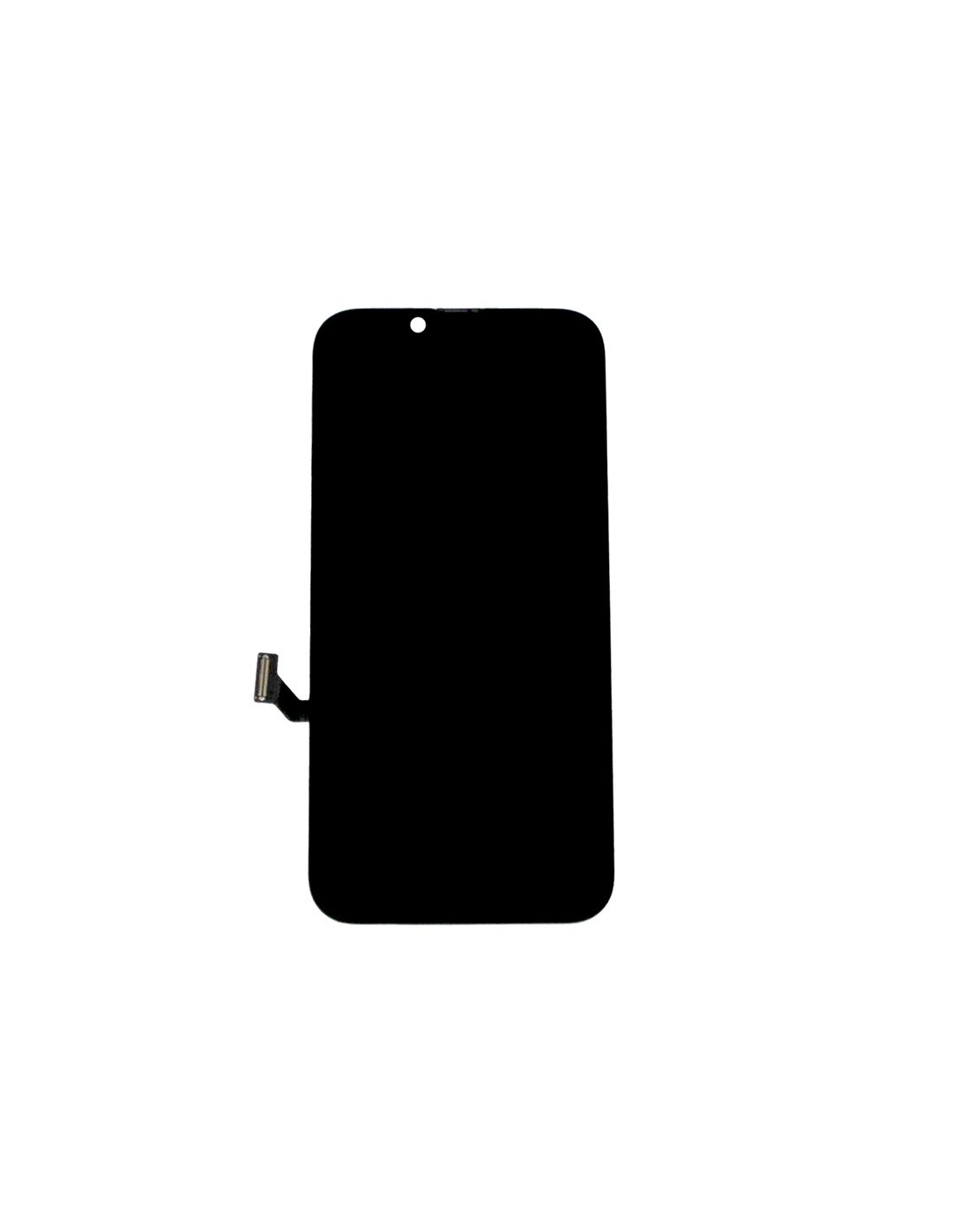

Reliable iPhone 16e Screen Replacement
The iPhone 16e - Black - Pulled Diagnostic Screen is the ultimate solution for repair shops looking to offer a reliable and high-quality replacement. This screen, being genuine Apple part, ensures perfect compatibility and an immaculate fit for the iPhone 16e model. With a high-resolution display, it provides the same vibrant colors and crisp visuals that users expect from their devices. This screen is specifically pulled for diagnostic purposes, meaning’s in excellent condition and ready to restore your device to its optimal state.
The 16e screen features an advanced touchscreen layer for precise touch responsiveness, ensuring that every tap and swipe matches the fluid experience Apple users are accustomed to. Made with robust materials, it is built to withstand everyday wear and tear, providing longevity and durability for the end-user. This screen replacement ensures that device refurbishers and repair technicians can confidently deliver quality repairs to their customers.
Efficient Installation Processh2>
The iPhone 16e - Black - Pulled Diagnostic Screen is engineered for quick and straightforward installation. With an intuitive design, it gives repair technicians the flexibility to complete replacements with minimal hassle. The screen arrives fully assembled, precluding need for complex assembly processes, which saves valuable time on repairs and minimizes customer wait times.
The accompanying flex cable and connectors are designed to align perfectly, making the connection process smooth and secure. Additionally, the screen replacement comes with protective layers to ensure remains in pristine condition until installation. This allows repair professionals to maintain high standards of service while minimizing potential setbacks, ensuring a hassle-free restoration process for every iPhone 16e.