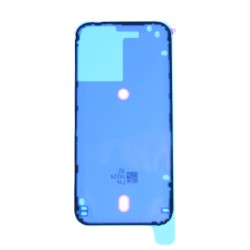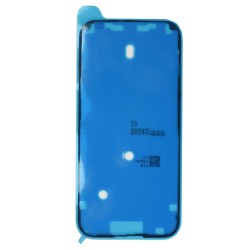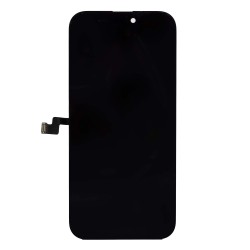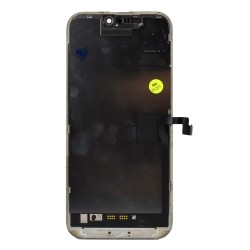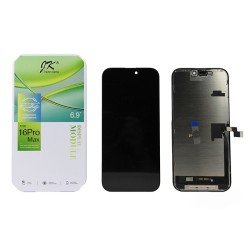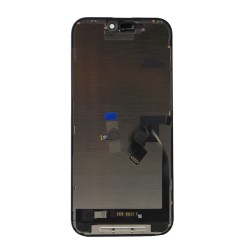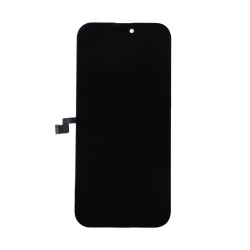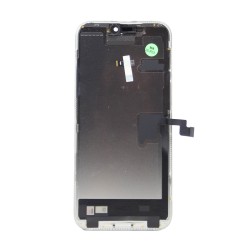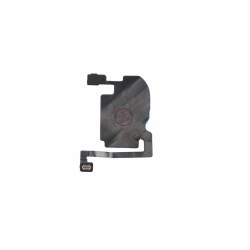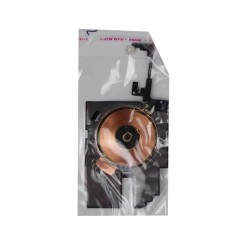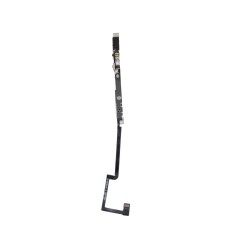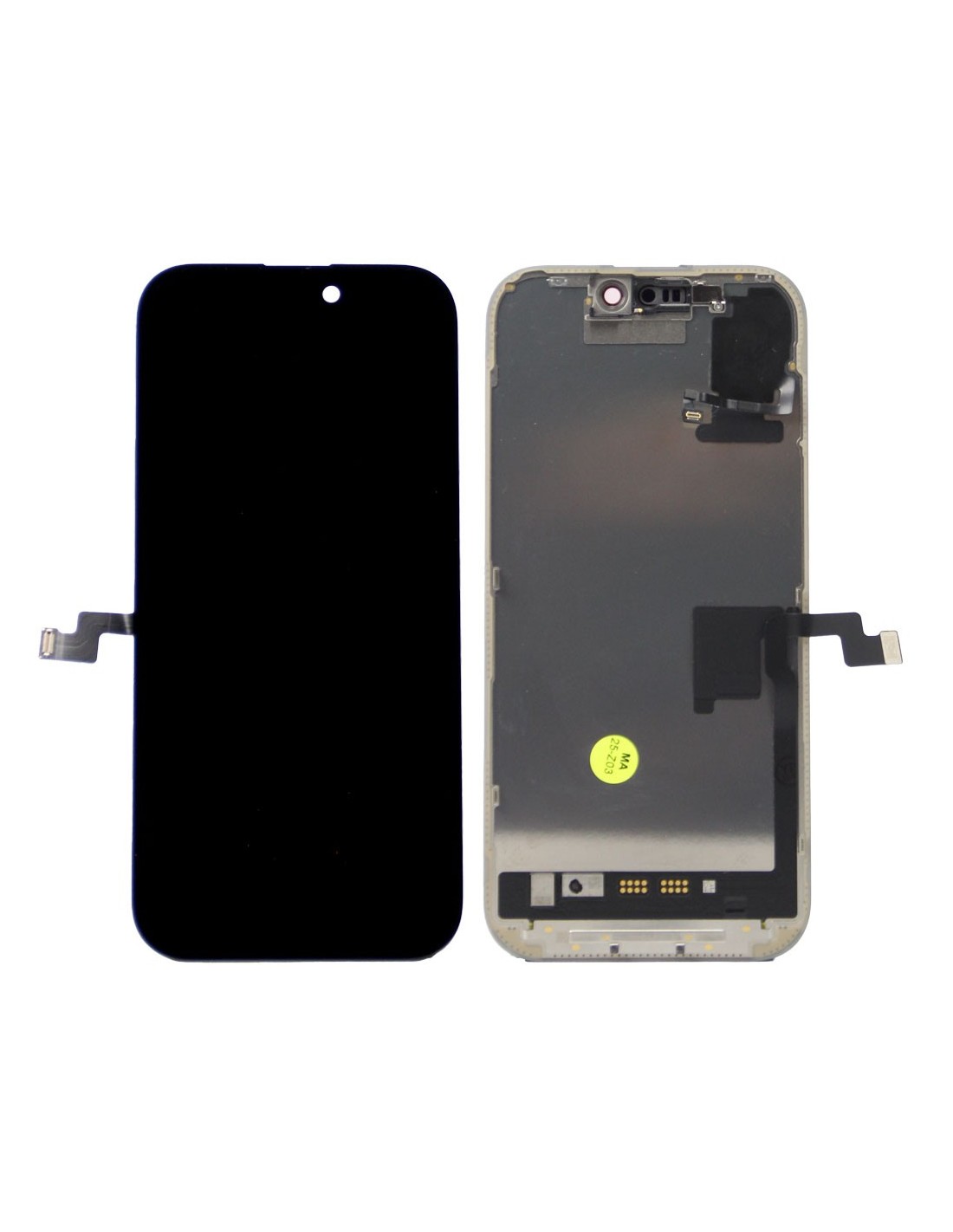
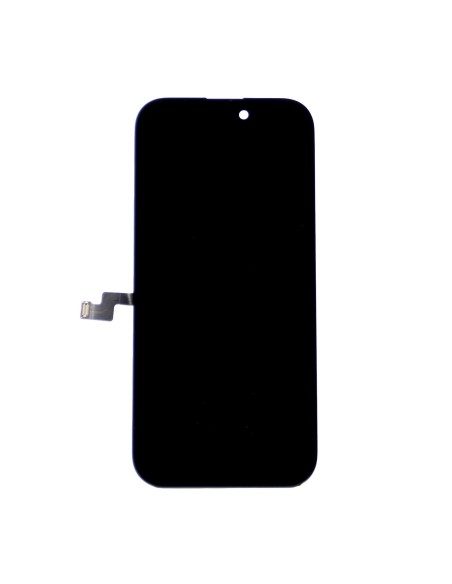
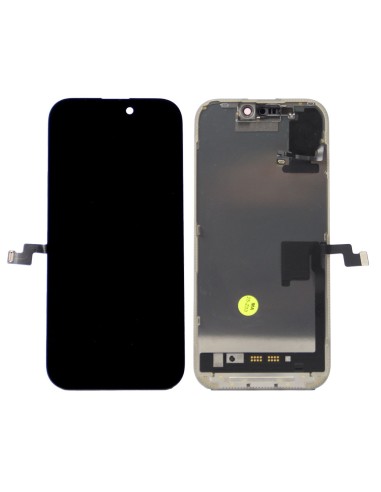
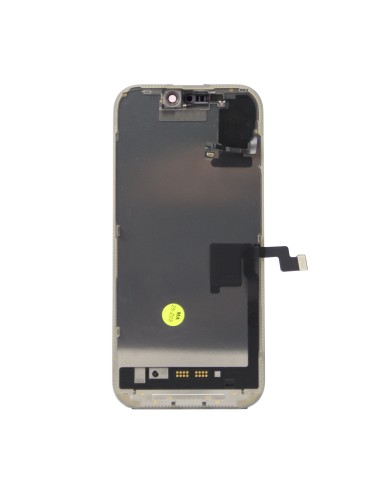
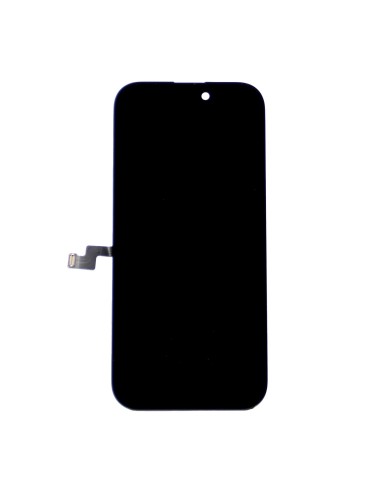
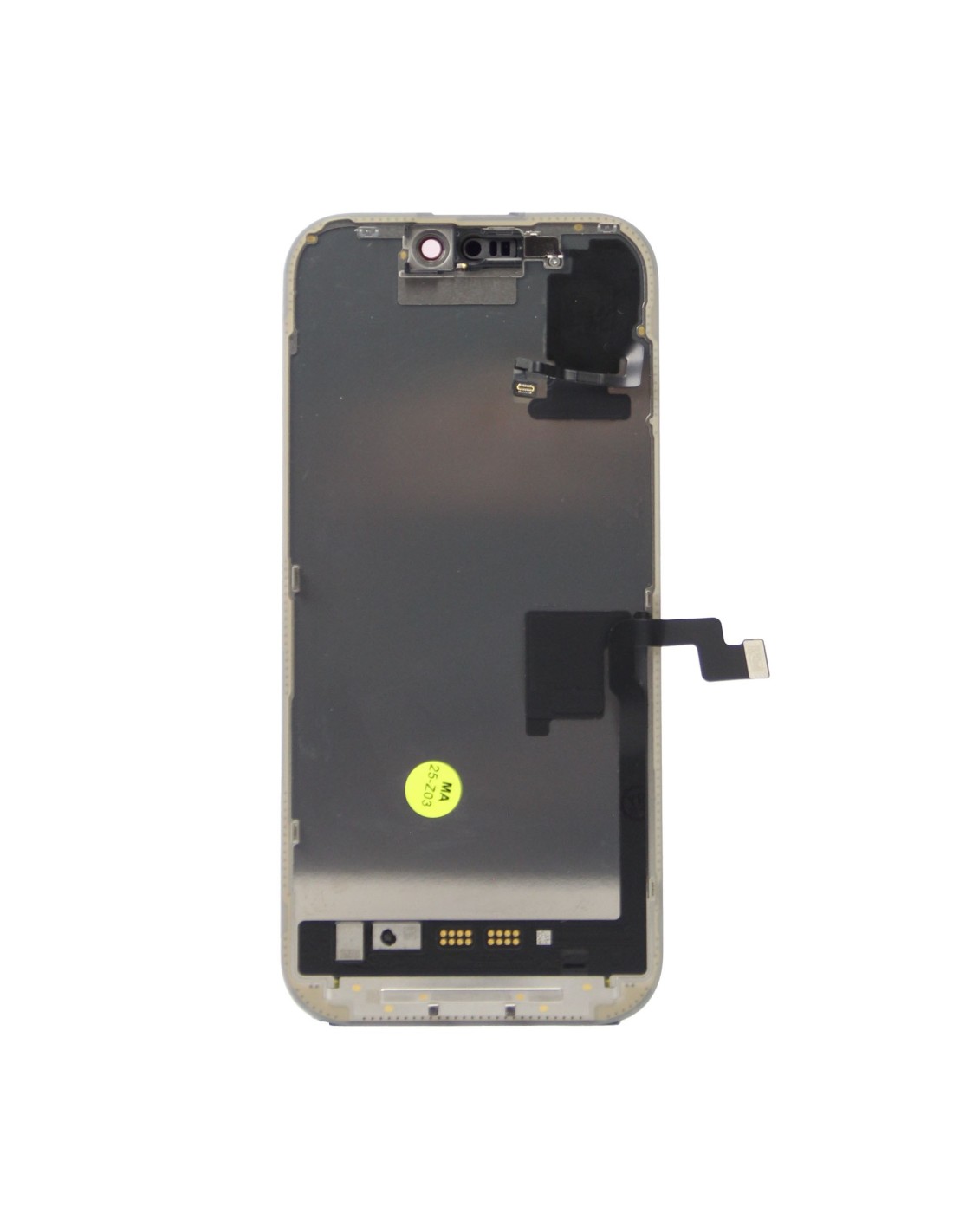
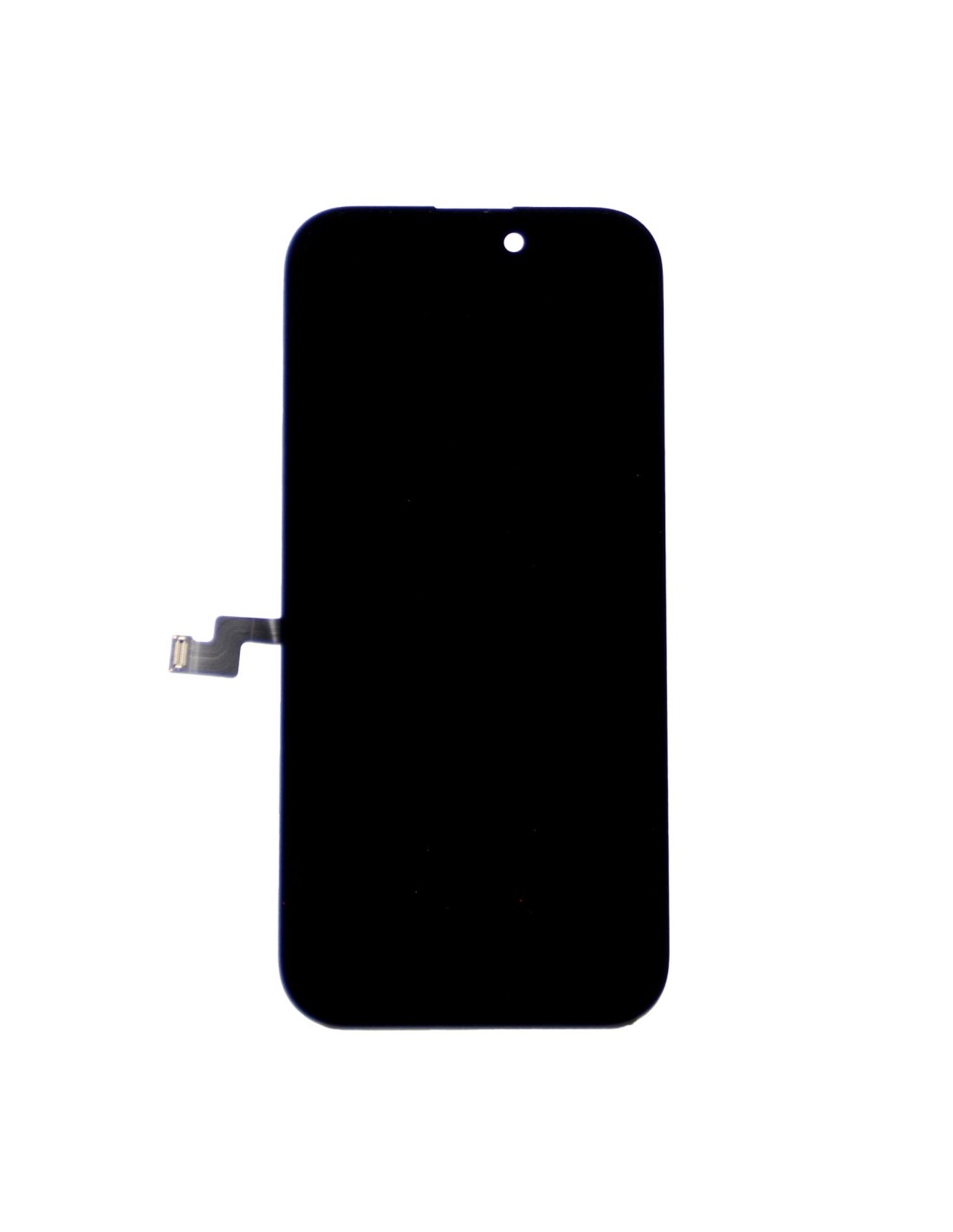


The iPhone 16 Pro Max - Black - Pulled Diagnostic Screen is the perfect solution for your repair and refurbishment needs. Designed specifically for thePhone 16 Pro Max, this screen component ensures that each replacement is seamless and efficient, helping you save both time and money in your business operations.
Engineered with precision, this pulled diagnostic screen features a JK OLED FHD design, providing color accuracy and sharp visuals. Its 120HZ refresh rate guarantees smooth scrolling and responsive touch capabilities, enhancing the user experience significantly. This screen also includes a built-in Face ID sensor area, maintaining security features.
Our pulled diagnostic screens are directly from functional iPhones and meticulously tested to ensure their reliability and effectiveness. This rigorous testing phase is integral for maintaining the high standards expected from Apple products, providing you peace of mind knowing that replacements will meet or exceed factory conditions.
Installing the iPhone 16 Pro Max diagnostic screen is straightforward, designed to fit perfectly, and to minimize downtime during repairs. It comes with all necessary connectors and fittings, ensuring a hassle-free setup. allows repair technicians to focus more on important tasks and customer satisfaction.
By utilizing pulled diagnostic screens, repair shops can maintain stock levels more easily, meeting customer demand efficiently. The use of genuine pulled parts also reinforces credibility and trust with clients, proving commitment to high-quality and lasting repairs. This approach is not only cost-effective but also environmentally friendly, as it promotes the reuse of functional components.
For those specializing in Apple product repairs opting for the iPhone 16 Pro Max diagnostic screen guarantees compatibility and originality. The investment in such high-grade components results in fewer returns, happier customers, and an overall increase in business reputation. Additionally, this product supports you in delivering excellent service, by the devices function just like new after repair.
Whether you're handling high volumes of phone repairs or focusing on refurbishing, this diagnostic screen positions your service offerings above competitors by providing a reliable and consistent performance benchmark. Incorporate these screens into your operations for unparalleled results.
You might also like