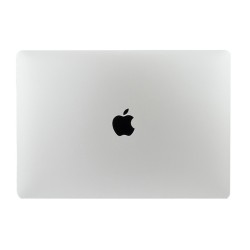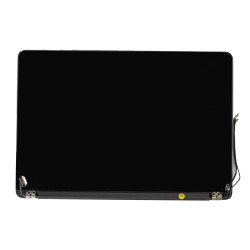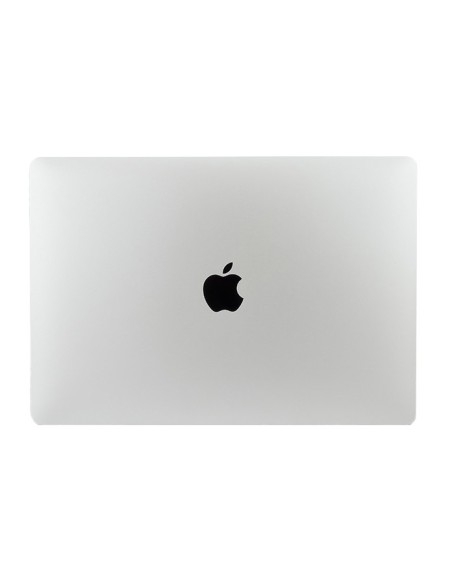
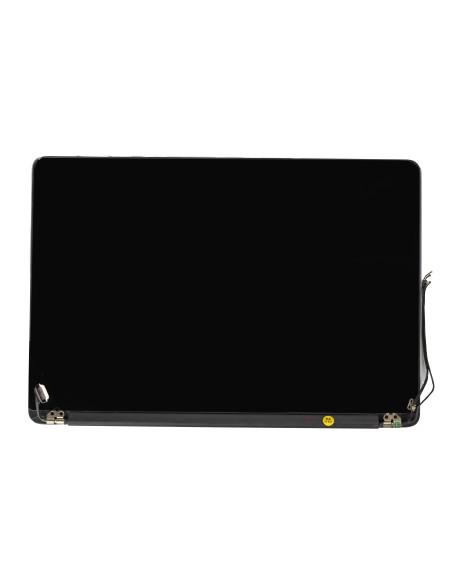
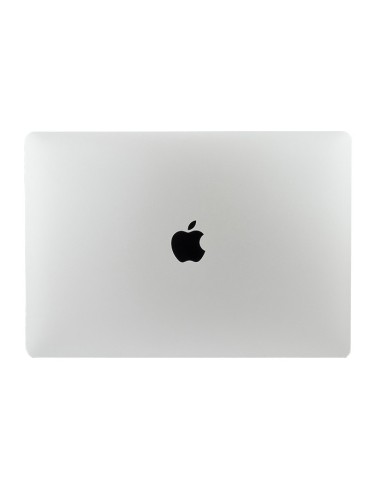
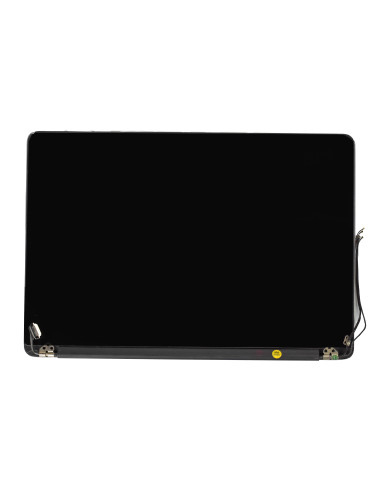
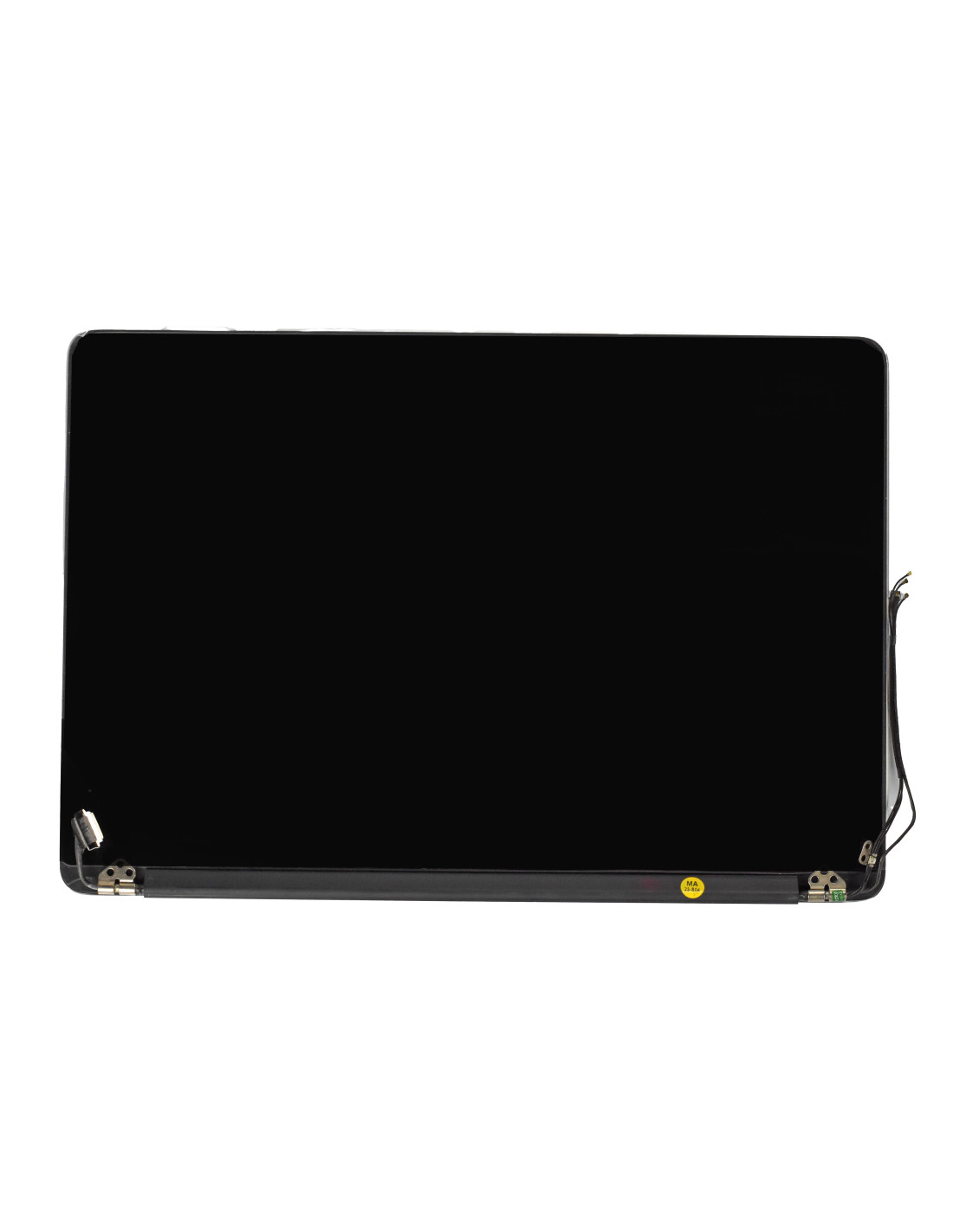

Macbook Complete A1502 2015 Screen - Silver - OEM Quality

Macbook Complete A1502 2015 Screen - Silver - OEM Quality

Description

Macbook Complete A1502 2015 Screen - Silver - OEM Quality

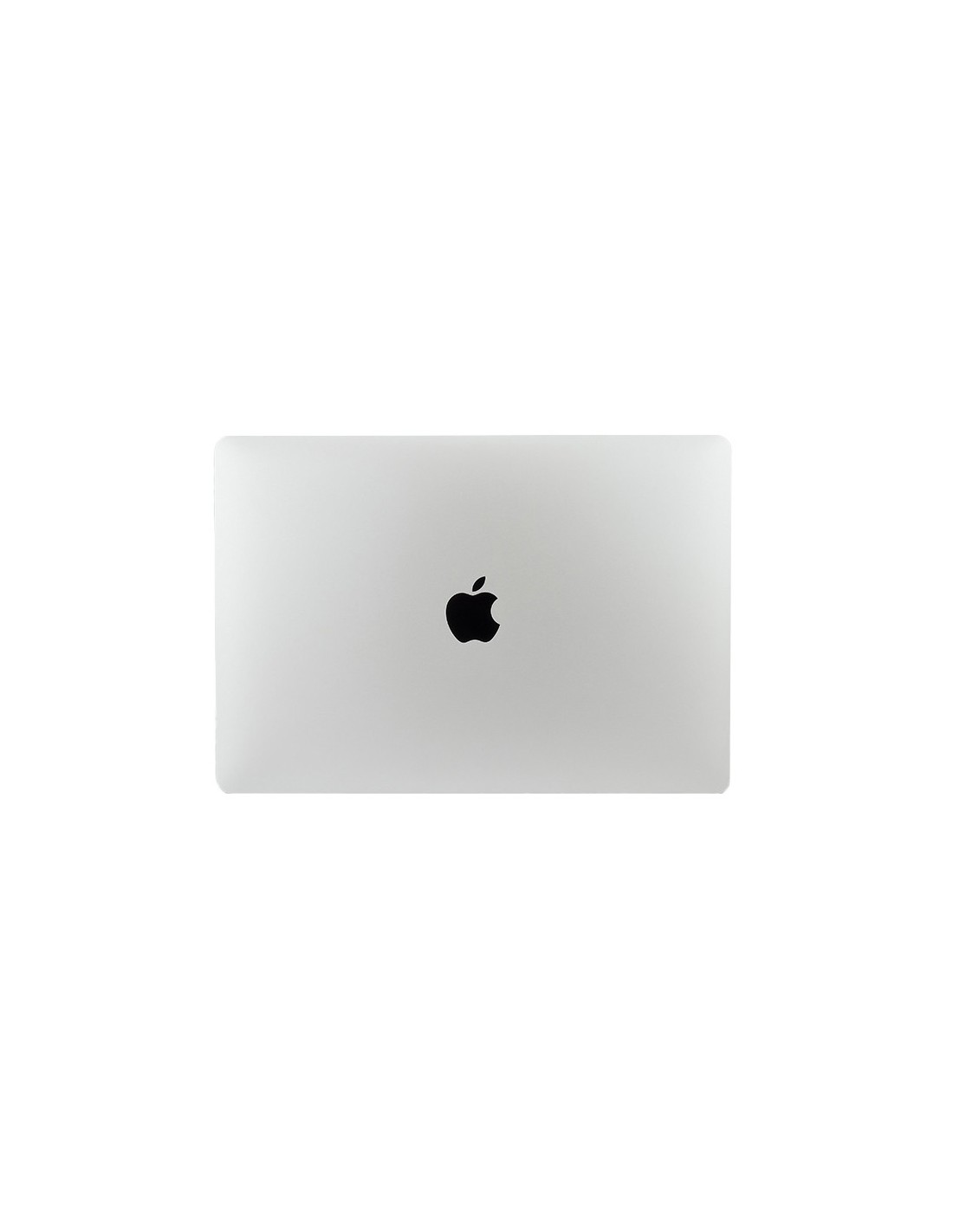
This Complete Silver Display Assembly Restores A1502 2015 Retina Image Quality In One Swap, Delivering An Oem Quality Fit, Finish, And Color Match. The Unit Arrives Fully Built With 13.3 Inch Retina Lcd, Front Glass, Silver Aluminum Lid, Bezel, Facetime Hd Camera, Display Flex, And Hinges Installed For A Fast Turnaround. Compatibility Targets The 13 Inch A1502 Early 2015 (MacBookPro12,1, Emc 2835).

The Panel Is 13.3 Inches Diagonal At 2560 × 1600 Resolution, 16:10 Aspect Ratio, Ips Led Backlit, 60 Hz Refresh, And Approximately Ppi For Sharp Text And Graphics. The Finish Is Glossy With An Anti‑Reflective Coating For Clear Contrast. Brightness Is Rated To A Typical 300 Nits With Stable Viewing Angles, And The Integrated 720p Camera Is Preinstalled And Aligned In The Top Housing.

Technical Specs And Compatibility

Key Specifications Include Oem Grade Retina Lcd, Edp Interface With Pre‑Routed Flex, Led Backlight, Factory‑Aligned Camera, And Pre‑Mounted Left/Right Hinges With Covers. Assembly Uses The Original Screw Points And Connector Locations, Allowing You To Transfer Nothing From The Old Lid. Color Is Silver To Match The 2015 A1502 Top Case.

Compatibility Is For A1502 13 Inch 2015 Only, Identified As 2015, MacBookPro12,1, Emc 2835. The Assembly Connects To The Logic Board Via The Standard A1502 Display Connector And Camera Connector, And It Is Not Intended For Other Model Numbers. Dimensions And Bezel Profile Match The Original, Preserving Closed‑Lid Alignment And Clutch Tension.

Installation Notes For Macbook A1502 Screen Replacement

Start By Powering Down And Disconnecting The Battery Before Unplugging Any Display Cables. Remove The Bottom Case With A5 Driver, Disconnect The Battery, Release The Display Connector And Camera Connector, And Back Out The Hinge Screws With A T8 Driver. Fit The New Assembly, Align The Hinges, Tighten Evenly From Center Out To Maintain Lid Alignment, Reconnect Cables, Reattach The Bottom Case, And Perform A Power‑On Test.

Recommended Tools Include P5 Pentalobe, T5 And T8 Torx, Esd Protection, A Nylon Spudger, And Display Support During Hinge Work. Post‑Install, Run A Check For Backlight Uniformity, Dead Pixels, Camera Function, Ambient Light Sensor Response, And Sleep/Wake With Lid Close. Cable Routing Should Sit Flush In The Channels To Avoid Pinch When Closing The Case.

Repair Scenarios And What’s Included

This Assembly Is A Direct Replacement For Cracked Glass, No Image Or Flicker, Backlight Failure, Lines Or Ghosting, Camera Failure, Or Cosmetic Lid Damage. The Oem Quality Build Restores Retina Sharpness And Color Consistency, Making It A Reliable Choice For Shop Bench Repairs And Refurb Projects Where Consistent Output Matters.

The Box Contains The Complete Silver Lid With Retina Lcd, Front Glass, Bezel, Facetime Hd Camera, Display Flex, And Hinges Pre‑Installed. Bottom Case Screws, Gaskets, And Logic Components Are Not Included, So You Reuse Those From The Device. Each Unit Is Assembled To Match Original Clearances, Helping You Deliver A Clean, Factory‑Grade Finish.

The screens are covered with a 2-year warranty. The warranty does not cover man-made damage.

Product Details

01-03-1502s
5744001288306
Fits model A1502 2015

You might also like

Product added to wishlist
Product added to compare.